

Quick answer
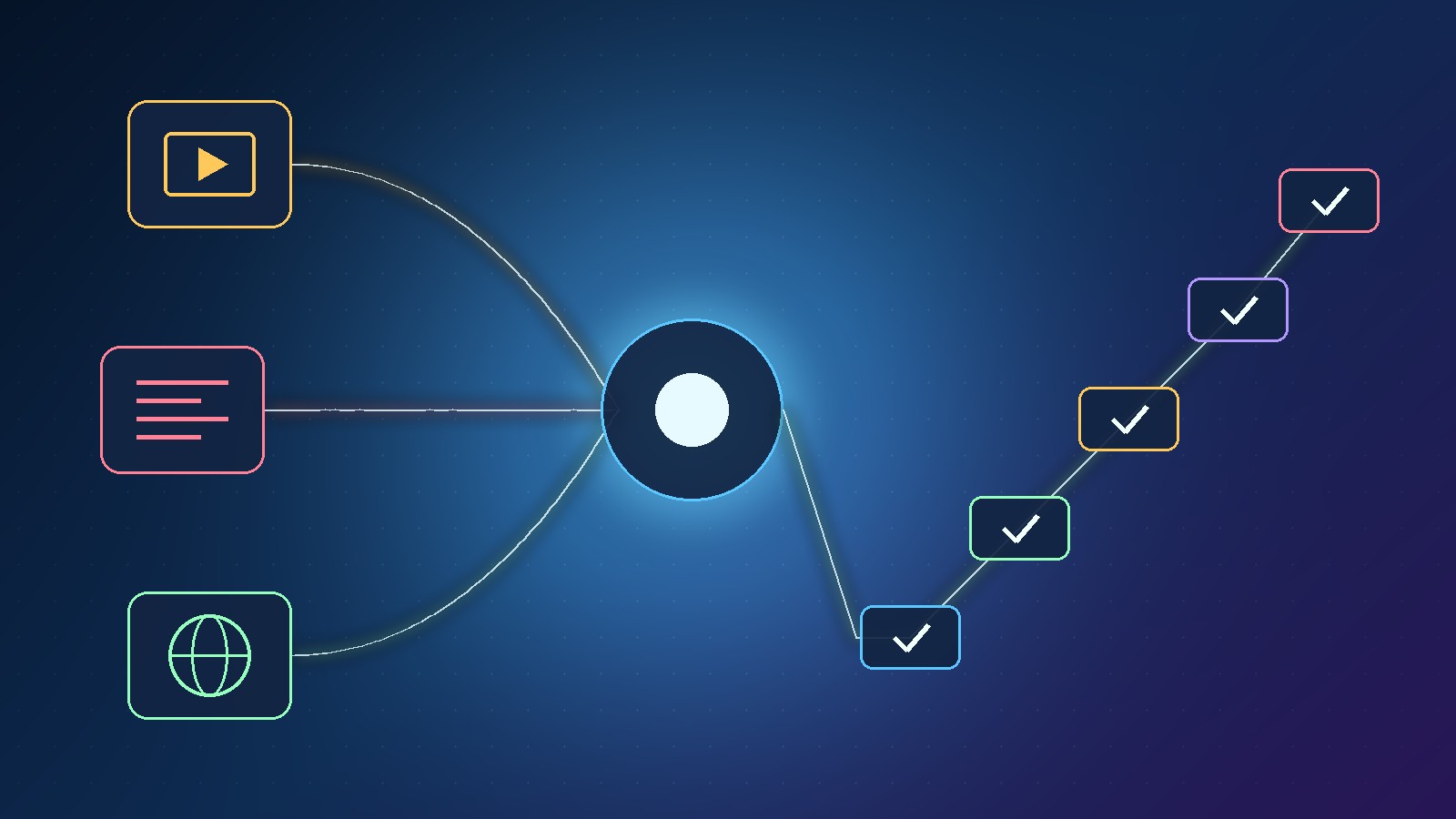
To turn knowledge into an online course with AI, stop starting from a blank outline. Gather what you already have (old videos, web pages, notes), feed it to the Courses.gg AI course builder as a URL, YouTube transcript, pasted text, text or markdown file, or a simple topic, and set the audience, depth, language and any extra instructions. The builder drafts modules, chapters, lessons and topics. Treat that as a first draft: edit, rearrange or regenerate it, then add lessons, quizzes, certificates, a community and live sessions so students always know their next step. Courses.gg is included in the Scale.gg free plan.
Key takeaways
- Five input types: URL, YouTube transcript, pasted text, text/markdown file or a topic
- Brief it with audience, depth, language and extra instructions
- The AI output is a first draft, not a finished course
- Four structure levels: modules → chapters → lessons → topics
- Quizzes with passing scores and retakes, then certificates
- Live rooms in call mode or webinar mode, inside the community
- Creator mode for running the course, Student mode for taking it
In this guide
- Watch: the source video
- Why does a blank course outline stall experts?
- Where is your existing knowledge hiding?
- How do you brief the AI course builder?
- Why is the AI outline only a first draft?
- How do you make the course path easy to follow?
- What goes inside each lesson?
- How do quizzes and certificates prove progress?
- When should you take a question live?
- What is the difference between Creator mode and Student mode?
- What is NotebookLM-ready text for lesson videos?
- A seven-day plan to turn knowledge into an online course with AI
- Frequently asked questions
- The bottom line
Most experts do not lack material. They lack a path. The knowledge is real, but it is scattered across years of videos, blog posts, client notes and half-finished docs.
In our latest video we showed how Courses.gg, the AI course builder inside Scale.gg, helps you skip the blank page and turn what you already know into a course people can actually follow. This article is the practical route from scattered knowledge to a working course. If you want the full feature tour first, read our Courses.gg AI course builder overview.
Disclosure: Prodify Digital offers a Scale.gg bonus bundle and may earn a commission if you buy through our links. That does not change our assessment.
🛠️ Practical guides
Ready to put this into practice? These step-by-step guides answer two common follow-up questions:
Watch: the source video
What this video covers: In our latest video we show how Courses.gg turns existing videos, pages, notes or a topic into a structured course, then adds lessons, quizzes, certificates, a community, live rooms, Creator and Student modes and NotebookLM-ready text.
Video: our Courses.gg walkthrough on the Prodify Digital YouTube channel. Features are described as shown at the time of recording.
Why does a blank course outline stall experts?
Knowing a subject inside-out is not the same as knowing the order a beginner needs it in. Experts skip steps without noticing, because those steps became automatic years ago.
That is why the outline is where most course ideas die. You open a blank doc, write “Module 1”, and stall. The hard part is not the knowledge. It is sequencing it for someone else.
An AI course builder does not replace your expertise. It does the first, tedious pass of grouping and ordering, so you can spend your time correcting and improving instead of staring at nothing.
Where is your existing knowledge hiding?
Before you open any tool, do a quick knowledge audit. List the places your best explanations already live, then match each one to the input Courses.gg accepts.
| Where your knowledge lives | Courses.gg input | Best for |
|---|---|---|
| A long YouTube tutorial or webinar replay | YouTube transcript | Turning a spoken walkthrough into lessons |
| A blog post, sales page or help article | URL | Content that is already written and public |
| Client notes, email answers, a slide script | Pasted text | Private or messy material you can clean up first |
| A Notion export, docs folder or README | Text or markdown file | Structured notes with headings already in place |
| Only an idea in your head | Topic | Getting a skeleton you then fill with your own examples |
💡 Tip: Start with your single best-performing piece of content, not everything at once. One strong source gives a cleaner first draft than ten loosely related ones.
If your best material is a video, our step-by-step guide on turning a YouTube video into an online course outline covers picking the right video and cleaning up the transcript.
How do you brief the AI course builder?
Once the source is in, you tell the builder who the course is for. In our video we set four things:
- Audience: who is taking this and what they already know
- Depth: a quick-start overview or a deep, thorough course
- Language: the language the course should be written in
- Extra instructions: tone, examples to use, things to leave out
These settings shape everything that follows, so a vague brief gives you a vague course. We break this down with example briefs in How to Brief an AI Course Builder (Audience, Depth, Language).
Why is the AI outline only a first draft?
The builder organises your material into modules, chapters, lessons and topics. It is fast, and it is often a better starting point than a blank page. But it is still a draft.
You stay in charge. You can edit any item, rearrange the order, regenerate a section that missed the mark, or ignore the AI completely and build the whole course manually, step by step.
⚠️ Warning: Do not publish an AI outline untouched. Read it as your ideal student would. Check every lesson against your own experience, remove anything you would not teach, and add the stories and mistakes only you can supply.
How do you make the course path easy to follow?
A followable course has a clear hierarchy and obvious next steps. The four levels work like this:
| Level | What it holds | Rule of thumb |
|---|---|---|
| Module | A major stage of the journey | One result the student achieves |
| Chapter | A group of related lessons | One skill inside that stage |
| Lesson | A single teaching unit | One idea, one action |
| Topic | A short point inside a lesson | Small enough to tick off |
Courses.gg then keeps the path visible for students with topic checkmarks, an overall course progress view and a continue button that takes them straight to the next step. Nobody has to hunt for where they left off.
If finishing rates are your worry, see our guide to improving online course completion.
Want our bonus bundle with Scale.gg? See what is included on our bonus page, and keep reading practical guides on Prodify Digital.
What goes inside each lesson?
Each lesson can mix formats, so you can reuse what you already have:
- Video from YouTube, Vimeo or Loom, or a direct upload
- Rich text lessons for written explanations and step lists
- Downloadable resources such as checklists, templates and worksheets
A practical pattern: a short video to explain, a few lines of text to summarise the steps, and one download the student can use straight away.
How do quizzes and certificates prove progress?
You can build multiple-choice and true-or-false quizzes, set a passing score and allow retakes. When students pass, you can award certificates.
Use quizzes as checkpoints at the end of a module rather than after every lesson. A few well-chosen questions confirm understanding without turning the course into an exam.
💡 Tip: Write each quiz question from a real mistake you have seen people make. That makes the quiz teach as well as test.
When should you take a question live?
Students do not need to leave the course to find other people. The community has its own feed, chat, calendar, member directory and leaderboard, plus seven engagement levels that give learners a reason to keep showing up.
When a question keeps coming up, that is your cue to go live. Courses.gg offers call mode for coaching and masterminds and webinar mode for workshops and demonstrations, with camera, microphone, screen sharing and host-controlled recording, all inside the community.
Not sure which mode to pick? Our guide Course Live Sessions: Call Mode vs Webinar Mode walks through the decision.
What is the difference between Creator mode and Student mode?
Courses.gg separates the two jobs you do with a course:
| Mode | Who it is for | What it focuses on |
|---|---|---|
| Creator mode | You, the course owner | Curriculum, sales, members and events |
| Student mode | Your learners | Taking part: lessons, progress, community |
That split matters. When you are building, you are not distracted by the student view. When you check the student experience, you see exactly what they see, without admin clutter.
💡 Tip: Before launch, switch to Student mode and complete your first module yourself. Any step that confuses you will confuse a new student more.
What is NotebookLM-ready text for lesson videos?
Courses.gg can also prepare NotebookLM-ready text for your lesson videos. In other words, it gives you lesson text formatted so you can drop it into Google's NotebookLM as a source.
That is useful if you like to turn written lessons into extra study material or audio-style overviews there. Check exactly what the export contains inside your own account before you build a workflow around it.
🔎 Unconfirmed / rumour: Our video confirms the NotebookLM-ready text option but does not detail the export format. Treat any specific workflow as something to test, not a guaranteed feature.
A seven-day plan to turn knowledge into an online course with AI
Here is how we would take an expert from scattered notes to a first live course in a week:
- Day 1: Audit your knowledge. Pick one source and one clear student result.
- Day 2: Add the source to Courses.gg and write a tight brief (audience, depth, language, extra instructions).
- Day 3: Edit the AI draft. Rearrange, regenerate weak sections and cut anything off-topic.
- Day 4: Fill lessons with video, rich text and one download each.
- Day 5: Add an end-of-module quiz with a passing score and a certificate.
- Day 6: Set up the community and schedule one live session.
- Day 7: Walk through it in Student mode, fix what confuses you, then invite your first students.
Ready to turn what you know into a course? Courses.gg is included in the Scale.gg free plan. Grab the details and our bonus bundle, and find more practical guides on Prodify Digital.
Frequently asked questions
Can AI really turn my knowledge into an online course?
It can produce a structured first draft from your existing material or a topic. You still need to edit it, add your own examples and check it against your experience before students see it.
What can I feed into Courses.gg?
A URL, a YouTube transcript, pasted text, a text or markdown file, or just a topic.
Do I have to use the AI builder?
No. You can edit, rearrange or regenerate the AI draft, or build the entire course manually step by step.
Can I run live sessions inside the course?
Yes. Call mode suits coaching and masterminds, webinar mode suits workshops and demos, and both run inside the community with host-controlled recording.
What is the difference between Creator mode and Student mode?
Creator mode is where you manage curriculum, sales, members and events. Student mode shows learners only what they need to take part.
Is Courses.gg free?
In our video Courses.gg is described as included in the Scale.gg free plan. Check current plan limits in your account.
How is this different from your Courses.gg overview?
Our overview tours the features. This article is the step-by-step route from scattered knowledge to a course people can follow.
The bottom line
The fastest way to turn knowledge into an online course with AI is to stop writing outlines from scratch. Feed Courses.gg the material you already have, brief it properly, treat the result as a first draft, and shape it into a clear path with lessons, checkpoints, community and live help. Your expertise is the course. The AI just gets you past the blank page.
Related posts
- Courses.gg AI Course Builder: Turn Your Content Into a Course
- Build Your Own App Without Code: Scale.gg AI App Builder
- ClickCampaigns AI Marketing Team: One Brief, Full Campaign
