

Quick answer
To improve online course completion, keep lessons, community and live sessions in one place, release lessons on a drip schedule, use streaks, levels and badges as gentle nudges, add short quizzes with a passing score and a certificate at the end, run regular live calls and give stuck students an in-lesson AI guide that answers from your own material.
Key takeaways
- Keep lessons, community and live calls in one place
- Use streaks, levels and badges as gentle nudges
- Drip lessons so students aren't overwhelmed
- Give stuck students an answer at any hour
This guide answers one question from my article Courses.gg AI Course Builder: Turn Your Content Into a Course: once your course is built, how do you get students to actually finish it?
📘 Main article: This guide supports our full article, Courses.gg AI Course Builder: Turn Your Content Into a Course. Read it for the complete picture.
Disclosure: I offer a Scale.gg bonus bundle and may earn a commission if you buy through my links. This does not change my assessment.
Why do students stop?
Most students do not quit because the course is bad. They drift. Lessons live in one app, the community in a group chat, live calls in another tool, and somewhere between them motivation fades.
They get stuck on a lesson late at night with nobody to ask, or they face 40 lessons at once and never start the second module.
The fixes are mostly about structure, not content.
Which levers can you pull?
| Lever | How it helps | In Courses.gg |
|---|---|---|
| One home | Fewer places to drift away | Classroom, community feed, calendar, member directory and live rooms together |
| Drip content | Smaller, manageable steps | Release lessons over time |
| Gamification | Visible progress | Activity streaks, leaderboards, seven engagement levels, badges |
| Quizzes | Checks understanding and gives a milestone | AI quiz generation and passing scores |
| Certificates | A reason to finish | Downloadable certificates on completion |
| Live sessions | Accountability and connection | Call mode for small groups, Webinar mode for larger sessions |
| Help when stuck | Removes blockers | Course Guide AI in the lesson player |
How should you use gamification?
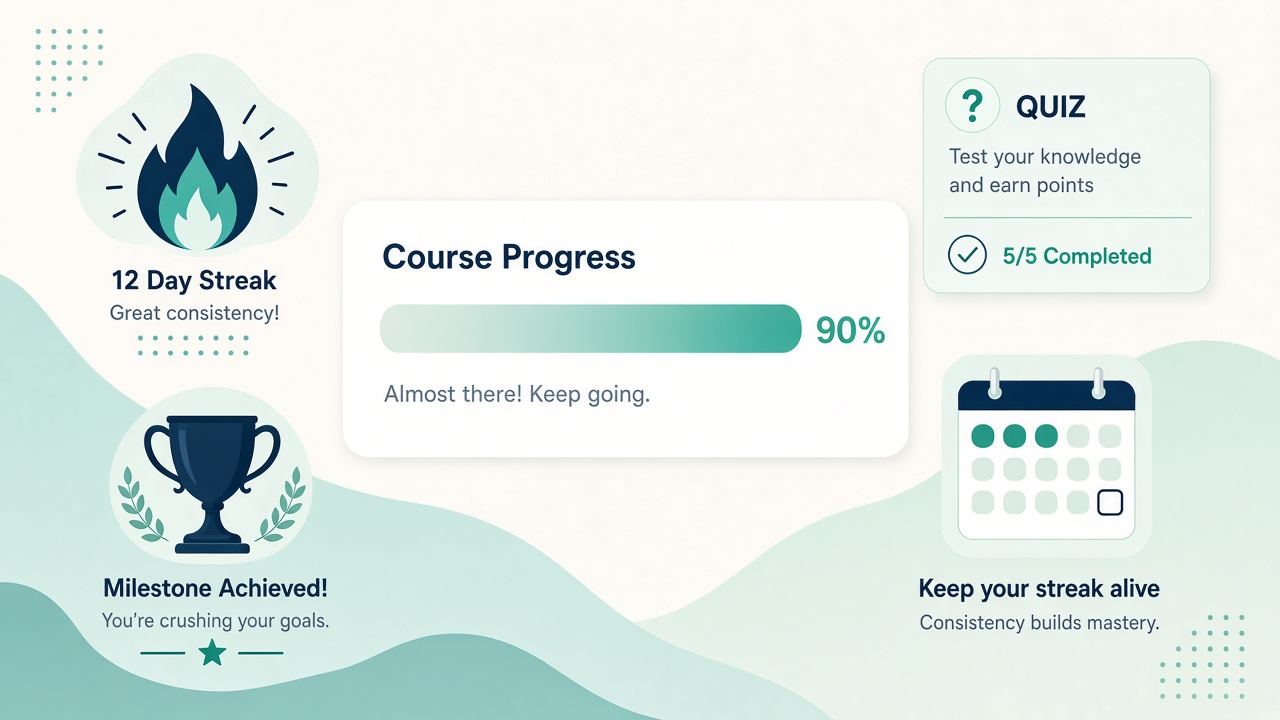
Streaks reward regular participation, levels show progress and badges recognise milestones. Seeing your name move up a leaderboard is a simple nudge to complete the next module.
Use them lightly. Leaderboards motivate some students and put others off. Celebrate completions publicly and give badges for steady progress, not just speed.
⚠️ Warning: Leaderboards motivate some students and put others off. Celebrate progress and completions, not just the top few names.
How do drip and quizzes work together?
Drip content releases lessons over time instead of all at once. Pair each release with a short quiz:
- Release one module.
- Add a short AI-generated quiz at the end.
- Set a passing score that checks understanding without being harsh.
- Unlock the next module on schedule.
This creates a rhythm: learn, check, move on. The certificate at the end gives a concrete reason to finish.
Pick three levers. Choose three tactics from the table below for your next cohort and track completion.
How do live calls help?
Live sessions add accountability. Use Call mode, where everyone shares audio and video, for small coaching groups and Q&A. Use Webinar mode, with a host on the main stage, for larger workshops. A weekly call tied to the current module keeps the group moving together.
Our main article noted that attendee limits, recording and replay storage were not covered in the video, so check those before promising replays.
How does the Course Guide AI reduce drop-off?
Students can chat with the whole course, and the assistant answers using your actual lessons, summaries and transcripts.
That means a student stuck at midnight gets an answer grounded in what you teach, rather than giving up. Tidy your summaries and transcripts first, because the guide can only be as good as your material.
💡 Tip: Tidy your lesson summaries and transcripts before launch. The Course Guide AI answers from them, so better source material means better answers for stuck students.
What does a four-week plan look like?
| Week | Focus |
|---|---|
| 1 | Welcome post, first module released, kick-off Call |
| 2 | Second module, first quiz, celebrate early streaks |
| 3 | Third module, Q&A Call, highlight Course Guide AI |
| 4 | Final module, final quiz, certificates and a completion shout-out |
Track how many students finish each module, then adjust where the biggest drop happens.
Ready to build your first course? Check out my bonus page for full details, and keep up with my practical guides on Prodify Digital.
Frequently asked questions
What is the biggest cause of low course completion?
Usually drift: content spread across tools and no rhythm. Bringing everything into one place and dripping lessons helps most.
Do leaderboards help?
For many students, yes. Balance them with rewards for steady progress.
How often should I run live calls?
Weekly works well for most cohorts, tied to the current module.
Should every module have a quiz?
A short quiz per module gives a useful checkpoint without overloading students.
Can AI help stuck students?
Yes. The Course Guide AI answers from your lessons, summaries and transcripts.
The bottom line
Completion is a design problem. One home, dripped lessons, light gamification, quizzes, live calls and help when stuck give students every reason to reach the certificate.
Related posts
- Courses.gg AI Course Builder: Turn Your Content Into a Course
- How to Turn a YouTube Video Into an Online Course Outline
- Measure Content Marketing Beyond Pageviews

[…] How to Improve Online Course Completion: Streaks, Quizzes, Drip and Live Calls […]
[…] For live sessions, our guide Course Live Sessions: Call Mode vs Webinar Mode explains when to use each mode. For engagement features, see How to Improve Online Course Completion: Streaks, Quizzes, Drip and Live Calls. […]