

Quick answer
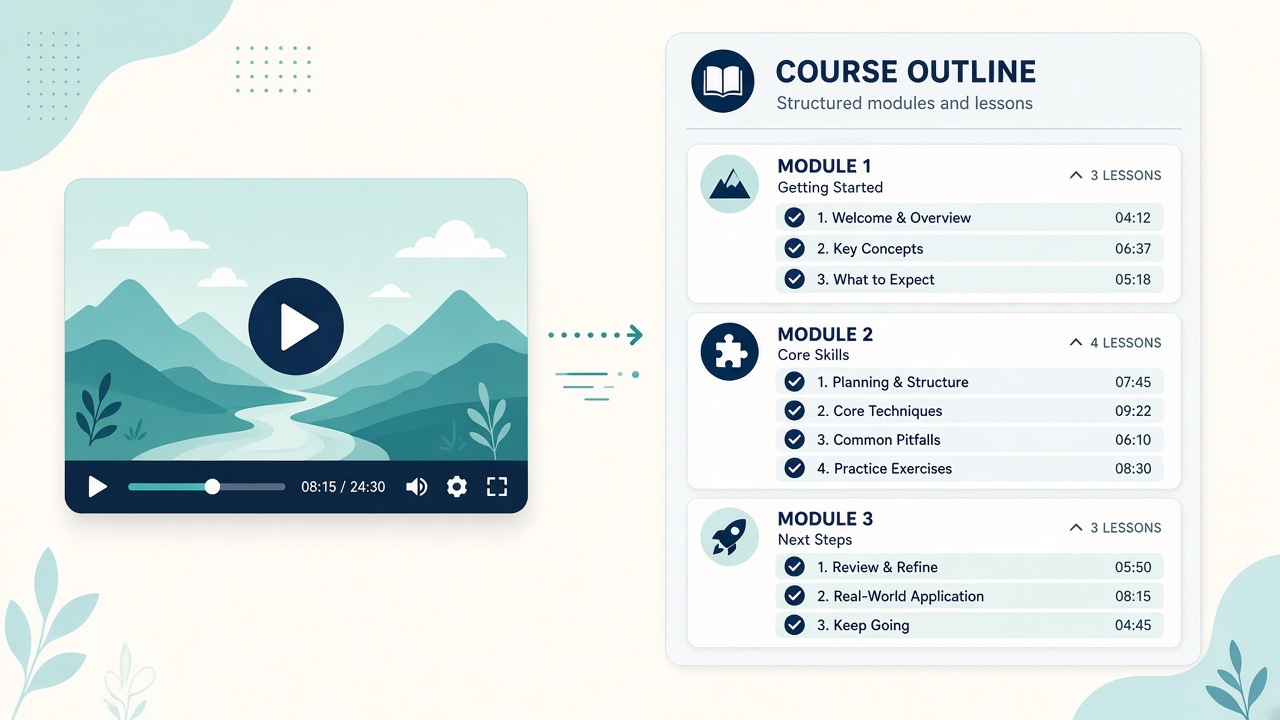
To turn a YouTube video into an online course outline, pick a tutorial that already performs well, clean up its transcript, paste it into an AI course builder such as Courses.gg, set the target audience depth, skill level and custom instructions, then review the modules, chapters and lessons it drafts. Rename, reorder and fill gaps before you publish.
Key takeaways
- Start with a proven tutorial, not your newest upload
- Clean the transcript before you paste it in
- Set audience depth, skill level and custom instructions first
- Edit every lesson and fill the gaps the video skipped
This guide answers one question from my article Courses.gg AI Course Builder: Turn Your Content Into a Course: how do you get from one published video to a structured course students will pay for?
📘 Main article: This guide supports our full article, Courses.gg AI Course Builder: Turn Your Content Into a Course. Read it for the complete picture.
Disclosure: I offer a Scale.gg bonus bundle and may earn a commission if you buy through my links. This does not change my assessment.
Which video should you start with?
Courses.gg accepts three inputs: a web page link, a YouTube transcript or markdown notes. For YouTubers, the transcript route is the obvious one. Drop in an old video transcript and the builder shapes a whole curriculum around it.
Not every video makes a good course, though. Look for:
- A tutorial with steady views over time, not a one-off spike
- Comments asking follow-up questions
- A clear outcome, such as “set up your first email sequence”
- Enough depth to split into several lessons
Avoid news, reaction or opinion videos. They date quickly and rarely teach a repeatable skill.
How do you prepare the transcript?
Auto-generated transcripts are messy. Spend 15 minutes tidying before you paste:
- Remove filler words and repeated phrases.
- Fix product names and technical terms.
- Delete intros, sponsor reads and end screens.
- Add rough section breaks where topics change.
- Note anything you said on screen but not out loud.
A cleaner transcript gives the builder clearer material to organise. It also helps later, because the Course Guide AI answers students using your lessons, summaries and transcripts.
What settings should you choose?
| Setting | What to decide | Example |
|---|---|---|
| Target audience depth | How deep the material should go | Practical overview, not theory |
| Skill level | Beginner, intermediate or advanced | Beginner |
| Custom instructions | Tone, focus, what to include or avoid | Friendly tone, focus on step-by-step tasks, skip tool comparisons |
Your custom instructions do a lot of the heavy lifting. Tell the builder the result the student should achieve by the end, and anything to leave out.
💡 Tip: Tell the builder the result the student should achieve by the end. A clear end goal usually gives a tighter module order.
How do you edit the AI draft?
The builder organises the material into modules, chapters and lessons. You are not locked into what it produces.
- Rename topics so each lesson title promises a clear outcome
- Drag and drop lessons into a logical learning order
- Use the manual wizard for any section that needs a hand-built structure
- Add missing lessons for steps the video skipped or rushed
- Cut padding where one idea has been stretched over several lessons
An AI draft is only as accurate as the material you feed it.
⚠️ Warning: The outline can only reflect what the video actually covered. Read every lesson, check facts and add anything a paying student needs that the video skipped.
Pick your video now. Choose the tutorial viewers ask the most questions about, then grab its transcript.
How do you fill the gaps?
A single video rarely covers everything a paying student needs. Common gaps:
- Setup steps you skipped because your audience already knew them
- Common mistakes and how to fix them
- Worksheets, templates or checklists
- A short recap and next steps at the end
Pull these from comments, other videos or your own notes. You can paste markdown notes in as extra source material.
What comes after the outline?
Once the outline is solid, write short lesson summaries, generate a quiz from the course content, set a passing score and enable certificates. If you sell elsewhere, external checkout works with platforms like ThriveCart or GoHighLevel. Test a purchase end to end before launch.
Ready to build your first course? Check out my bonus page for full details, and keep up with my practical guides on Prodify Digital.
Frequently asked questions
Can one YouTube video become a full course?
It can become a solid starting outline. Most courses need extra lessons to fill the gaps a single video leaves.
Do I need to clean the transcript?
It helps a lot. Clean transcripts produce clearer structure and better Course Guide AI answers.
What skill level should I choose?
Match the audience who watched the original video, usually beginner for tutorials.
Can I edit the AI outline?
Yes. You can edit topics, drag and drop lessons and switch to the manual wizard.
Can I combine several videos?
You can add more source material, such as other transcripts or markdown notes, to fill gaps.
The bottom line
Pick a proven tutorial, clean its transcript, set clear instructions and edit hard. The AI removes the blank page; your expertise makes it a course worth paying for.
Related posts
- Courses.gg AI Course Builder: Turn Your Content Into a Course
- How to Improve Online Course Completion: Streaks, Quizzes, Drip and Live Calls
- Validate Digital Product Ideas Before Building
