

Quick answer
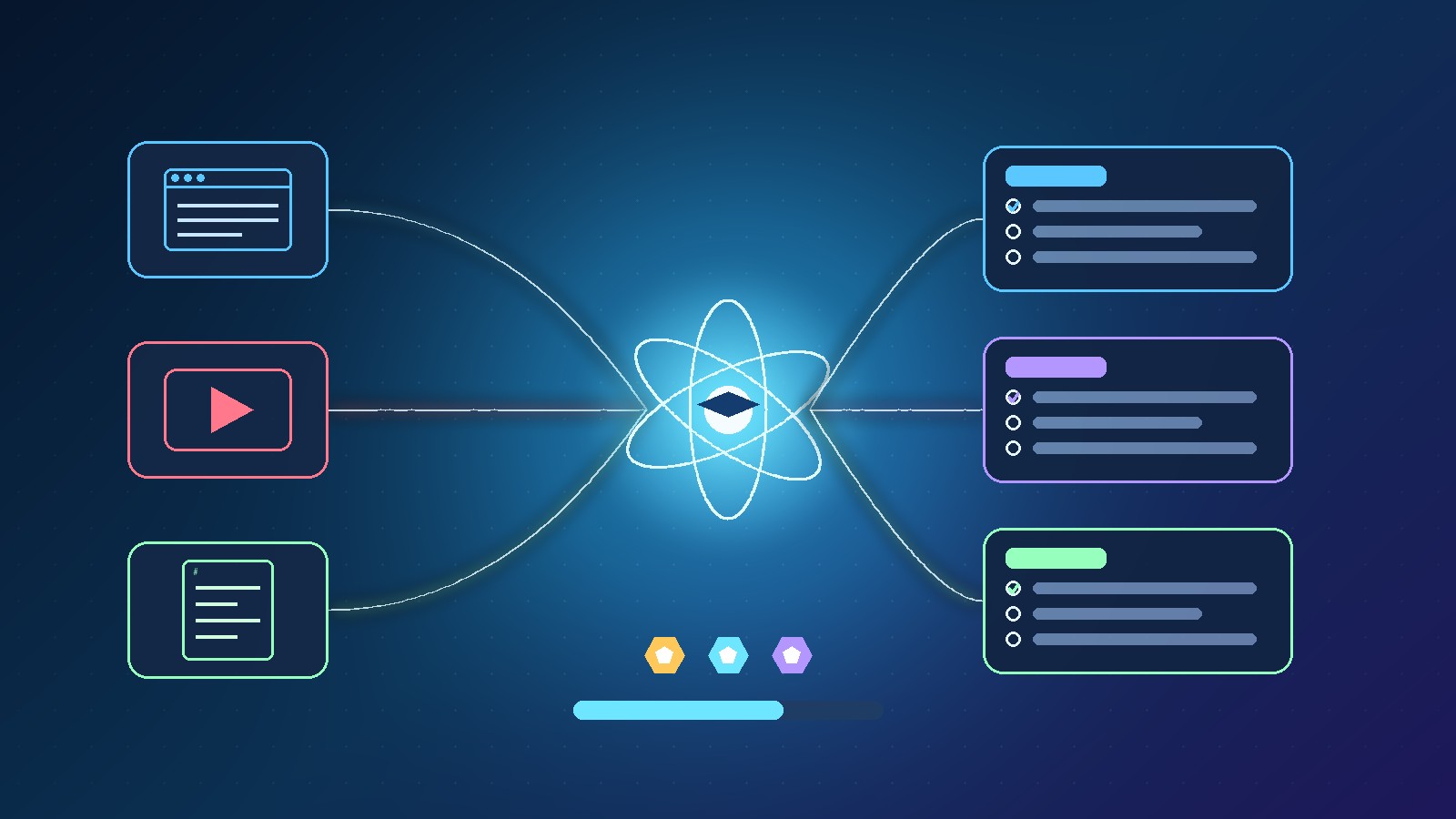
The Courses.gg AI course builder takes material you already have, such as a webpage link, a YouTube transcript or markdown notes, and structures it into modules, chapters and lessons. You set the audience, skill level and custom instructions first, then review and edit every layer. The course sits in one home with a community feed, calendar, member directory and live rooms, plus gamification, an in-lesson AI guide, AI quizzes, certificates, drip content and external checkout.
Key takeaways
- Three ways in: paste a web page link, a YouTube transcript or raw markdown notes
- Set audience depth, skill level and custom instructions before anything is drafted
- Edit topics, drag and drop lessons, or switch to the manual wizard at any point
- Classroom, community feed, calendar, member directory and live rooms in one place
- Live rooms run in Call mode (small groups) or Webinar mode (main stage)
- Streaks, leaderboards, seven engagement levels, badges, an in-lesson AI guide, AI quizzes and certificates
In this guide
- Watch: the source video
- What is the Courses.gg AI course builder?
- How does the Courses.gg AI course builder turn content into a course?
- Can you edit what the AI drafts?
- What lives inside the single course home?
- How do Call mode and Webinar mode differ?
- How does gamification keep students engaged?
- What does the Course Guide AI do for students?
- How do quizzes, certificates, drip and checkout work?
- How should you test it on your first course?
- Frequently asked questions
- The bottom line
🛠️ Practical guides
Ready to put this into practice? These step-by-step guides answer two common follow-up questions:
Most course platforms hand you an empty outline and wait for you to fill in every module and lesson yourself. That blank page is where a lot of good course ideas quietly die.
In our latest video we looked at a different approach: the Courses.gg AI course builder. You give it content you already own, it drafts the structure, and you stay in charge of the final version. This guide walks through each feature we covered, what it means in practice, and how we would test it before launching a paid course.
Disclosure: Prodify Digital offers a bonus bundle and may earn a commission if you buy through our links. That does not change our assessment.
Watch: the source video
What this video covers: In our latest video we walk through the Courses.gg AI course builder: turning links, transcripts and notes into modules and lessons, editing the draft, the all-in-one course home, live rooms, gamification, the Course Guide AI, AI quizzes, certificates, drip content and external checkout.
Video: our Courses.gg walkthrough on the Prodify Digital YouTube channel. Features are described as shown at the time of recording.
What is the Courses.gg AI course builder?
Courses.gg is a course and community platform. Its AI course builder is the part that drafts your curriculum for you, so you start with a structured outline instead of a blank screen.
It is built for creators who already have knowledge in some form: blog posts, old videos, workshop notes, client training docs. Rather than rewriting all of that by hand, you feed it in and let the builder do the first organising pass.
How does the Courses.gg AI course builder turn content into a course?
There are three input types, and each suits a different kind of creator:
| Input | What you paste in | Good fit for |
|---|---|---|
| Web page link | A URL to an existing article, guide or sales page | Bloggers and anyone with long-form written content |
| YouTube transcript | The transcript from a video you have already published | YouTubers repurposing tutorials into a structured course |
| Markdown notes | Raw notes, outlines or documents in markdown | Coaches, consultants and teams with internal training notes |
From there, the builder organises the material into modules, chapters and lessons. Drop in an old video transcript, for example, and it shapes the whole curriculum around it.
Before it drafts anything, you set three controls:
- Target audience depth — how deep the material should go
- Skill level — beginner, intermediate or advanced learners
- Custom instructions — tone, focus areas or anything the AI should include or avoid
💡 Tip: Your custom instructions do a lot of the heavy lifting. Tell the builder who the student is, the result they want by the end, and anything to leave out. A clear brief usually produces a tighter module structure.
Can you edit what the AI drafts?
Yes, and this is one of the most important points. You are not locked into whatever the AI generates.
You can review every layer of the draft, then:
- Edit topics and lesson titles
- Drag and drop lessons to reorder them
- Switch back to the manual wizard if you would rather build a section with full personal control
That mix is what makes it practical. The AI removes the blank-page moment, and you keep the creative decisions. If one module needs a hand-built structure, you are not fighting a rigid AI template to get it.
⚠️ Warning: An AI draft is only as accurate as the material you feed it. Read every lesson before publishing, check facts and examples, and fill any gaps the source content did not cover. Students pay for your expertise, not for an unedited outline.
Planning to turn your content into a course? Grab our bonus bundle for extra resources to plan and launch faster. More practical guides on Prodify Digital.
What lives inside the single course home?
A common problem with online courses is the split experience: lessons in one app, the community in a separate group chat, live calls in yet another tool. Students drift away between them.
Courses.gg keeps it together. As shown in our video, one home holds:
| Feature | What it is for |
|---|---|
| Classroom | Your modules, chapters and lessons |
| Community feed | Discussion posts that sit right next to the course content |
| Calendar | Scheduled sessions and events |
| Member directory | A list of everyone in the community |
| Live rooms | Calls and webinars without leaving the platform |
Having community posts next to the lessons also keeps discussions relevant to what students are actually working through.
How do Call mode and Webinar mode differ?
Live sessions get messy when the format does not match the group size. Courses.gg gives live rooms two distinct modes:
| Call mode | Webinar mode | |
|---|---|---|
| Best for | Small masterminds and coaching groups | Larger workshops and presentations |
| Audio and video | Everyone shares audio and video | Main-stage format led by the host |
| Feel | Round-table conversation | Presenter and audience |
For many creators, this could replace the routine of jumping between a meeting tool and a separate community forum.
🔎 Unconfirmed / rumour: Our video does not cover attendee limits, recording options or replay storage for live rooms. Check those details on Courses.gg before you promise them to students.
How does gamification keep students engaged?
Finishing a course is hard. Courses.gg leans on gamification to keep members moving:
- Activity streaks for regular participation
- Leaderboards so members can see themselves climb
- Seven engagement levels to work through
- Badges to recognise progress
Seeing your name move up a leaderboard is a simple but effective nudge to complete the next module, especially when the whole group is learning together.
What does the Course Guide AI do for students?
Students often get stuck late at night when there is nobody around to ask. Courses.gg builds a Course Guide AI assistant into the lesson player for exactly that moment.
Students can chat with the whole course, and the assistant answers using your actual lessons, summaries and transcripts. Answers stay grounded in what you teach rather than generic web knowledge.
💡 Tip: The guide can only be as good as your material. Clear lesson summaries and accurate transcripts give it better source content to answer from, so tidy those up before launch.
How do quizzes, certificates, drip and checkout work?
The last part of the workflow covers assessment and selling:
| Feature | What it does |
|---|---|
| AI quiz generation | Creates quiz questions directly from your course content |
| Passing scores | Sets the mark a student needs to pass |
| Downloadable certificates | Awards a certificate on completion |
| Drip content | Releases lessons over time instead of all at once |
| External checkout | Sell through platforms like ThriveCart or GoHighLevel |
The external checkout option matters if you already run your funnels and payments elsewhere. You can keep your existing sales setup and use Courses.gg for delivery and community.
🔎 Unconfirmed / rumour: Pricing and plan details were not covered in our video, so we are not quoting any here. Confirm current pricing, plan limits and exactly how each checkout integration connects on the Courses.gg site before you buy.
How should you test it on your first course?
A sensible first trial:
- Pick one piece of content you already own, such as your best-performing YouTube tutorial or blog post.
- Paste the transcript, link or notes into the AI builder and set the audience, skill level and custom instructions.
- Review the draft: rename topics, reorder lessons and use the manual wizard for any section that needs a personal touch.
- Write clear lesson summaries so the Course Guide AI has good material to answer from.
- Generate a quiz, set a passing score and enable certificates.
- Run one Call-mode session with a few beta students before using Webinar mode for a bigger launch.
- Connect your external checkout and test a purchase end to end before going live.
If you want ideas on how AI tools fit into a lean marketing setup, our AI agents for marketing teams guide shows how we think about it.
Ready to build your first course? Check out our bonus page for full details, and keep up with our practical AI guides on Prodify Digital.
Frequently asked questions
What is the Courses.gg AI course builder?
It is the Courses.gg feature that turns content you already have, such as a web page link, YouTube transcript or markdown notes, into a structured course of modules, chapters and lessons.
Can I turn a YouTube video into a course?
Yes. Paste the video transcript into the AI builder and it organises the material into a full curriculum that you can then review and edit.
Do I have to keep what the AI generates?
No. You can edit topics, drag and drop lessons, or switch to the manual wizard to build any part yourself.
What is the difference between Call mode and Webinar mode?
Call mode suits small masterminds where everyone shares audio and video. Webinar mode is a main-stage format for larger sessions.
Can students ask questions about the course?
Yes. The Course Guide AI in the lesson player answers questions using your lessons, summaries and transcripts.
Can I sell through ThriveCart or GoHighLevel?
Yes. Our video shows external checkout through platforms like ThriveCart and GoHighLevel, alongside drip content for releasing lessons over time.
How much does Courses.gg cost?
Pricing was not covered in our video, so check the Courses.gg website for current plans and limits.
The bottom line
The Courses.gg AI course builder tackles the hardest part of course creation, getting from scattered content to a structured curriculum, without taking control away from you. Around it sit the pieces that usually need separate tools: community, calendar, live rooms, gamification, an in-lesson AI guide, quizzes and certificates, with external checkout for selling. Start with one piece of content you already own, edit the draft carefully, test with a small group, and build from there.
Related posts
- Scale.gg App Builder: Prompt to Working App With PostgreSQL
- Scale.gg ClickCampaigns: Alex AI, 20+ Roles and Buyer Intelligence
- Scale.gg Review: How Agent-Native Campaigns Handle Checkout, Email and Trials

[…] Courses.gg AI Course Builder: Turn Your Content Into a Course […]