

Quick answer
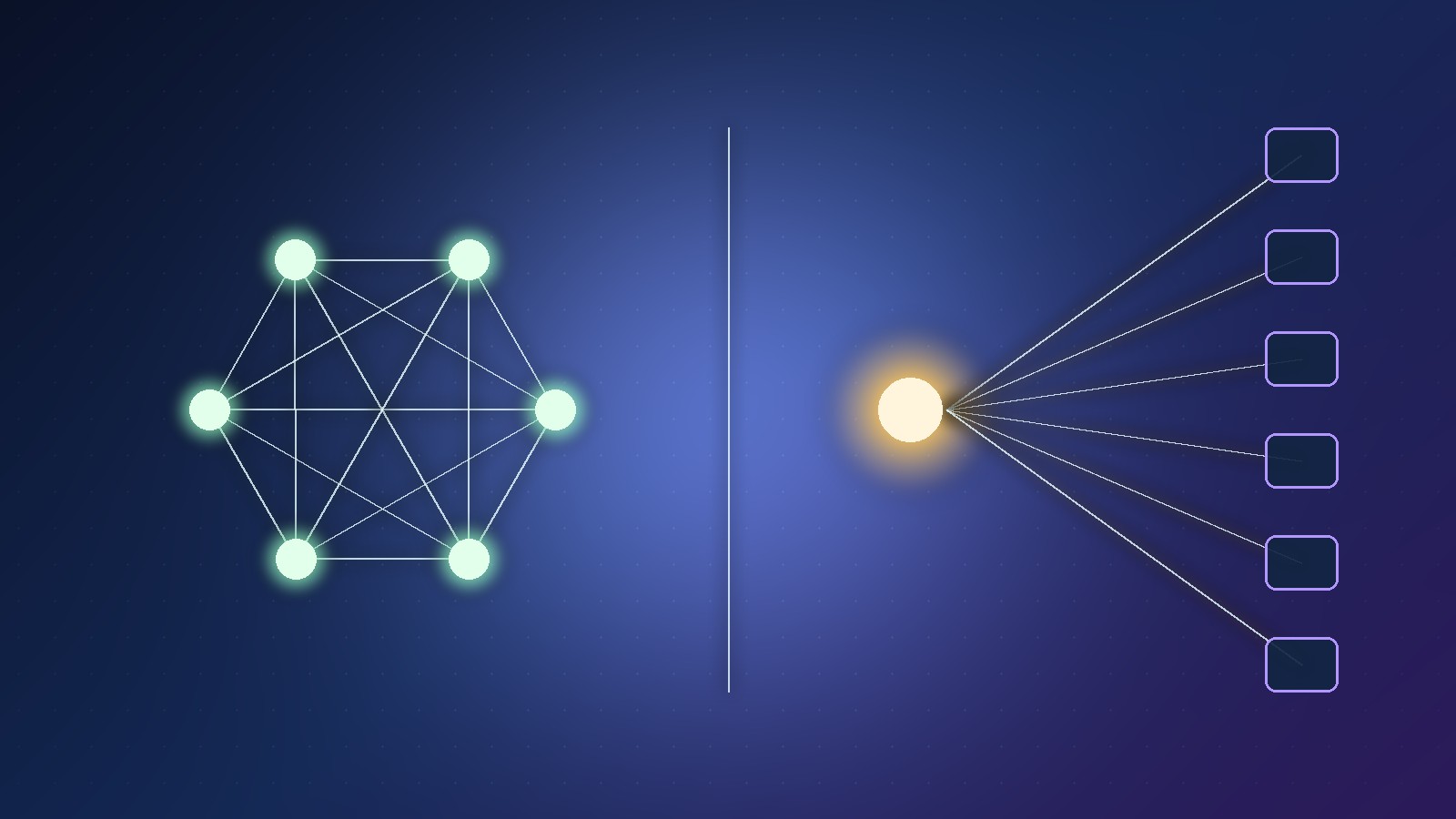
For course live call vs webinar mode, use call mode when the session is a conversation (coaching, masterminds, office hours) and webinar mode when you are presenting to an audience (workshops, demos, kick-offs). In Courses.gg both run inside the community with camera, microphone, screen sharing and host-controlled recording.
Key takeaways
- Call mode = conversation: coaching and masterminds
- Webinar mode = presentation: workshops and demos
- Both include camera, mic and screen sharing
- Recording is host-controlled
- Pick the mode from the session goal, not the headcount alone
This guide answers one question from our main article Turn Your Knowledge Into an Online Course With AI (Courses.gg): when should you run a live course session in call mode, and when should you use webinar mode?
📘 Main article: This guide supports our full walkthrough, Turn Your Knowledge Into an Online Course With AI (Courses.gg). Read it for the complete knowledge-to-course path.
Disclosure: Prodify Digital offers a Scale.gg bonus bundle and may earn a commission if you buy through our links. That does not change our assessment.
What are call mode and webinar mode?
Courses.gg has a live room built into the course community. When you go live you choose between two formats: call mode and webinar mode.
Both support camera, microphone and screen sharing, and recording is host-controlled. Everything stays inside the community, so students do not need a separate meeting link.
How do the two modes compare?
| Call mode | Webinar mode | |
|---|---|---|
| Best for | Coaching, masterminds, Q&A | Workshops, demos, presentations |
| Shape | Conversation between participants | You present, the audience watches |
| Group size | Smaller groups where everyone talks | Larger groups where you lead |
| Your role | Facilitator | Presenter |
| Recording | Host-controlled | Host-controlled |
The group sizes above are our practical guidance, not platform limits. Check current limits in your plan.
When should you use call mode?
Choose call mode when the value comes from back-and-forth:
- Weekly group coaching where students bring their own problems
- A mastermind where members help each other
- Office hours for questions that keep appearing in the community feed
- Reviewing a student's work on screen with them
💡 Tip: Ask students to post their question in the community feed before the call. You can group similar questions and nobody waits in silence.
When should you use webinar mode?
Choose webinar mode when you are teaching one thing to many people:
- A live workshop that walks through a lesson step by step
- A demonstration of a tool or process with screen sharing
- A launch or kick-off session for a new cohort
- A guest expert presenting to your members
How do you plan a live session inside a course?
- Pick the mode from the goal: conversation (call) or presentation (webinar).
- Add the session to the community calendar so members see it.
- Link it to the lesson or module it supports.
- Prepare screen-share materials before you start.
- Afterwards, post a short summary in the feed and add any new answers to the relevant lesson.
Should you record live sessions?
Recording is in the host's hands. Workshops and demos are usually worth recording, because they become reusable lesson material. Coaching calls are more personal, so tell members in advance whether you will record.
⚠️ Warning: Always tell participants before you start recording, and get consent where your local rules require it. People share more openly on calls when they know how the recording will be used.
Planning your course community? See where live sessions fit in our main article. Keep reading on Prodify Digital or visit our bonus page.
Frequently asked questions
What is the main difference between call mode and webinar mode?
Call mode is built for two-way conversation such as coaching. Webinar mode is built for presenting to an audience, such as workshops and demos.
Do students need a separate meeting app?
No. In Courses.gg the live room runs inside the course community.
Can I share my screen in both modes?
Yes. Camera, microphone and screen sharing are available, and the host controls recording.
Which mode is better for a first live session?
If your group is small and you want feedback, start with call mode. If you are teaching a set lesson, use webinar mode.
The bottom line
Match the live room to the job. Conversations belong in call mode, presentations belong in webinar mode, and both work best when they are tied to a specific lesson and announced on the community calendar.
Related posts
- Turn Your Knowledge Into an Online Course With AI (Courses.gg)
- Courses.gg AI Course Builder: Turn Your Content Into a Course
- How to Improve Online Course Completion: Streaks, Quizzes, Drip and Live Calls
