

Quick answer
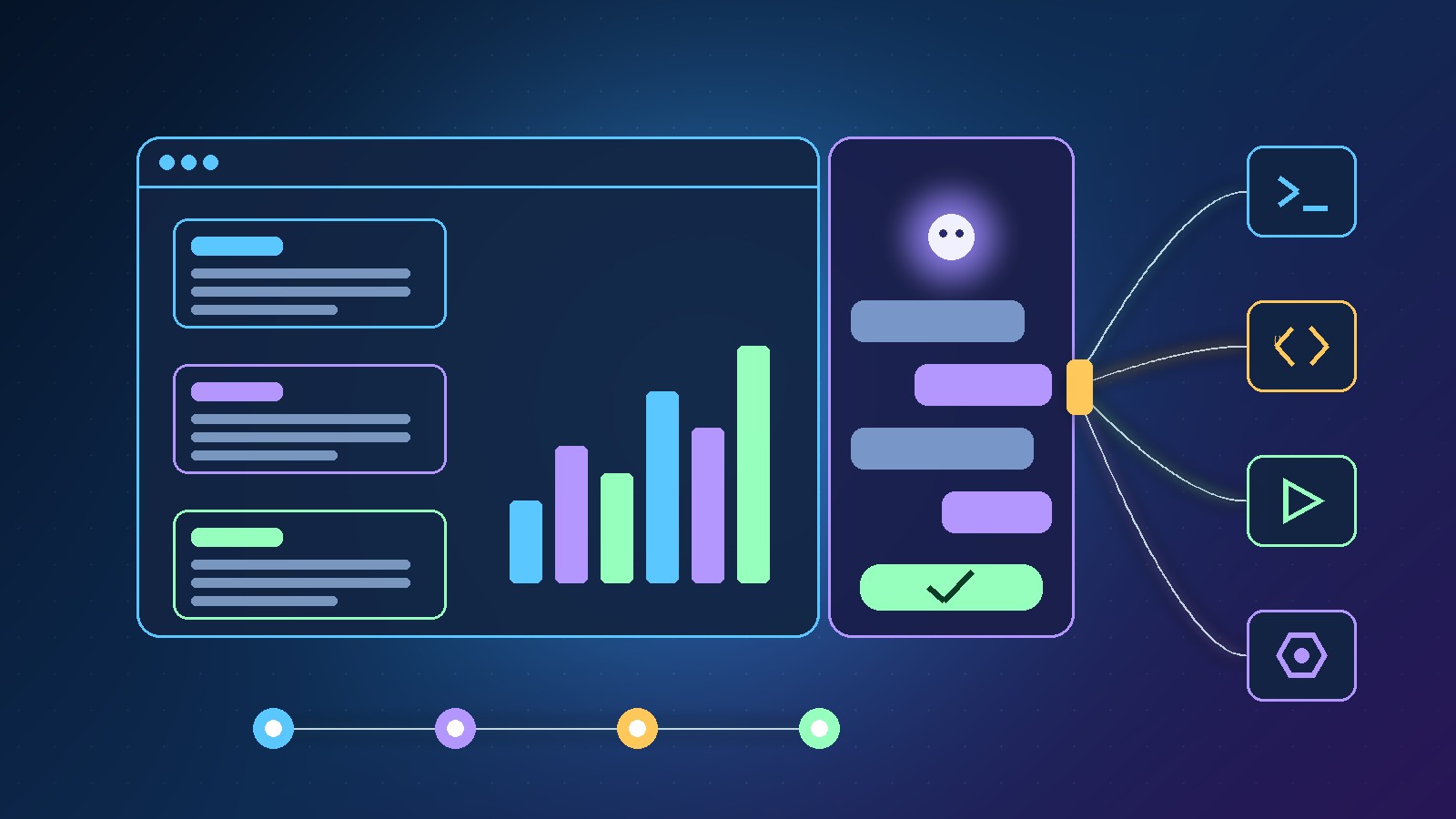
The Scale.gg AI agent (Agent Native) lets an AI assistant work inside the Scale.gg marketing apps you already use. You ask for an outcome in plain English, the agent pulls in the right campaign, brand and audience context, and it prepares the work for you to check. There are two ways to use it: an in-app sidecar that sits beside your workspace, and a Superpowers plugin that connects supported Scale.gg apps to desktop agents such as Claude Code, Codex, Cursor and Grok Bot. Nothing is sent, published, charged or changed until you approve it.
Key takeaways
- Ask for the outcome in plain English instead of clicking through screens
- The sidecar reads the page in front of you and drafts the next move
- The Superpowers plugin hands campaign, brand, audience and task context to your desktop agent
- Works across apps such as ClickCampaigns, MailBaser, PageBuilder, PipeLeads, ChatBaser and WebinarBaser
- The workflow is ask, context, review, approve
- You keep the judgement, the brand voice and the final click
In this guide
- Watch: the source video
- What is the Scale.gg AI agent?
- What problem does the Scale.gg AI agent solve?
- How does the in-app sidecar agent work?
- What does the Superpowers plugin connect to?
- Sidecar or Superpowers plugin: which should you use?
- Which Scale.gg apps can the agent work with?
- What does a real task look like?
- Does anything go live without your approval?
- How should you test the Scale.gg AI agent first?
- Frequently asked questions
- The bottom line
🛠️ Practical guides
Ready to put this into practice? These step-by-step guides answer two common follow-up questions:
Launching a campaign rarely fails because of one big task. It drags because of dozens of small ones: switching between tabs, copying the brief into another tool, retyping the audience details and explaining the whole project again to yet another chat window.
In our latest video we looked at how the Scale.gg AI agent tackles that problem. Scale.gg calls it Agent Native, and the idea is simple: less clicking, more finished work. This guide explains the two ways it works, which apps it reaches, what a real task looks like, and how we would test it safely on a live campaign.
Disclosure: Prodify Digital offers a bonus bundle and may earn a commission if you buy through our links. That does not change our assessment.
Watch: the source video
What this video covers: In our latest video we walk through the Scale.gg AI agent: the in-app sidecar, the Superpowers plugin for Claude Code, Codex, Cursor and Grok Bot, the apps it works across, a MailBaser follow-up example and the ask, context, review, approve workflow.
Video: our Scale.gg AI agent walkthrough on the Prodify Digital YouTube channel. Features are described as shown at the time of recording.
What is the Scale.gg AI agent?
Scale.gg is a membership platform with a suite of AI-powered marketing apps (the product summary for our video puts the figure at 29 apps). The Scale.gg AI agent is the layer that lets an AI assistant actually work with those apps, rather than just chatting about them.
You describe the result you want, such as a follow-up sequence or an offer outline, and the agent uses the relevant context to prepare the work. You then review it and decide what happens next. In the video it is branded Agent Native and introduced as part of Scale Plus.
What problem does the Scale.gg AI agent solve?
The pain point is lost context. Most marketers spend a surprising chunk of the day on work that is not really marketing:
- Clicking between screens to find the right campaign
- Copying the brief from one tool into another
- Repeating the same offer, audience and brand details
- Rebuilding context every time a new AI chat is opened
Because the agent already sits on top of your Scale.gg data, it starts with the context it needs. That is the real time saving: you stop re-explaining your business before any useful work can begin.
How does the in-app sidecar agent work?
The first option is the in-app agent, which Scale.gg also calls the sidecar. It sits next to your workspace, so you never have to leave the page you are working on.
What it does, as shown in our video:
- Uses the page in front of you as context
- Answers questions about what you are looking at
- Drafts the next move in your campaign
- Prepares supported changes for your approval, so you keep your place
💡 Tip: The sidecar is the easiest starting point if you mostly work inside Scale.gg in the browser. Open the campaign or app you are already working on, then ask it for one specific next step rather than a vague request like “improve this”.
What does the Superpowers plugin connect to?
The second option is the Superpowers plugin. Instead of bringing the agent into Scale.gg, it brings your Scale.gg context into the desktop AI agent you already use.
According to our video, it connects supported Scale.gg apps to:
| Desktop agent | Why it matters |
|---|---|
| Claude Code | Work on campaigns from the same place you run other agent tasks |
| Codex | Useful if Codex already drives your automation, as it does for us at Prodify Digital |
| Cursor | Handy for builders who live in an AI code editor |
| Grok Bot | Bring Scale.gg context into your Grok Bot workflows |
The key benefit: your desktop agent starts with the campaign, brand, audience or task context it needs. There is no pasting the brief into another chat and hoping nothing gets lost.
🔎 Unconfirmed / rumour: Our video names these four desktop agents but does not cover setup steps, plan requirements or exactly which actions each one can take. Check the current Scale.gg documentation before you build a workflow around a specific tool.
Thinking about trying Scale.gg? Grab our Starter Bonus Bundle with six practical resources to help you plan and launch your first campaign. More guides on Prodify Digital.
Sidecar or Superpowers plugin: which should you use?
Both routes share the same approval model. The difference is where you do the work:
| In-app sidecar | Superpowers plugin | |
|---|---|---|
| Where it runs | Beside your Scale.gg workspace | In your desktop agent |
| Context source | The page you have open | Campaign, brand, audience or task context passed to the agent |
| Best for | Quick questions and next steps while you work | Longer sessions and wider automation workflows |
| Tools involved | Scale.gg only | Claude Code, Codex, Cursor or Grok Bot |
| Approval | Prepares supported changes for you to approve | You still review and approve before anything goes live |
Our view: start with the sidecar to learn how the agent thinks about your campaigns, then move to the plugin once you want Scale.gg to be one part of a bigger automated workflow.
Which Scale.gg apps can the agent work with?
The agent works across a range of Scale.gg apps. The ones named in our video are:
| App | Where the agent helps |
|---|---|
| ClickCampaigns | Campaign planning and briefs |
| MailBaser | Email segments, sequences and send checks |
| PageBuilder | Landing and sales pages |
| PipeLeads | Lead pipelines |
| ChatBaser | Chat-based customer conversations |
| WebinarBaser | Webinar campaigns |
The video says it covers “many more” beyond these, so check the full list of supported apps inside your account. If you want more detail on the campaign side, our Scale.gg ClickCampaigns guide covers how the specialist AI roles fit together.
What does a real task look like?
We showed two examples in the video.
Example 1: a buyer follow-up in MailBaser
You ask the agent to find last month’s buyers and draft a three-email follow-up. The agent then:
- Suggests the segment to target
- Drafts the three emails
- Checks sender readiness
- Shows you a checklist before anything is sent
You review the content and approve the send yourself.
Example 2: shaping an offer
You ask the agent to shape an offer in Scale.gg. It brings the funnel steps, checkout path and affiliate angle together into one working brief, so you can see the whole offer in one place before building anything.
⚠️ Warning: An AI-suggested segment is still a suggestion. Before approving a send, check who is included, confirm they have agreed to hear from you, and read every email in full. The agent saves the busy work, but the list and the reputation are yours.
Does anything go live without your approval?
No. This is the most important point in the video. The rhythm is ask, context, review, approve:
| Step | Who does it | What happens |
|---|---|---|
| Ask | You | Describe the outcome you want in plain English |
| Context | Agent | Pulls in the right campaign, brand and audience details |
| Review | You | Check the drafts, segments and checklists it prepared |
| Approve | You | Make the final click when it looks right |
Our video is clear that nothing is sent, published, charged or changed until it looks right to you. The agent handles the busy work; you keep the judgement, the brand voice and the final click. That is the same human-in-the-loop principle we recommend in our AI agents for marketing teams guide.
How should you test the Scale.gg AI agent first?
A sensible first week with it:
- Start with the sidecar on a campaign you know well, so you can judge the quality of its answers.
- Ask for one small, clear outcome, such as a three-email follow-up for recent buyers.
- Review the suggested segment and the sender-readiness checklist before you approve anything.
- Edit the drafts into your own brand voice, then compare results against your usual sequences.
- Once you trust the output, try the Superpowers plugin with the desktop agent you already use.
- Keep a simple log of what you asked, what it prepared and what you changed, so you can spot patterns.
For the wider picture of how Scale.gg handles checkout, email and trials, see our Scale.gg agent-native campaigns review.
Ready to let an agent handle the busy work? Visit our bonus page for full details and the Starter Bonus Bundle, and keep up with our practical AI guides on Prodify Digital.
Frequently asked questions
What is the Scale.gg AI agent?
It is Agent Native, the Scale.gg feature that lets an AI agent work with Scale.gg marketing apps. You ask for an outcome in plain English and it prepares the work using your campaign, brand and audience context.
What is the Scale.gg sidecar?
The sidecar is the in-app agent. It sits beside your workspace, uses the page you have open as context, answers questions, drafts the next step and prepares supported changes for your approval.
Does the Scale.gg AI agent work with Claude Code or Codex?
Yes. Our video shows the Superpowers plugin connecting supported Scale.gg apps to Claude Code, Codex, Cursor and Grok Bot.
Which Scale.gg apps does the agent support?
Our video names ClickCampaigns, MailBaser, PageBuilder, PipeLeads, ChatBaser and WebinarBaser, and says it works with many more.
Can the agent send emails without me?
No. It prepares segments, drafts and checklists, but nothing is sent, published, charged or changed until you review and approve it.
How much does the Scale.gg AI agent cost?
Pricing was not covered in our video, so check the Scale.gg website for current plans and which tiers include the agent and the Superpowers plugin.
The bottom line
The Scale.gg AI agent is aimed at the hidden cost of marketing work: lost context and endless clicking. The sidecar helps while you are inside Scale.gg, and the Superpowers plugin takes the same context into Claude Code, Codex, Cursor and Grok Bot. Throughout, the rule is ask, context, review, approve, so the agent does the busy work and the business decisions stay with you. Start small, review everything, and expand once the output earns your trust.
Related posts
- Scale.gg Review: How Agent-Native Campaigns Handle Checkout, Email and Trials
- Scale.gg ClickCampaigns: Alex AI, 20+ Roles and Buyer Intelligence
- AI Agents for Marketing Teams: Lessons from a 70-to-2 Business Rebuild

[…] Scale.gg AI Agent: The Marketing Assistant That Does the Work […]
[…] Scale.gg AI Agent: The Marketing Assistant That Does the Work focuses on an agent that carries out marketing tasks […]