

Quick answer
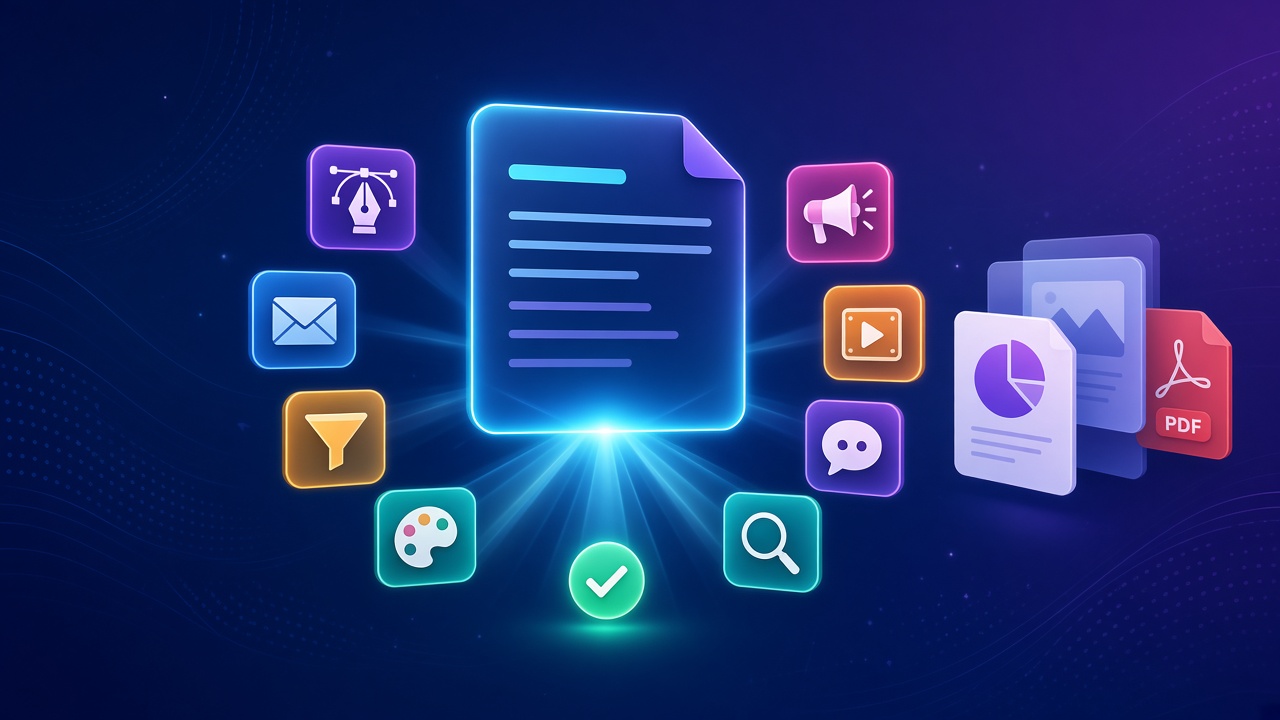
The ClickCampaigns AI marketing team is the flagship app inside Scale Plus. You give it one campaign objective, and Alex, an AI campaign strategist, turns that brief into a plan, maps it to a catalogue of more than 225 funnel and marketing tasks, and hands the work to 20+ AI specialist roles that all follow the same approved brief. You can build through a structured six-step wizard, a chat-based co-work room or a single-deliverable QuickTask. Only the work you approve moves forward.
Key takeaways
- One objective in, a coordinated campaign out: copy, email, funnel, design, paid media, video, social and SEO
- Alex is software, not a human consultant, and keeps every role on one brief
- Three ways to work: the six-step wizard, co-work chat or QuickTask for one deliverable
- Edit any artefact, request another pass and keep earlier versions
- Export supported work to Google Docs, PDF, PowerPoint or HTML
- Included in the starter plan and works beside the CRM you already use
In this guide
- Watch: the source video
- What is the ClickCampaigns AI marketing team?
- Why do good campaign ideas fall apart in the hand-offs?
- How does the six-step wizard turn one brief into a plan?
- What can the specialist roles produce from one brief?
- How do reviews, versions and exports work?
- What is co-work mode in ClickCampaigns?
- When should you use QuickTask instead?
- Wizard, co-work or QuickTask: which should you pick?
- Which plan includes ClickCampaigns, and does it replace your CRM?
- How should you run your first one-brief campaign?
- Frequently asked questions
- The bottom line
🛠️ Practical guides
Ready to put this into practice? These step-by-step guides answer two common follow-up questions:
Most campaigns do not fail because the idea was weak. They fail somewhere between the strategy call and launch day, when the brief gets copied, reworded and reinterpreted by every person who touches it.
In our latest video we showed how ClickCampaigns from Scale.gg tries to fix that by acting as a whole AI marketing team working from one brief. Our first ClickCampaigns guide focused on Alex, the specialist roles and buyer intelligence. This one follows a campaign from one brief to finished deliverables: the wizard, the review loop, exports, co-work mode and QuickTask, plus how we would run a first test.
Disclosure: Prodify Digital offers a bonus bundle and may earn a commission if you buy through our links. That does not change our assessment.
Watch: the source video
What this video covers: In our latest video we take one campaign brief through ClickCampaigns: Alex as AI strategist, the six-step wizard, the 225+ task catalogue, specialist output across eight disciplines, versions and exports, co-work mode, QuickTask and where it fits in the starter plan.
Video: our ClickCampaigns one-brief walkthrough on the Prodify Digital YouTube channel. Features are described as shown at the time of recording.
What is the ClickCampaigns AI marketing team?
ClickCampaigns is the AI campaign operating system inside Scale Plus, the Scale.gg membership. Its pitch is simple: turn one brief into the work of an entire marketing team.
At the centre is Alex, the AI campaign marketing strategist. Alex is part of the software, not a person you book time with. Alex builds the plan, assigns work to more than 20 AI specialist roles, and keeps the plan, the specialist work, the reviews, the versions and the exports together in one workspace.
Why do good campaign ideas fall apart in the hand-offs?
Anyone who has run a launch with a team or a group of freelancers will recognise the pattern we described in the video:
- The strategist writes one brief
- The copywriter starts another
- The designer guesses
- The email, landing page, ads and social posts slowly drift apart
By launch day the offer on the page does not quite match the ad, and the email promises something slightly different again. ClickCampaigns attacks this by making the approved brief the single source of truth that every specialist role works from.
How does the six-step wizard turn one brief into a plan?
The six-step campaign wizard is the structured route. In practice the flow looks like this:
- Describe the campaign: the offer, the audience, your traffic and the work you need.
- Attach a brand kit if you have one, so tone, colours and brand details carry through.
- Alex maps the brief to a catalogue of more than 225 funnel and marketing tasks.
- You review the plan, choose the work you actually want and customise individual tasks.
- You approve what the team will make.
- The specialists produce the approved work from the same context.
💡 Tip: Be specific about traffic in the brief. “Cold Facebook traffic to a webinar” produces a very different plan from “warm email list to a sales page”, and Alex can only map the right tasks if it knows where buyers are coming from.
🔎 Unconfirmed / rumour: Our earlier ClickCampaigns video described the task catalogue as 200+ task codes; this newer video says more than 225. The catalogue appears to be growing, so treat any exact number as a snapshot and check inside your account.
What can the specialist roles produce from one brief?
Once you approve the plan, the specialist roles produce work across eight disciplines, all from the same approved context:
| Discipline | Typical deliverables |
|---|---|
| Copy | Landing page copy, headlines, offers |
| Email sequences and follow-ups | |
| Funnel | Funnel steps and multi-page websites |
| Design | Visual direction for pages and creatives |
| Paid media | Ad campaigns and ad angles |
| Video | VSL scripts |
| Social | Social posts to support the launch |
| SEO | Search-focused content for the campaign |
The finished deliverables named in our video include landing pages, email sequences, ad campaigns, VSL scripts, lead magnets, slide decks and even multi-page websites. The point is not just volume: because every role starts from the same brief, the pieces should tell the same story.
Thinking about trying ClickCampaigns? Grab our Starter Bonus Bundle with six practical resources to help you plan and launch your first Scale.gg campaign. More guides on Prodify Digital.
How do reviews, versions and exports work?
Every deliverable is an artefact you can open and work on. As shown in our video, you can:
- Open and edit each artefact directly
- Request another pass when a draft is not quite right
- Keep earlier versions, so a rewrite never wipes out work you liked
- Export supported work to Google Docs, PDF, PowerPoint or HTML, or keep building inside ClickCampaigns
PowerPoint export is handy for agencies that present campaign plans and slide decks to clients, while HTML suits pages you want to move into your own site builder.
⚠️ Warning: The video says “supported work” can be exported, so not every artefact type may export to every format. Check the export options on the specific deliverable before promising a client a particular file type.
What is co-work mode in ClickCampaigns?
If forms are not your style, co-work is the conversational route. The way we put it in the video: the chat is the room and Alex runs the meeting.
- Alex gathers the brief through conversation
- Brings in the right specialists for the job
- Shows you who is working on what
- Puts finished deliverables beside the chat, so you can review without leaving the conversation
Co-work suits people who think out loud, or campaigns where the brief is still taking shape. If you want the workspace and approval side explained in more depth, our Scale.gg ClickCampaigns guide covers it.
When should you use QuickTask instead?
Not every job needs a full campaign. QuickTask creates one focused deliverable, such as a single email, an ad set or a lead magnet, without spinning up a whole plan.
It is the right choice when the campaign already exists and you just need one missing piece, or when you want to test the quality of a specialist role before trusting it with a full launch.
Wizard, co-work or QuickTask: which should you pick?
| Six-step wizard | Co-work | QuickTask | |
|---|---|---|---|
| How it works | Structured steps and a reviewable plan | Conversation led by Alex | One request, one deliverable |
| Best for | Full launches with a clear brief | Briefs that are still forming | Filling a single gap |
| Output | Multi-asset campaign across disciplines | Deliverables shown beside the chat | One focused artefact |
| Your control | Choose, customise and approve tasks | Review deliverables as they arrive | Review the single result |
Our view: use the wizard for your first real campaign, because reviewing the task plan teaches you how Alex thinks. Switch to co-work once you are comfortable, and keep QuickTask for top-ups.
Which plan includes ClickCampaigns, and does it replace your CRM?
According to our video, ClickCampaigns is available now and included in the starter plan. It is designed to work beside the CRM you already use, so you do not have to move contacts or rebuild automations to try it.
That matters for small teams. You can run one campaign through ClickCampaigns for strategy and assets while your existing CRM keeps handling contacts and journeys.
How should you run your first one-brief campaign?
Here is how we would test the ClickCampaigns AI marketing team on a real offer:
- Pick one offer with a clear audience and one main traffic source.
- Write the brief properly: offer, audience, traffic and the deliverables you need. Attach your brand kit.
- Use the six-step wizard and read the task plan before approving anything. Remove tasks you will not use.
- Review three core artefacts first, for example the landing page, the first email and one ad, and check they tell the same story.
- Request another pass where needed, keep the earlier versions and export to the format your team already uses.
- Compare time-to-launch and consistency against your last manual campaign before you scale up.
Whatever tool you use, keep a person on the path before anything goes live. Our guide to human approval checkpoints in AI workflows shows where to put them, and our AI agents for marketing teams article covers how small teams can organise around AI specialists.
Ready to turn one brief into a full campaign? Visit our bonus page for full details and the Starter Bonus Bundle, and keep up with our practical AI guides on Prodify Digital.
Frequently asked questions
What is the ClickCampaigns AI marketing team?
It is the flagship app in Scale Plus from Scale.gg. Alex, an AI campaign strategist, turns one campaign objective into a plan and assigns the work to 20+ AI specialist roles that all follow the same approved brief.
Is Alex a real person?
No. Alex is software, an AI campaign marketing strategist built into ClickCampaigns. You stay in charge of approving the plan and the work.
What can ClickCampaigns create?
Our video names landing pages, email sequences, ad campaigns, VSL scripts, lead magnets, slide decks and multi-page websites, across copy, email, funnel, design, paid media, video, social and SEO.
What export formats does ClickCampaigns support?
Supported work can be exported to Google Docs, PDF, PowerPoint or HTML, or you can keep building inside the app.
What is the difference between co-work and QuickTask?
Co-work is a chat where Alex gathers the brief and brings in specialists for a full campaign. QuickTask creates one focused deliverable when you only need a single piece.
Does ClickCampaigns replace my CRM?
No. It is designed to work beside the CRM you already use, handling strategy and campaign assets.
Which Scale.gg plan includes ClickCampaigns?
Our video says it is included in the starter plan. Check the current Scale.gg pricing page for the latest plan details.
The bottom line
The ClickCampaigns AI marketing team is built around one idea: campaigns break in the hand-offs, so keep everything on one approved brief. Alex plans the work, 20+ specialist roles produce it across eight disciplines, and you choose, edit, version and export what you need through the wizard, co-work or QuickTask. Alex runs the plan, but you keep the final say. Start with one offer, review the plan closely, and scale up once the output earns your trust.
Related posts
- Scale.gg ClickCampaigns: Alex AI, 20+ Roles and Buyer Intelligence
- Scale.gg AI Agent: The Marketing Assistant That Does the Work
- How to Add Human Approval Checkpoints to AI Workflows

[…] ClickCampaigns AI Marketing Team: One Brief, Full Campaign […]
[…] ClickCampaigns AI Marketing Team: One Brief, Full Campaign […]