

Quick answer
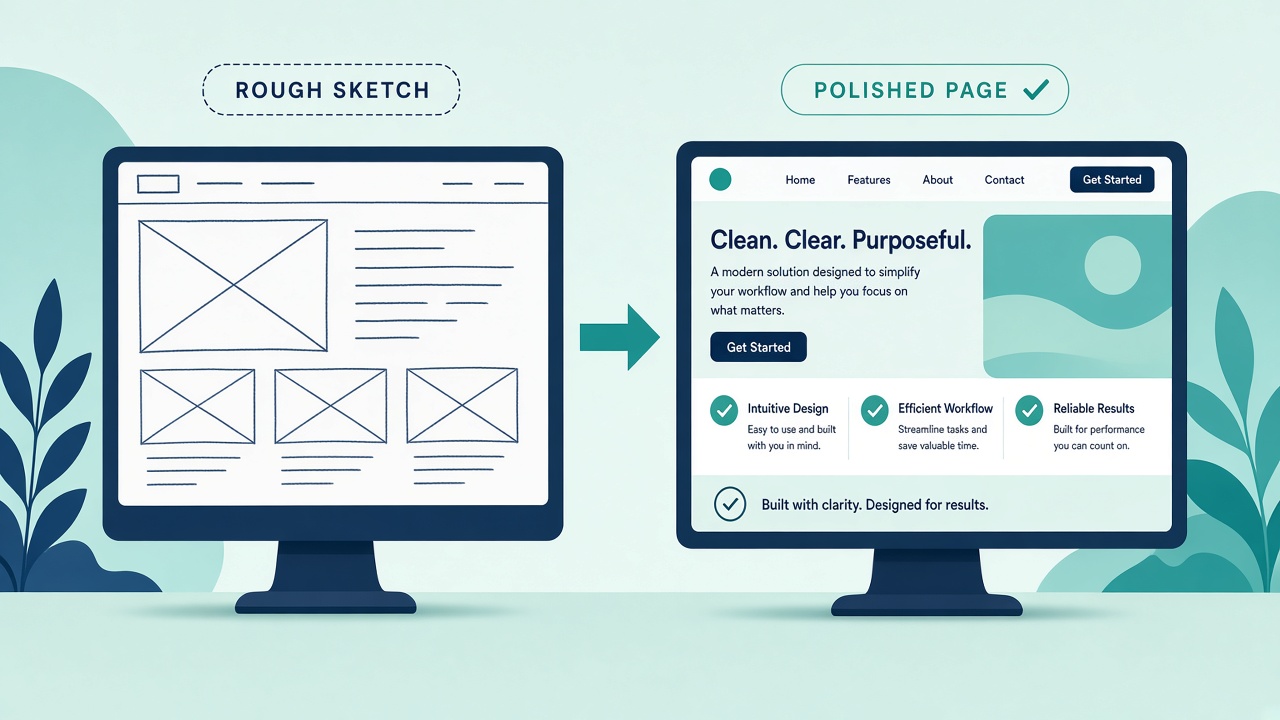
A two-model front-end workflow uses a fast, inexpensive model to produce the first visual draft of a page, then hands that draft to a stronger reasoning model with a checklist to fix logic, accessibility and edge cases. You get the speed and look of the first model and the reliability of the second, then a human reviews the result before it goes live.
Key takeaways
- Model one: fast, cheap visual draft
- Model two: logic, accessibility and edge-case fixes
- Hand over with a clear review checklist
- Measure time and cost per finished page
This guide answers one question from our article Gemini 4 Argon Hands-On: Front-End Speed, Vision and AI Rumours: if one model is fast and colourful and another is stronger on functionality, how do you get the best of both?
📘 Main article: This guide supports our full article, Gemini 4 Argon Hands-On: Front-End Speed, Vision and AI Rumours. Read it for the complete picture.
Why use two models instead of one?
In World of AI's front-end test, Gemini 4 Argon was about twice as fast and around 60% cheaper than Opus 5.5, with a more colourful result. Opus 5.5 may still have the edge on functionality and complex agentic work.
Our main article concluded that a pipeline often wins: a fast, cheap model for the first visual draft, then a stronger reasoning model to fix logic, accessibility and edge cases.
That matches how many teams already work with people: a designer produces the look, a developer makes it robust.
What does each stage do?
| Stage | Model type | Job | Output |
|---|---|---|---|
| 1. Draft | Fast, lower-cost model | Layout, styling, copy placement | A working first page |
| 2. Fix | Stronger reasoning model | Logic, accessibility, edge cases | A corrected page and a list of changes |
| 3. Review | You | Accuracy, brand, mobile check | Approval to publish |
How do you brief the draft model?
Keep the first brief focused on what the page should look like and contain:
- The goal of the page, such as collecting webinar sign-ups
- The sections in order
- Brand colours and tone
- The main call to action
Do not ask the draft model to perfect everything. Its job is speed and a strong visual starting point.
What checklist should the fix model follow?
Give the second model the draft code plus a specific list:
💡 Tip: Give the second model a specific checklist rather than “improve this”. Specific asks get specific fixes.
- Do all buttons and forms work, and do errors show clearly?
- Is the page usable on a small mobile screen?
- Are images given alt text and is colour contrast readable?
- Do headings follow a logical order?
- What happens with empty or unusual input in forms?
- List every change you made and why.
Give the second model a specific checklist; the change list makes your review faster.
💡 Tip: Give the second model a specific checklist rather than “improve this”. Specific asks get specific fixes.
Try it on one page. Pick a landing page you need this month and run it through both stages.
How do you measure whether it is worth it?
Track a few pages through the workflow and compare with your usual approach.
| Measure | Single model | Two-model workflow |
|---|---|---|
| Time to first draft | ||
| Time to finished page | ||
| Total model cost | ||
| Fixes needed after review |
If the two-model route gives a finished page faster or with fewer fixes, keep it. If the second stage rarely changes anything, you may only need one model.
What should you watch out for?
- Hallucinated content: users have reported Argon getting things wrong. Check every claim and figure on the page.
- Pricing changes: Argon's intro API pricing is expected to rise, so recalculate costs at the later rate.
- Long builds: bigger projects can take much longer. The Minecraft-style clone in the video took about 1 hour 20 minutes and three iterations.
- Style drift: the fix model may restyle things. Tell it to keep the visual design unless something is broken.
⚠️ Warning: Two models do not replace a human check. Test the finished page on mobile, check forms work and confirm every claim on the page is accurate before publishing.
For choosing which model fills each role, our guide to AI model routing for small business helps.
Want practical AI guides without the hype? We turn reviews into clear next steps. Browse the latest on Prodify Digital.
Frequently asked questions
What is a two-model workflow?
Using one AI model for a fast first draft and a second, stronger model to check and fix it.
Which model should draft and which should fix?
In the test covered in our main article, Argon suited fast visual drafts and Opus 5.5 may have the edge on functionality. Test your own options.
Does this cost more?
Sometimes slightly, but it can save time and fixes. Measure cost per finished page.
Can I skip the human review?
No. Always check accuracy, mobile layout and forms before publishing.
Does this work for full apps?
It can, but longer builds need more iterations and testing.
The bottom line
Let a fast model draft and a stronger model fix, with a clear checklist between them. Measure time and cost per finished page, and keep a person on the final approval.
Related posts
- Gemini 4 Argon Hands-On: Front-End Speed, Vision and AI Rumours
- How to Test an AI Vision Model on Receipts, Invoices and Forms
- AI Model Routing for Small Business: Match Each Task to the Right Model

[…] it for those tasks and keep the premium model for the rest. Our two-model front-end workflow is one way to combine […]
[…] Many small businesses will get the most from a mix: a cheap model for first drafts and bulk work, and a premium model for the final polish. That is the idea behind our two-model front-end workflow. […]