

Quick answer
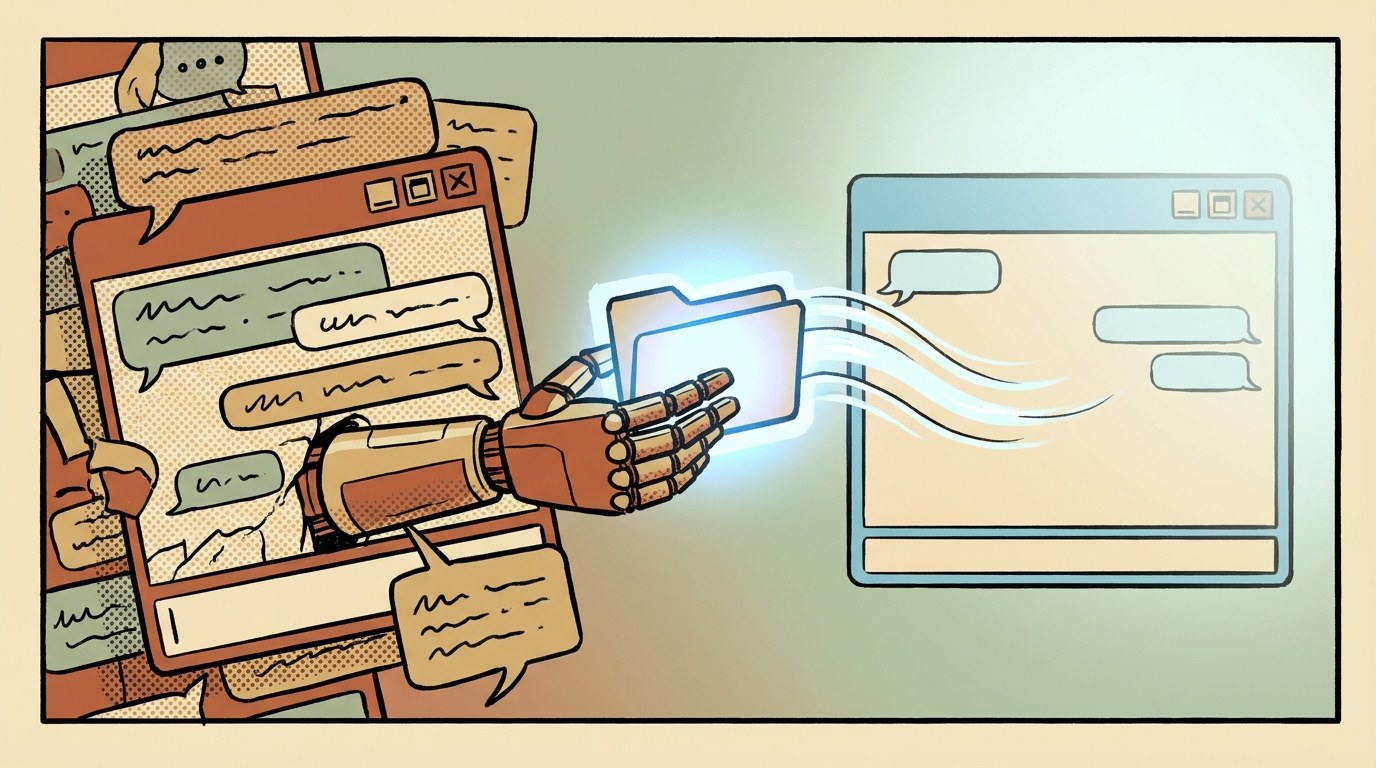
An AI handoff file is a short document that sums up a long AI conversation, covering the goal, decisions made, what to avoid, current files and next steps, so you can carry on in a fresh chat without losing anything. Write one when a chat gets long or when you move from planning to building. Ask the AI to draft it under fixed headings, check it yourself, then paste it into a new chat and ask for a short summary before any work starts.
📘 Main article: This guide follows our article Give AI Your Failed Attempts: How Fable 5.2 Got It Right First Time, where Claude Fable 5.2 wrote its own handoff file between design and build. Here is how to do the same with any AI tool.
Key takeaways
- Long chats get worse. When the context fills up, models can forget or muddle earlier details.
- Split at natural breaks, such as design to build or research to writing.
- Seven headings are enough: goal, decisions, do not do, current state, next steps, open questions and done checks.
- Always check the file yourself before using it.
In Nate B Jones’s e-ink display project, the design conversation grew so long that Claude Fable 5.2 noticed it was nearly full. It wrote a handoff file on its own and suggested a fresh chat for the build. Nate pasted it into a new chat, said “please build this”, and it worked.
Most AI tools will not do that for you unprompted. The good news is that you can ask for it, and it takes about ten minutes.
What is an AI handoff file?
Think of it as the note you would leave a colleague taking over your project. It holds everything the next person needs and nothing they don’t. For an AI, “the next person” is a brand-new chat that knows nothing about your earlier conversation.
It is different from a full chat export. An export is long and full of dead ends. A handoff file keeps only the decisions and the next steps.
When should you start a fresh AI chat?
| Sign | What it looks like |
|---|---|
| The chat is very long | Lots of back-and-forth, many files, or the tool warns you about length |
| The AI starts forgetting | It repeats ideas you rejected or loses details you agreed |
| You reach a natural break | Planning is done and building is next, or research is done and writing is next |
| You are changing tools or models | For example, planning on an everyday model and building on a stronger one |
💡 Tip: A natural break is the best moment, even if the chat still works. Nate’s project split cleanly into Design → Handoff → Build.
What should an AI handoff file include?
- Goal: what you are making and who it is for, in one or two sentences.
- Decisions made: the things you agreed and do not want reopened.
- Do not do: ideas you rejected, with a few words on why. This stops the new chat repeating old mistakes.
- Current state: what exists now and where: file names, links, folders.
- Next steps: a short numbered list, in order.
- Open questions: anything still undecided.
- Done checks: simple tests that tell you the work is finished.
AI handoff file template
Copy this and fill in the brackets, or ask the AI to fill it in for you.
HANDOFF FILE: [project name]   Date: [date]

1. Goal
One or two sentences on what we are making and who it is for.

2. Decisions made (do not reopen)
- [e.g. Layout: date top left, weather top right, quote centre]
- [e.g. Font sizes and colours as in design-v4.png]

3. Do not do
- [Things I rejected and why, e.g. "No dark background, too hard to read"]

4. Current state
- What exists now and where it is: [files, links, repo]

5. Next steps (in order)
1. [First thing the new chat should do]
2. [Second thing]

6. Open questions
- [Anything still undecided]

7. How we will know it's done
- [Simple checks, e.g. "All 35 quotes rotate without repeating"]
How do you write and use a handoff file, step by step?
- Ask the old chat to write it. Paste the template plus the short request shown just below these steps.
- Read it yourself. Check every decision is right and nothing you rejected has crept back in. Fix it by hand; it is your document.
- Save it as a file, such as handoff-2026-11-13.md, in your project folder so you can reuse it.
- Open a fresh chat and attach any files listed under “Current state”.
- Paste the start prompt below with the handoff file.
- Check the summary before letting it work. If it has misunderstood, correct it now, not after an hour of building.
We are moving this project to a fresh chat. Write a handoff file I can paste
into the new chat. Use the headings below. Be specific, use short bullet points,
and include file names and exact decisions. Do not include anything we rejected
unless it is listed under "Do not do".
Start prompt for the new chat:
Continue this project. Read the handoff file below first.
Treat "Decisions made" and "Do not do" as fixed.
Start with step 1 under "Next steps". Before you begin,
reply with a three-line summary so I can check you've understood.

[paste handoff file]
⚠️ Warning: Handoff files can collect sensitive details such as API keys, passwords or client data. Keep those out of the file, and store any secrets in a proper password manager or environment settings instead.
Want the bigger picture? Read how Nate fed Fable 5.2 a month of failed attempts and got a design he liked first time.
What mistakes should you avoid?
- Pasting the whole chat. It defeats the purpose. Keep the file short; one page is plenty for most projects.
- Leaving out “Do not do”. This is often the most valuable section.
- Vague next steps. “Build it” is fine only if the design is fully pinned down. Otherwise list the first two or three concrete tasks.
- Never updating it. If a build runs over several sessions, ask for an updated handoff file at the end of each one.
- Skipping the check. The AI can misremember. You are the one who knows what you agreed.
If you run several AI tools on one project, handoff files also keep them in step. See our guide to splitting work between AI bots without overlap.
Frequently asked questions
What is an AI handoff file?
A short summary of a long AI conversation, covering the goal, decisions, things to avoid, current files and next steps, that you paste into a new chat so it can carry on without losing context.
Why start a new chat instead of continuing?
Very long chats can fill the model’s context window, and it may start forgetting or mixing up earlier details. A fresh chat with a clean summary usually performs better.
How long should a handoff file be?
Usually one page. Keep decisions and next steps; leave out the discussion that led to them.
Can the AI write the handoff file for me?
Yes. Ask it to fill in a fixed set of headings, then check and correct it yourself before using it.
Does this work with ChatGPT, Claude and other tools?
Yes. It is just a text document, so it works with any AI chat or coding tool, and even when switching between tools.
The bottom line
A handoff file is a small habit that saves a lot of frustration. When a chat gets long or you move from planning to doing, ask for a one-page summary under fixed headings, check it, and start fresh. Your next chat begins with everything it needs and none of the clutter.
Your next step: copy the template above into your notes app now, so it is ready the next time a chat gets long. Then read the main article: Give AI Your Failed Attempts: How Fable 5.2 Got It Right First Time.
Related posts
- Give AI Your Failed Attempts: How Fable 5.2 Got It Right First Time
- How to Get an AI Agent to Review a Build Plan Before It Codes
- How to Split Work Between Several AI Bots Without Overlap

[…] How to Write an AI Handoff File and Move Your Project to a Fresh Chat — the simple file that carries a long AI project into a fresh chat without losing anything. […]
[…] is easier for the other person to follow. If you need to carry context into the new chat, our guide How to Write an AI Handoff File and Move Your Project to a Fresh Chat shows how to summarise a long conversation into a short […]