

Quick answer
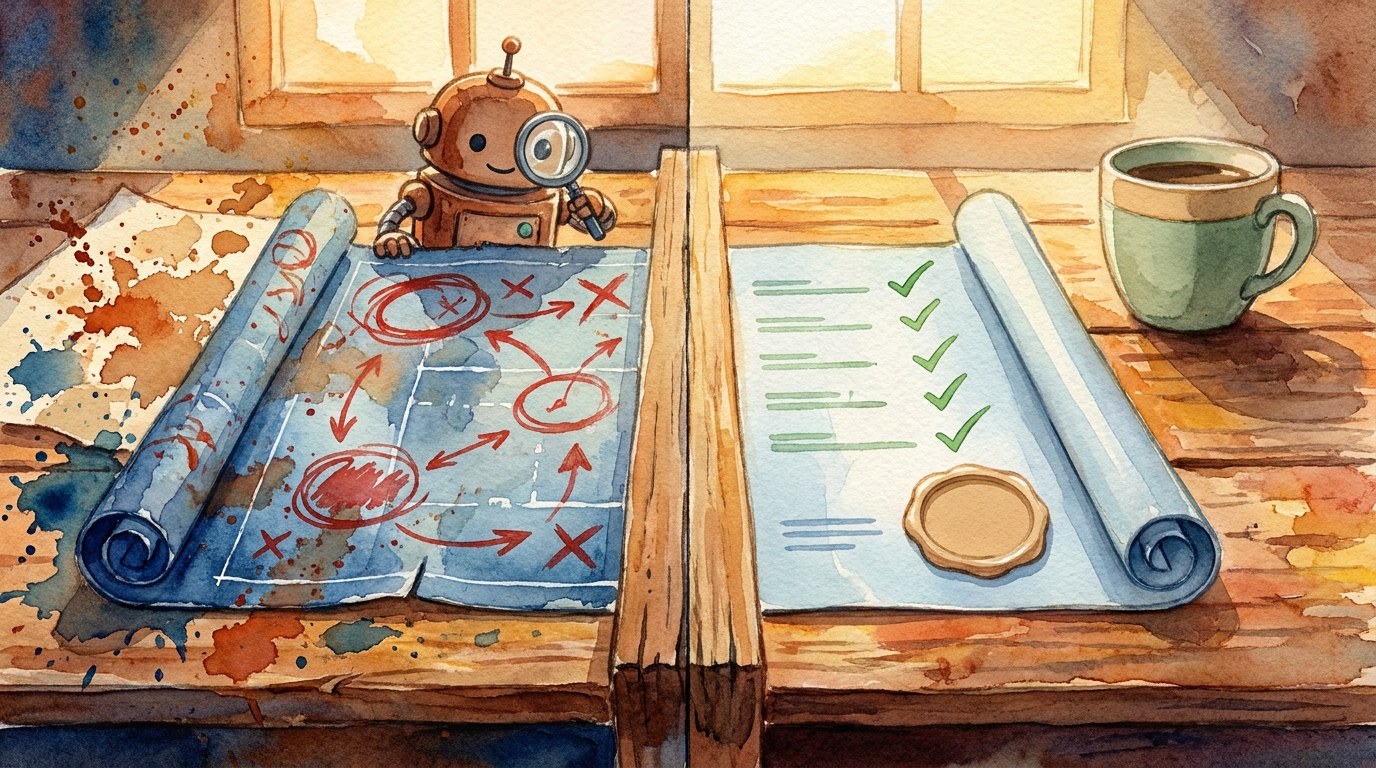
To get an AI agent to review a build plan before it codes, give it the plan and ask only for a review: risks, gaps, scope and what it would change, with an explicit instruction not to build anything yet. Then add your own must-haves and any outside feedback, ask for a revised plan, read it yourself, and only say “build it” when you are happy. This is the loop Ras Mic shows in his Grok Bot course on Greg Isenberg’s channel, where his agent refused to approve a plan unchanged and suggested a tighter scope before any code was written.
Key takeaways
- Say “review this”, not “build this”. The words you use decide whether the agent critiques or charges ahead.
- Ask for a verdict: approve, approve with changes, or do not approve.
- Feed in real feedback from colleagues, customers or posts showing demand.
- Revise before you build. Ras Mic went through more than one round before saying “build it”.
- You read the final plan. The agent reviews, but the go decision stays with you.
- Plans are cheap, code is not. A ten-minute review can save hours of wasted build time.
📘 Main article: This guide supports How to Use Grok Bot as an Orchestrator: Ras Mic’s 5-Bot Setup. It turns Ras Mic’s “review first” habit into a loop you can reuse on any project.
In this guide
- Why ask an AI agent to review a plan before it builds?
- What do you need?
- How does the review loop work, step by step?
- What prompt should you use for the review?
- What should a good review include?
- When is a plan ready to build?
- What mistakes should you avoid?
- Frequently asked questions
- The bottom line
- Related posts
In a full-length course on Greg Isenberg’s channel, Ras Mic describes how a new feature for his app Pluto went from idea to working code. A friend wrote the plan as a PDF. Ras Mic gave it to his Grok Bot and said only: “Review this.”
The agent said it would not approve the build plan unchanged, explained the issues and recommended a tighter scope. After his own input and a second round of feedback, the plan improved, and only then did he hand it to Claude Code to build. This guide answers one question: how do you get an AI agent to review and improve a plan before it writes any code?
Why ask an AI agent to review a plan before it builds?
Because AI agents are eager to please. Ask one to build something and it usually will, even if the plan has holes. Ask it to review, and it switches into critic mode: spotting risks, missing pieces and features you do not need yet.
That matters more as agents get faster. Ras Mic says his build ran for hours and produced five working pull requests. Hours of agent work on the wrong plan is wasted time and money, however clever the code.
💡 Tip: This works for non-code plans too: a product launch, a course outline, an email sequence or a website restructure. Anything you would hand to an agent to execute deserves a review first.
What do you need?
- A written plan, even rough: what you want built, who it is for and what “done” looks like. A document, PDF or notes are fine.
- An agent with context about the project, ideally a dedicated project bot, as Ras Mic uses.
- Your must-haves: the two or three things that cannot be cut.
- Any outside input: a colleague’s comments, customer requests, or posts showing people want this. Ras Mic added a post from X showing demand.
How does the review loop work, step by step?
- Share the plan and ask for a review only. State clearly: do not build, do not write code, do not change files.
- Ask for a verdict and reasons. Approve, approve with changes, or do not approve, plus the top issues.
- Add your must-haves. Ras Mic told his agent one element was mandatory, and it adjusted the plan around it.
- Add outside feedback. Paste in comments from others as they are. He pasted his friend’s reply straight in.
- Ask for a revised plan with a short list of what changed and why.
- Read it yourself. This is the step Ras Mic says he personally stepped in for. Check scope, cost and anything risky.
- Repeat once if needed. Two rounds is usually enough for a small project.
- Say “build it” with clear limits: what to build first, where to save the work, and when to stop and report back.
- Review the output against the approved plan before anything goes live.
What prompt should you use for the review?
Copy and adapt this:
“Please review the attached plan. Do not build anything, write code or change any files yet. Give me: (1) a verdict: approve, approve with changes, or do not approve; (2) the top five risks or gaps; (3) anything that should be cut from the first version; (4) anything missing that users will expect; (5) open questions I need to answer; (6) a suggested smaller first version. Be direct. I would rather hear problems now than after the build.”
For the revision round:
“Here are my must-haves and feedback from a colleague. Update the plan. Keep it short, list what changed and why, and flag anything you still disagree with.”
⚠️ Warning: If the plan involves payments, personal data or logins, ask for a separate security review as part of this loop, and test again after the build. Our guide on hack-testing your own app explains how.
What should a good review include?
| A good review… | A weak review… |
|---|---|
| Gives a clear verdict | Says “looks great!” |
| Names specific risks and why they matter | Lists generic best practice |
| Suggests a smaller first version | Adds more features |
| Asks questions you had not thought of | Assumes answers |
| Separates must-fix from nice-to-have | Treats everything as equal |
| Explains changes in plain English | Rewrites the whole plan without saying why |
If you get a weak review, push back: “Be more critical. What would make this fail?” You can also ask a second agent or model to review the same plan and compare answers.
When is a plan ready to build?
- You can explain it in two sentences: what it does and who it is for.
- The first version is small enough to build and test quickly.
- Your must-haves are in, and nice-to-haves are listed for later.
- Risks have an answer, even if the answer is “we accept this for now”.
- There is a clear “done” the agent can check its work against.
- You have read it and would be comfortable explaining it to a customer.
When all six are true, it is time to say “build it”. Ras Mic’s own build prompt was short, because the hard thinking had already happened in the plan.
What mistakes should you avoid?
- Saying “do this” when you mean “check this”. Be explicit that no building should happen yet.
- Accepting the first review without reading. The agent reviews, but you decide.
- Never adding real-world input. Customer and colleague feedback makes reviews much sharper.
- Endless rounds. If you are on round four, cut scope and build the smallest useful version.
- No limits on the build. Say where to save work and when to stop and report, and keep approvals for anything that ships, as in our approval checkpoints guide.
Next step: take one plan you are about to hand to an agent and run the review prompt above before anything gets built. For the full set-up, read how Ras Mic uses Grok Bot as an orchestrator.
Frequently asked questions
How do I stop an AI agent from building before I approve the plan?
Say it plainly in your prompt: review only, do not build, write code or change files. Ask for a verdict and a list of issues, and only give the go-ahead in a separate message.
Which AI is best for reviewing a build plan?
Use the strongest reasoning model you have access to. Ras Mic uses Grok Bot for the review and Claude Code for the build. A second model can give a useful second opinion.
How many review rounds should I do?
One or two rounds is usually enough for a small project. If you are still revising after that, shrink the first version.
Does this work if I cannot code?
Yes. The review is about scope, risks and what users need, all in plain English. You are judging the plan, not the code.
What should a build plan include before an AI agent starts?
What you are building, who it is for, what is in and out of the first version, the must-haves, known risks, and what “done” looks like.
The bottom line
The most useful words in Ras Mic’s workflow are not a clever prompt. They are “review this”. Ask your agent to critique before it builds, feed it real feedback, read the revised plan yourself, and only then let it loose. You get better results and waste far less time.
Your next step: run the review prompt on your next plan, then read the main article, How to Use Grok Bot as an Orchestrator: Ras Mic’s 5-Bot Setup, to see how this fits into a full Grok Bot set-up.
Related posts
- How to Use Grok Bot as an Orchestrator: Ras Mic’s 5-Bot Setup
- How to Prep a Project Readiness Meeting With an AI Agent
- How to Polish an AI-Built App Before Launch: 7-Step Checklist
