

Quick answer
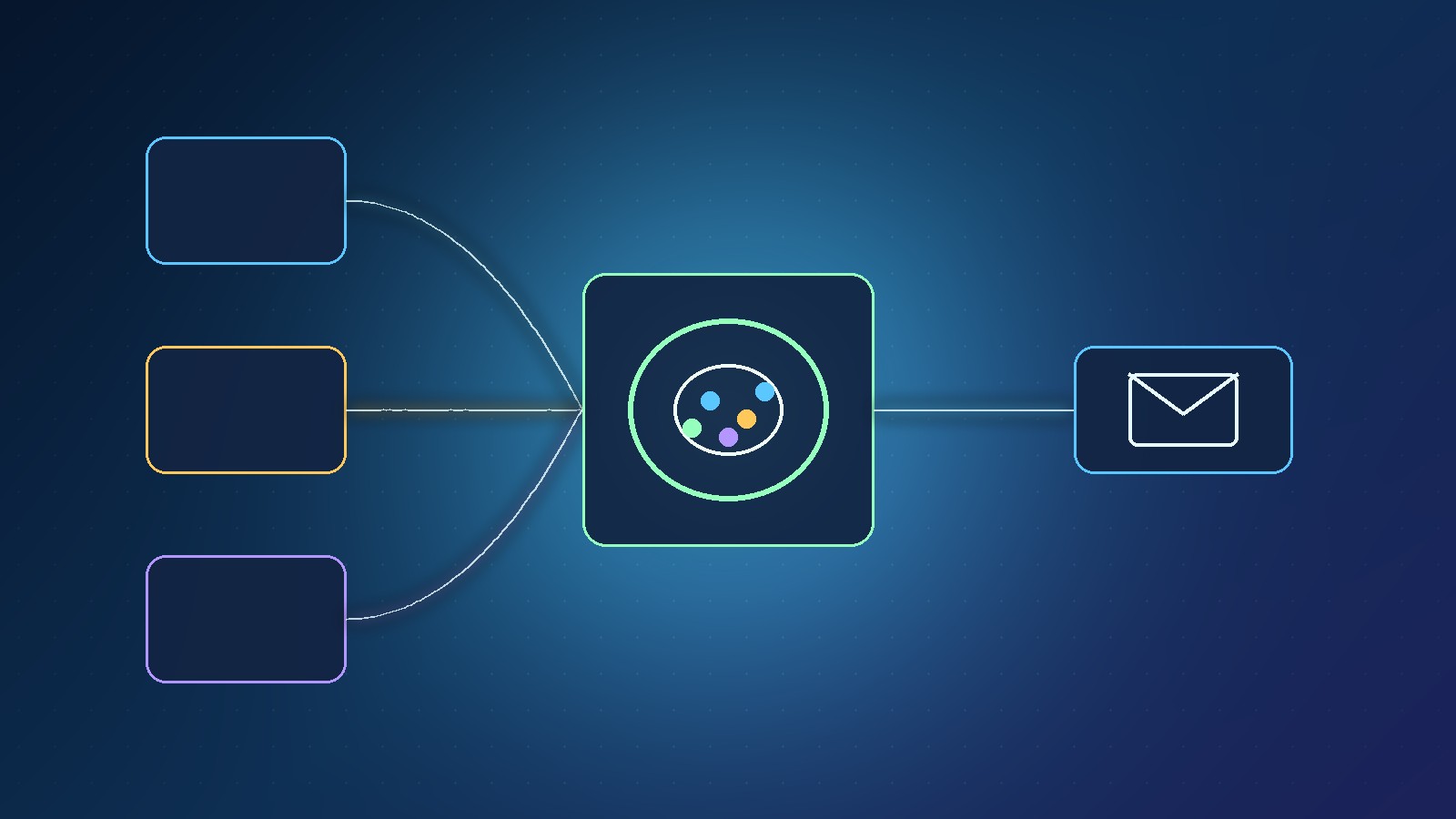
A live email segment is a rule-based audience that updates as contacts change — for example openers who have not bought yet — built from lists, tags and custom fields so you know exactly who gets the next behaviour-based send.
Key takeaways
- Lists are broad subscription groups; tags and fields add detail
- Live segments combine those building blocks in real time
- Build one segment around a single offer or behaviour first
- Spot-check sample contacts before you approve a send
- This guide supports our behaviour-based email marketing article
📘 Part of the main guide: This how-to supports our article on Behaviour-Based Email Marketing Made Simple (vs Blind Broadcasts). Start there for the full behaviour-based email marketing overview, then come back to these steps.
In our latest video on behaviour-based email marketing, step one is clear: organise the audience with lists, tags, custom fields and live segments so you see exactly who gets the email. This guide turns that step into a practical checklist.
If you are still choosing between a blast and a branched follow-up, read Behaviour-Based Email Marketing Made Simple (vs Blind Broadcasts) first, then return here to set up the audience properly.
Disclosure: Prodify Digital may earn a commission via our Scale.gg bonus links. That does not change the steps below.
What is a live email segment?
A live email segment is not a static CSV. It is a saved rule set that keeps matching contacts as tags, fields and engagement change.
That is why live segments sit at the centre of behaviour-based email marketing: yesterday's warm opener can fall out of the segment when they buy, and a new form submit can fall in without a manual re-import.
How do lists, tags and custom fields differ?
| Building block | Use it when |
|---|---|
| Lists | You need a broad group people join (newsletter, customers, waitlist) |
| Tags | You need flexible labels (offer interest, webinar attended, VIP) |
| Custom fields | You need structured data from forms (plan size, location, role) |
| Live segments | You need a sendable audience defined by rules across the above |
💡 Tip: Name tags and fields like a human will read them six months later: opened_pricing_30d beats temp2.
How do you build your first live segment?
Here is a first live segment that supports behaviour-based sends without overbuilding:
- Choose one offer (for example a starter call or a product trial).
- Decide the behaviour that earns the email (opened a specific link, submitted an intake form, booked but did not show).
- Confirm the list membership and any tags/fields that prove that behaviour.
- Create a live segment that requires list membership and the behaviour tag/field, and excludes buyers if the message is a nudge to purchase.
- Save the segment with a plain-language name: “Trial interest · opened pricing · not purchased”.
MailBaser's video walkthrough frames this as the foundation before you design templates or sequences — audience clarity comes first.
How do you check a segment before a send?
Before any live send:
- Open a handful of contacts in the segment and check their tags/fields match your intent.
- Confirm nobody who already bought (or asked only for a free PDF) is about to get a hard pitch.
- Send a test to yourself or a colleague from the same segment rules.
- Only then approve audience, sender, timing and content.
⚠️ Warning: A wrong segment is worse than a weak subject line. Fix the audience before you rewrite the copy.
For a general pre-send checklist, see how to check an email segment before you approve a send.
What mistakes should you avoid?
- Building twelve segments before you have one that works
- Reusing a “whole list” segment for every campaign
- Forgetting to exclude recent buyers or unsubscribers from sales nudges
- Mixing tags that mean different things to different teammates
Next: Return to Behaviour-Based Email Marketing Made Simple (vs Blind Broadcasts), or grab our Starter Bonus Bundle on the bonus page.
Frequently asked questions
Do I need tags if I already have lists?
Usually yes. Lists are broad; tags and fields let live segments express behaviour without splitting every contact into a new list.
How many segments should I start with?
One per active offer is enough. Add more only when a second behaviour needs a different message.
Where does this fit MailBaser?
Organising lists, tags, fields and live segments is step one in our behaviour-based email marketing walkthrough of MailBaser.
Where is the main guide?
Behaviour-Based Email Marketing Made Simple (vs Blind Broadcasts).
The bottom line
Live email segments turn lists, tags and fields into an audience that stays honest as behaviour changes. Build one clear segment, spot-check contacts, then send. For the wider strategy, read Behaviour-Based Email Marketing Made Simple (vs Blind Broadcasts).
Related posts
- Behaviour-Based Email Marketing Made Simple (vs Blind Broadcasts)
- MailBaser Smart Email Marketing Automation: Behaviour-Based Sequences
- How to Check an AI-Suggested Email Segment Before You Approve a Send

[…] by source video makes behaviour-based follow-up much easier. See how to set up live email segments for the next […]