

Quick answer
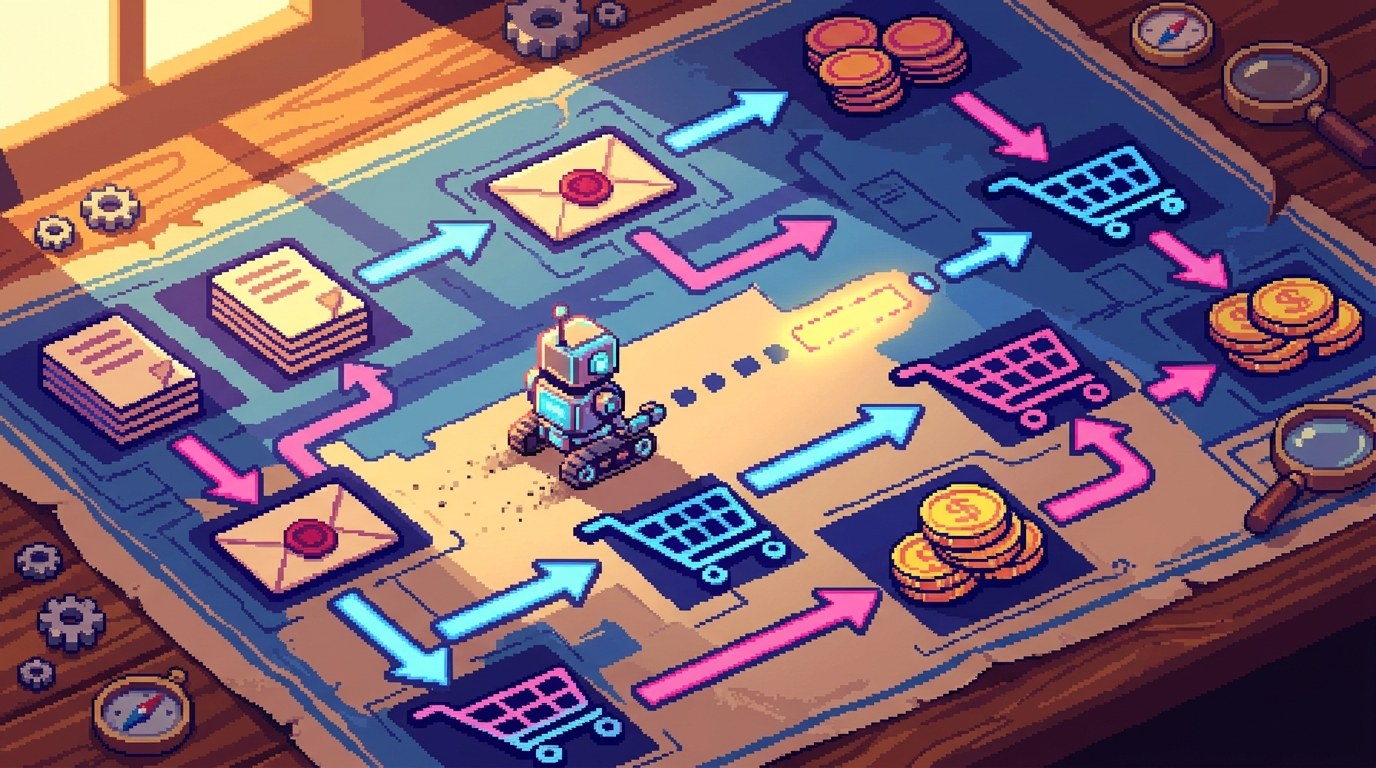
Scale.gg FunnelMapper is a visual funnel mapping tool and projection simulator in Scale Plus, shown in our latest video as included in the Pro plan. You lay out your whole campaign on a canvas with 69 components across 10 categories: traffic sources, pages and offers, follow-up and decision splits. Orphan detection flags steps that connect to nothing. You then enter your own assumptions, and the simulator shows projected visitors, leads, sales, revenue, costs, profit and ROI. The maths is deterministic, so the numbers are only as good as the guesses you put in.
Key takeaways
- FunnelMapper lets you see a campaign on one canvas before anyone builds pages or automations
- The canvas has 69 visual components in 10 categories, plus more than 14 templates
- Map traffic, pages, offers, follow-up and forks such as A/B tests, delays and events
- Orphan detection highlights a step with no handoff before it costs you build time
- The simulator runs your traffic, conversion, cost and price assumptions through the map
- Projections are deterministic: no AI guessing and no live analytics
- Share a view-only link or a visual PDF so others can challenge the plan
Disclosure: Prodify Digital offers a bonus bundle and may earn a commission if you buy through our links. That does not change our assessment.
🛠️ Practical guides
Ready to put this into practice? These step-by-step guides answer two common follow-up questions:
- How to Map a Sales Funnel Before You Build It, Step by Step — how to lay out traffic, pages, offers and follow-up so no step is left without a handoff.
- How to Project Funnel Revenue From Your Own Assumptions — how to choose honest assumptions, run the numbers and read the result as a range, not a promise.
In this guide
- Watch: the source video
- Why map a funnel before you build it?
- What is Scale.gg FunnelMapper?
- What can you put on the FunnelMapper canvas?
- How does FunnelMapper catch missing steps?
- How does the funnel simulator work?
- Is the projection a forecast?
- How do you share a funnel plan with your team?
- What does the video not confirm?
- How do you map your first funnel in FunnelMapper?
- Who is FunnelMapper right for?
- Frequently asked questions
- The bottom line
Most funnel problems are found the expensive way. You describe the idea, someone builds the pages, you wire up the emails, and only then do you notice there is no page for people who say no to the upsell. The fix is easy. The wasted work is not.
In our latest video we look at Scale.gg FunnelMapper, a funnel mapping tool built to move that discovery to the planning stage. Here is what it does, how the projection side works, and how to use it without fooling yourself with numbers.
Watch: the source video
What this video covers: In our latest video we introduce FunnelMapper from Scale Plus: a visual funnel mapping and projection platform with 69 components across 10 categories, pages and offers from opt-in to order confirmation, traffic sources, follow-up channels, decision splits and A/B tests, orphan detection, a deterministic simulator for visitors, leads, sales, revenue, costs, profit and ROI, 14+ templates, canvas notes and screenshots, and view-only links or PDF export.
Video: our Scale.gg FunnelMapper overview on the Prodify Digital YouTube channel, presented by Garry Knight. Features are described as shown at the time of recording.
Why map a funnel before you build it?
Because a gap costs minutes on a map and days in a build. A sales funnel is the route someone takes from first seeing you to buying, and every step needs a clear next step. When the plan only lives in someone’s head or a long document, gaps hide until the pages exist.
Our video puts it simply: the expensive mistake appears after the work is done. Mapping first gives everyone the same picture, so questions such as “where do non-buyers go?” get asked while changing the answer is still cheap.
| Build first, check later | Map first, then build |
|---|---|
| Gaps show up after pages and emails exist | Gaps show up on the canvas |
| Each person pictures a different funnel | Everyone reviews the same diagram |
| Numbers are guessed after launch | Assumptions are written down before launch |
| Changes mean rework | Changes mean moving a box |
What is Scale.gg FunnelMapper?
FunnelMapper is the visual funnel mapping and projection platform in Scale Plus, part of the Scale.gg membership. As shown in our video, it combines two jobs: drawing the funnel and putting numbers beside each step to see what the plan implies.
It sits alongside the other Scale.gg apps, so it is a planning tool rather than a page builder. You map the system here, then build pages, emails and automations with the tools you use. If you are new to the platform, start with Scale.gg: The Agent-Native All-in-One AI Marketing Platform for Beginners and How to Choose Which Scale.gg Apps to Start With as a Beginner.
What can you put on the FunnelMapper canvas?
Our video shows 69 visual components across 10 categories. The video groups them by the job each part of a funnel does:
| Part of the funnel | Examples shown in our video |
|---|---|
| Attention (traffic) | Paid, organic, affiliates and social |
| Pages and offers | Opt-in through to order confirmation, with upsells, downsells and order bumps |
| Follow-up | Email, SMS, phone, messengers, setters and closers |
| Forks | Decision splits, A/B tests, delays and events |
A quick glossary for the terms above. An upsell is an extra offer after the first purchase. A downsell is a cheaper offer for people who decline it. An order bump is a small add-on offered on the checkout page. Setters and closers are people who book and run sales calls.
You can start from more than 14 funnel templates and add notes and screenshots straight onto the canvas, which helps when you want to show what a page should look like next to the box that represents it.
💡 Tip: Map the follow-up as carefully as the pages. Most funnels lose people between steps, not on them, so the email or message that brings someone back deserves its own box.
How does FunnelMapper catch missing steps?
Through connections and orphan detection. As shown in our video, you can connect boxes from any side and set split percentages on forks. Orphan detection then exposes any step with a missing handoff, such as a page with nothing leading to it or an offer with no route afterwards.
- A page with no way in: you designed it, but no traffic or earlier step sends anyone there
- A dead end: people who decline the upsell have nowhere to go
- An unhandled split: an A/B test where one branch never reconnects to the rest of the funnel
- Forgotten follow-up: leads who did not buy and receive nothing afterwards
Our guide How to Map a Sales Funnel Before You Build It, Step by Step walks through laying out a funnel so these gaps are easy to spot, with a checklist you can run before anything is built.
Planning a campaign on Scale.gg? See what is in our Starter Bonus Bundle on the bonus page, and keep reading practical guides on Prodify Digital.
How does the funnel simulator work?
You put numbers beside the boxes, and the simulator flows them through the map. Our video lists the assumptions you can enter: traffic, conversion, cost, price, fee, retention and churn. The simulator then shows projected visitors, leads, sales, revenue, costs, profit and ROI.
In plain terms, if your map says 1,000 visitors reach the opt-in page and you assume 30% sign up, the next box receives 300 leads. Your next conversion assumption then applies to those 300, and so on down the funnel. Those figures are only an illustration of how the maths flows, not a benchmark to aim for.
| Assumption | What it means |
|---|---|
| Traffic | How many people enter from each source |
| Conversion | The share who take the next step at each box |
| Cost | What you spend, such as ad spend or tool fees |
| Price and fee | What you charge, and what payment or platform fees take off |
| Retention and churn | For subscriptions, how many stay and how many cancel |
Our guide How to Project Funnel Revenue From Your Own Assumptions shows how to pick sensible starting numbers and run a cautious, middle and hopeful version of the same plan.
Is the projection a forecast?
No. It is your assumptions, calculated consistently. Our video is clear on this: the maths is deterministic, it does not guess with AI and it does not pull live analytics. Every projection comes from the numbers you enter.
That is a strength and a limit. The strength is honesty: you can see exactly why the profit figure is what it is, and change one input to see what moves. The limit is that optimistic inputs produce optimistic outputs.
⚠️ Warning: Do not treat a projected profit or ROI as an expected result. Use real numbers from past campaigns where you have them, mark the rest as guesses, and check how the plan looks if your conversion rates come in at half what you hoped.
How do you share a funnel plan with your team?
Share a view-only link or export a visual PDF. As shown in our video, the point is to let the team challenge the plan before development begins. A view-only link means people can look without accidentally moving boxes.
- Ask a copywriter whether each page has one clear job
- Ask whoever runs ads whether the traffic numbers are realistic
- Ask whoever builds it which steps are hardest and should be simplified
- Ask a friendly customer whether the journey makes sense from their side
If you brief AI tools or freelancers, the map makes a useful attachment. Our guide How to Write a Campaign Brief an AI Marketing Team Can Use covers what else to include.
What does the video not confirm?
Our video is a short feature overview, so some practical details are not covered. Check these before relying on FunnelMapper:
🔎 Unconfirmed / rumour: The video does not say whether a FunnelMapper map can create pages, emails or automations in other Scale.gg apps; whether real campaign data can be compared against the projection; how many maps or collaborators you can have; whether the PDF export includes the numbers as well as the diagram; or the full list of 69 components. We make no claims about conversion rates, revenue or profit.
- Shown in our video: visual canvas; 69 components in 10 categories; pages and offers, traffic, follow-up and fork components; connections from any side; split percentages; orphan detection; assumptions for traffic, conversion, cost, price, fee, retention and churn; projections for visitors, leads, sales, revenue, costs, profit and ROI; deterministic maths; 14+ templates; notes and screenshots; view-only link and PDF export
- Check before you buy: which plan includes FunnelMapper today (shown as Pro at recording)
How do you map your first funnel in FunnelMapper?
- Pick one campaign and one main offer, not your whole business
- Start from a template close to your idea, or a blank canvas
- Add traffic sources you will actually use in the first month
- Lay out every page and offer, including the route for people who say no
- Add follow-up for buyers and non-buyers separately
- Fix every orphan the canvas flags until each step has a way in and a way on
- Enter cautious assumptions, then try a lower and a higher version
- Share a view-only link, collect challenges, adjust, and only then start building
Who is FunnelMapper right for?
In our view, it suits you if:
- You are about to pay for funnel build work, yours or someone else’s
- Your funnel has more than a couple of steps, such as upsells, splits or sales calls
- You want to check whether the numbers work before spending on ads
- You plan campaigns with a team, a client or a freelancer and need one shared picture
It matters less if your funnel is a single opt-in page and one email sequence. A sketch on paper may do that job. For affiliate email funnels in particular, our article Mapping an Email Affiliate Funnel Without Assuming Sales shows a lighter approach.
Ready to see the campaign before you pay to build it? Get the details and our Starter Bonus Bundle, and find more practical guides on Prodify Digital.
Frequently asked questions
What is Scale.gg FunnelMapper?
FunnelMapper is the visual funnel mapping and projection platform in Scale Plus, part of Scale.gg. Our video shows it as included in the Pro plan.
What is funnel mapping?
Funnel mapping means drawing every step of a campaign, from traffic to purchase and follow-up, so you can check the route and the handoffs before building it. Our guide on mapping a sales funnel before you build it shows how.
Does FunnelMapper use AI to predict results?
No. Our video says the maths is deterministic, does not guess with AI and does not pull live analytics. Every projection comes from your own assumptions.
What does orphan detection do?
It highlights a step with a missing handoff, such as a page nothing leads to or an offer with no next step, so you can fix it on the map.
Can I model A/B tests and upsells?
Yes. Our video shows components for upsells, downsells and order bumps, plus decision splits, A/B tests, delays and events, with split percentages on forks.
How accurate are the revenue projections?
They are as accurate as your inputs. Use real past figures where you can and run a cautious version. See how to project funnel revenue from your own assumptions.
Where can I get the Prodify Digital bonus?
Visit scalebonus.prodifydigital.com for the Starter Bonus Bundle details.
The bottom line
Scale.gg FunnelMapper turns a funnel idea into a diagram everyone can check, flags missing handoffs with orphan detection and runs your own numbers through the plan. Its honesty is in the maths: nothing is predicted, so the output reflects your assumptions. Start with one campaign, fix every orphan, run a cautious set of numbers and let your team challenge the map before you pay anyone to build it.
Related posts
- Scale.gg QuizFunnels: A Quiz Funnel Builder With Branching Logic
- Scale.gg PipeLead CRM: See Every Deal and Know Your Next Step
- How to Test an Affiliate Offer Before You Scale Promotion
