

Quick answer
To make every video view count, stop dropping a default YouTube embed on your landing page and wrap the same video in a branded player that keeps viewers on your page. In our latest video we show how VideoPlayer.gg (part of Scale.gg) does this: paste a YouTube URL, match the player to your brand, schedule timed buttons and banners, add an in-player lead form, and send viewers to your next step when the video ends, with analytics that separate views, plays and completions.
Key takeaways
- A raw YouTube embed looks like YouTube, has no call to action and gives you no way to capture a lead
- Recommended videos and the YouTube logo can pull visitors off your page
- A branded player keeps the same video but adds your colours, thumbnail and watermark
- Timed CTAs and lead forms are part of the player, so they go wherever you embed it
- An end-of-video redirect turns the final frame into your next step
- Honest analytics: a view is not a play, and a play is not a completion
In this guide
- Watch: the source video
- Why do default YouTube embeds leak viewers?
- What does “make every video view count” actually mean?
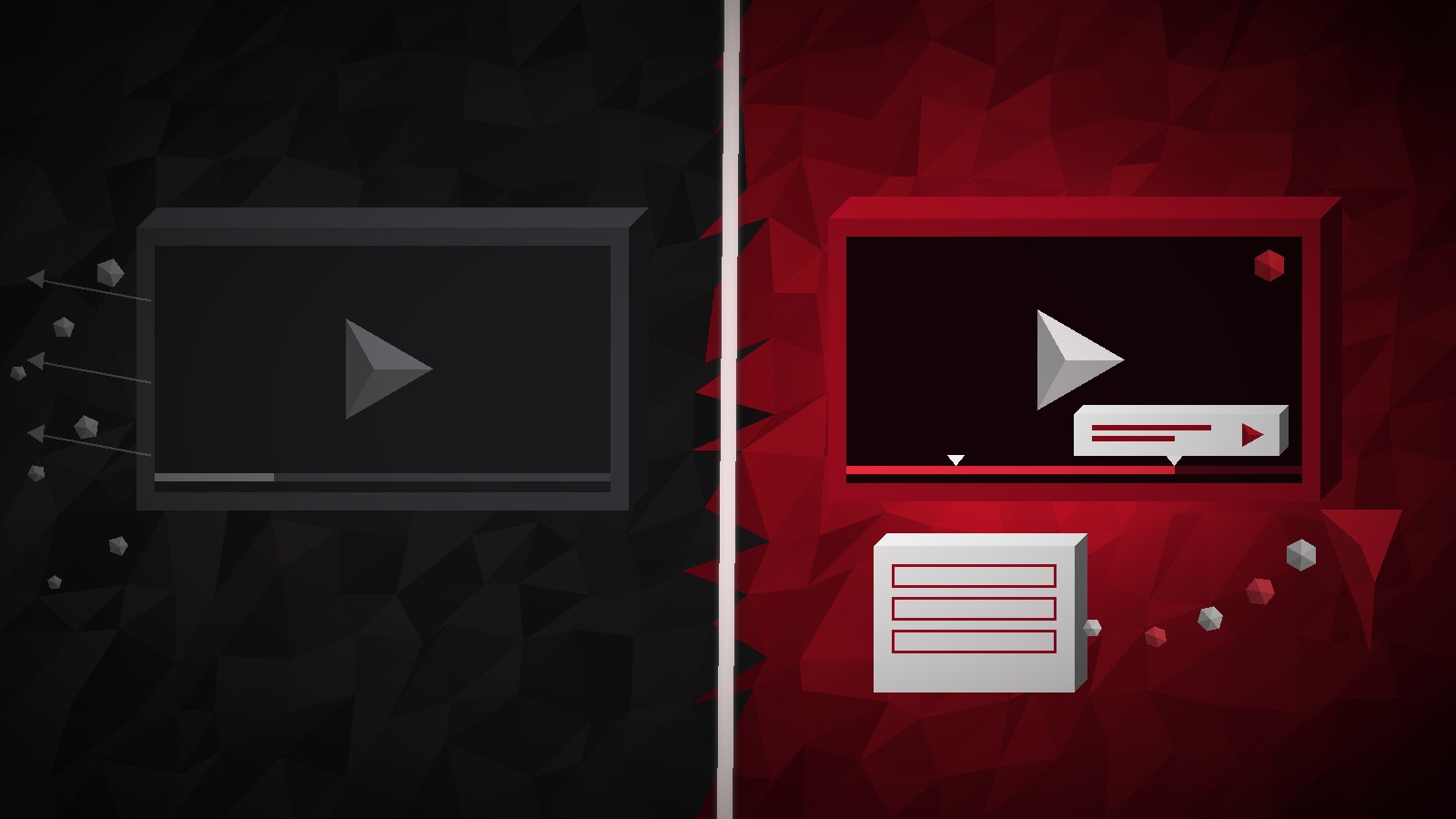
- Raw YouTube embed vs branded player: what changes?
- How do you make the player look like your page?
- How do timed CTAs travel with the player?
- How do you capture leads without leaving the video?
- What should happen when the video ends?
- Which numbers show a video is actually working?
- How do you replace your first YouTube embed?
- Frequently asked questions
- The bottom line
You put a YouTube video on your sales page, someone presses play, and two minutes later they are watching somebody else's video on YouTube. That is the quiet leak most marketers never measure. The goal of this article is simple: make every video view count by turning each play into a clear next step instead of an exit.
In our latest video on the Prodify Digital channel we walk through VideoPlayer.gg, the branded YouTube player inside Scale.gg. We have already published a full VideoPlayer.gg review; this guide focuses on one problem only: why default embeds waste traffic, and how to plug the leak.
Disclosure: Prodify Digital offers a bonus bundle and may earn a commission if you buy through our links. That does not change our assessment.
🛠️ Practical guides
Ready to put this into practice? These step-by-step guides answer two common follow-up questions:
Watch: the source video
What this video covers: In our latest video we show why a standard YouTube embed sends viewers elsewhere, then build a branded VideoPlayer.gg player around a pasted YouTube URL: four themes, colours, thumbnail and watermark, editor and audience views, playback controls, end-of-video actions, timed banners and buttons, an in-player lead form with skip or gate, lead search and CSV export, and analytics for views, plays, completions and watch time.
Video: our VideoPlayer.gg walkthrough on the Prodify Digital YouTube channel, presented by Garry Knight. Features are described as shown at the time of recording.
Why do default YouTube embeds leak viewers?
A standard YouTube embed is built to serve YouTube, not your funnel. It looks like the platform it came from, carries YouTube branding, and gives viewers several easy ways to leave: the logo, the title link and the suggestions that appear around the end of playback.
Worse, it does nothing for you while it plays. There is no call to action inside the video and no way to collect an email. If your visitor watches the whole thing and closes the tab, you have paid for that traffic and kept nothing.
- Brand mismatch: the player looks like YouTube, not your page, which weakens trust on a sales page
- Exit points: clickable branding and suggested videos invite viewers off-site
- No conversion layer: no button, banner or opt-in at the moment interest peaks
- Fuzzy numbers: a page view looks like a “view” even when nobody pressed play
💡 Tip: Open your best-performing landing page and count how many ways a viewer can leave through the embedded video. If the answer is more than zero, that page is a candidate for a branded player.
What does “make every video view count” actually mean?
It means every person who watches gets a next step that suits where they are: a button when they are interested, a form when they want more, and a redirect when the video ends. Nothing about the video itself has to change. You keep hosting on YouTube; you change the wrapper around it.
In practice, a view “counts” when it produces at least one of these outcomes:
- The viewer clicks a timed call to action inside the player.
- The viewer leaves an email through an in-player form.
- The viewer lands on your next page automatically when the video finishes.
- At minimum, you can see honestly whether they played and finished, so you can improve the page.
Raw YouTube embed vs branded player: what changes?
Here is the side-by-side we use when deciding whether a page needs a branded player:
| What you need | Default YouTube embed | Branded VideoPlayer.gg player |
|---|---|---|
| Look and feel | YouTube branding and styling | One of 4 themes plus your colours, thumbnail and corner watermark |
| Call to action | None inside the video | Timed image banner, text message or button at a chosen moment |
| Lead capture | None | Form at a timestamp asking for first name, last name and email |
| End of video | Suggestions that can lead elsewhere | Pause on last frame, loop, or redirect to your next step |
| Portability | CTAs live in your page code, if anywhere | Layers are part of the player, so they travel with every embed or share link |
| Analytics | Page-level “views” are easy to misread | Views, plays, completions and watch time reported separately |
| Playback quality | Standard YouTube streaming | Best available stream up to 4K, stepping down if a source fails |
How do you make the player look like your page?
Start by pasting a YouTube URL, then design the player around it. In our video we choose one of four player themes and set the colours, thumbnail and corner watermark so the player looks like part of the landing page rather than something borrowed.
Two views make this quick: an editor view beside a live preview while you work, and an audience view that shows exactly what a visitor will see. Playback options cover autoplay and sound, speed control from 0.25x to 2x, and how the controls appear.
We have turned the branding steps into a full checklist: How to Brand a YouTube Player to Match Your Landing Page.
How do timed CTAs travel with the player?
The second step is to let the video earn the call to action. You schedule an image banner, a text message or a button to appear at the exact moment it makes sense, for example straight after you reveal the offer.
The detail that matters for this article: those layers are built into the player itself. Embed the player on a sales page, a bonus page or a partner's blog, or send the public share link, and the CTA goes with it. You do not have to rebuild overlays in every page builder.
Not sure when the button should appear? Our guide on timing CTA overlays to your pitch covers that question in depth.
Want the Starter Bonus Bundle with Scale.gg? See what is included on our bonus page, and keep reading practical guides on Prodify Digital.
How do you capture leads without leaving the video?
Add a lead capture form at a chosen timestamp. In our walkthrough the form asks for first name, last name and email, and you decide whether viewers can skip it or whether the rest of the video is gated until they sign up.
Leads are then searchable by video, and you can export them as a CSV for the email system you already use, so you do not have to move your whole list to a new tool.
Choosing between skip and gate is the big decision here, so we gave it its own guide: Skip vs Gate: Capture Email Leads Inside a Video Player.
⚠️ Warning: Gating a video is powerful, but it is a promise. If you lock the second half behind an email form, make sure that second half is worth it, or viewers will close the tab and you will have lost the view and the lead.
What should happen when the video ends?
The last few seconds are where a default embed leaks hardest. A branded player gives you three end-of-video choices:
| End action | Best for |
|---|---|
| Pause on the last frame | Sales pages where your final frame shows the offer or a CTA |
| Loop | Short demos, hero videos and product loops |
| Redirect to the next step | Funnels: send finishers to checkout, a booking page or a bonus page |
💡 Tip: If the video is part of a funnel, a redirect is usually the strongest choice. People who finish the video are your warmest viewers, so send them straight to the next step.
Which numbers show a video is actually working?
Honest analytics separate four numbers: views, plays, completions and watch time. A view is not a play, and a play is not a completion. Lumping them together hides exactly where the page is failing.
- Many views, few plays: the thumbnail, headline or placement is not earning the click
- Many plays, few completions: the opening or the middle is losing people
- Many completions, few leads or clicks: the CTA or form timing needs work
For a full diagnosis method, read page views vs starts vs completions.
🔎 Check before you rely on it: Our video says VideoPlayer.gg is available on the Scale.gg starter plan, credited to Scale Plus. Treat plan names and packaging as a snapshot from recording day and confirm what your current account includes.
How do you replace your first YouTube embed?
Do not rebuild every page at once. Start with the page where a lost viewer costs you the most:
- Pick one high-traffic page with a YouTube embed, ideally a sales or opt-in page.
- Paste the same YouTube URL into VideoPlayer.gg and match the theme, colours, thumbnail and watermark to the page.
- Add one timed CTA at the moment you present the offer.
- Decide on one lead form: skippable for cold traffic, gated only if the payoff is strong.
- Set the end action to redirect finishers to your next step.
- Swap the old embed for the new one and compare plays, completions and leads after a week or two.
Ready to make every video view count? Get the details and our Starter Bonus Bundle, and find more practical marketing guides on Prodify Digital.
Frequently asked questions
Why is a normal YouTube embed bad for landing pages?
It is not bad for watching, but it is weak for converting. It carries YouTube branding, offers exit points to other videos, and has no built-in call to action or lead capture.
Do I need to stop hosting my videos on YouTube?
No. In our video you simply paste a YouTube URL and design a branded player around it. Your video stays on YouTube; the wrapper changes.
Do the CTAs still show if I embed the player somewhere else?
Yes. The timed banners, messages and buttons are part of the player, so they travel with it to any page where you embed it or through the public share link.
What information does the in-player lead form collect?
As shown in our video: first name, last name and email. Leads can be searched by video and exported as a CSV.
What is the difference between a view and a play?
A view means the player loaded on a page. A play means someone actually pressed play. A completion means they reached the end. Tracking all three, plus watch time, tells you where the page is failing.
Where can I get the Prodify Digital bonus?
Visit scalebonus.prodifydigital.com for the Starter Bonus Bundle details.
The bottom line
A default YouTube embed treats your visitors as YouTube's audience. A branded player treats them as yours. To make every video view count, keep the video, change the wrapper, and give each viewer a next step: a timed CTA, a lead form or a redirect when the video ends. Start with one page, measure plays and completions honestly, and roll it out from there.
Related posts
- VideoPlayer.gg Review: A High-Converting Branded Video Player
- When to Show a CTA in a Sales Video: Timing Overlays to Your Pitch
- Video Page Views vs Starts vs Completions: How to Diagnose a Sales Video
