

Quick answer
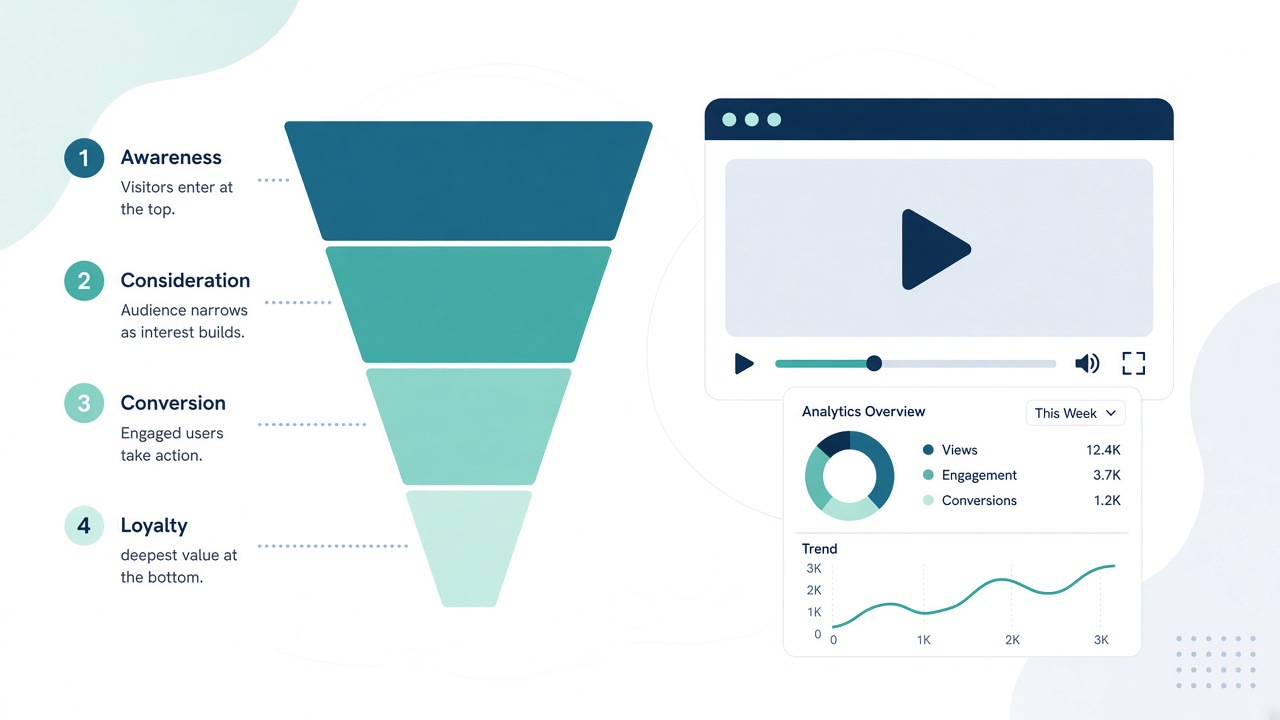
Page views tell you how many people loaded the page, starts tell you how many began watching, completions tell you how many reached the end and total watch time shows how much attention the video held. If views are high but starts are low, fix the start state, autoplay or page layout. If starts are healthy but completions drop, fix the hook and pacing.
Key takeaways
- A page view is not attention
- Low starts = fix the start state, autoplay or layout
- Low completions = fix the hook and pacing
- Change one thing at a time and compare a week of data
In this guide
This guide answers one question from my article VideoPlayer.gg Review: A High-Converting Branded Video Player: once you can see views, starts and completions separately, how do you use them to improve a sales video?
📘 Main article: This guide supports our full article, VideoPlayer.gg Review: A High-Converting Branded Video Player. Read it for the complete picture.
Disclosure: I offer a Scale.gg bonus bundle and may earn a commission if you buy through my links. This does not change my assessment.
Why separate page views from plays?
Because a page load is not attention. Someone can land on your page and never press play. VideoPlayer.gg tracks four numbers separately, which lets you see exactly where you lose people rather than guessing.
| Metric | What it tells you |
|---|---|
| Page views | How many people loaded the page |
| Starts | How many actually began watching |
| Completions | How many reached the end |
| Total watch time | How much attention the video held overall |
Which ratios should you calculate?
Two simple ratios do most of the work:
💡 Tip: Write down your four numbers every Monday in a simple table. Trends over several weeks are far more useful than one day's figures.
- Start rate = starts ÷ page views
- Completion rate = completions ÷ starts
Track them weekly. There is no universal good number; what matters is whether your changes move them in the right direction.
What if views are high but starts are low?
People arrive but do not press play. Check:
- Start state: what viewers see before playing. Custom start states let you control this.
- Autoplay: muted autoplay starts the video silently as the page loads, with a click-for-sound prompt.
- Placement: is the player visible without scrolling, especially on mobile?
- Sizing: responsive sizing helps the player fit every screen.
- Vertical video: for Shorts-style content, 9:16 portrait mode avoids black bars on mobile.
What if starts are fine but completions drop?
People begin but leave. Check:
- The first 10 seconds: does the hook make a clear promise?
- Silent viewers: many never unmute, so use on-screen text or captions early.
- Pacing: cut slow sections, long intros and repeated points.
- Length: could the video make its case faster?
Total watch time helps here. If watch time is low relative to starts, most viewers leave early.
Pull your four numbers. Note page views, starts, completions and watch time for your main video this week.
What if completions are good but sales are low?
Viewers stay but do not act. That points to the offer or the CTA:
- Are your overlays appearing at the right moments?
- Is the CTA wording clear?
- Does the checkout match what the video promised?
Our guide to timing CTA overlays to your pitch covers the first two.
How do you run a fair test?
| Step | What to do |
|---|---|
| Baseline | Record a week of the four numbers |
| One change | Change only one thing, such as the start state |
| Same traffic | Keep the traffic source and offer the same |
| Compare | Check the relevant ratio after a week |
| Keep or revert | Keep the change only if the ratio improves |
Small numbers mislead, so wait for enough data before you decide.
⚠️ Warning: With only a handful of visitors, rates jump around randomly. Wait for at least a few hundred page views before drawing conclusions.
How do leads fit in?
If you use opt-in forms, VideoPlayer.gg saves contacts in its dashboard, filterable by video and exportable to CSV. Add “opt-ins” as a fifth number to your weekly table and compare it with starts at the form's timestamp.
Ready to turn more viewers into leads and buyers? Visit my bonus page for full details, and keep up with my practical guides on Prodify Digital.
Frequently asked questions
What is the difference between a page view and a video start?
A page view counts people who loaded the page; a start counts people who actually began watching.
What does a low completion rate mean?
Viewers are leaving before the end, usually because of a weak hook, slow pacing or a video that is longer than it needs to be.
Does muted autoplay count as a start?
Check how your player counts autoplay starts before comparing numbers across setups.
How often should I check the numbers?
Weekly is a good rhythm for most sales videos.
Can I track vertical videos the same way?
Yes. The same four numbers apply to 9:16 videos.
The bottom line
Four separate numbers show exactly where a sales video loses people. Fix starts with better start states and autoplay, fix completions with a stronger hook and pacing, and test one change at a time.
Related posts
- VideoPlayer.gg Review: A High-Converting Branded Video Player
- When to Show a CTA in a Sales Video: Timing Overlays to Your Pitch
- Measure Content Marketing Beyond Pageviews
