

Quick answer
Choose a Mac if you want the simplest setup for AI agents and light local models, an NVIDIA PC if you want maximum control and speed for local models and are happy with technical setup, and your old computer if you want a cheap second machine for background agent jobs. For most small businesses, the best value is often a sensibly specced main computer plus an old laptop or Mac mini running agents in the background, reached remotely with a tool like Tailscale. Decide based on where your work actually runs: in the cloud, or on local models.
Key takeaways
- If your agents mostly use cloud models, you need enough memory for tools, not a huge GPU
- A Mac is the least technical route and runs local models on higher-memory configurations
- An NVIDIA system suits local models and fine-tuning, but expects CUDA and more setup
- AMD unified memory machines suit confident Windows or Linux users
- An old computer plus Tailscale makes a low-cost background agent machine
- Mac memory cannot be upgraded later, so size it at purchase
📘 Main article: This guide supports Computer for AI Agents: How Much Memory and Storage You Need. It focuses on one decision from that article: which kind of machine should run your agents.
In this guide
Once you have checked that your current machine really is the bottleneck, the next question is what to get. The answer depends far more on your work than on any brand.
This guide answers one question: should a Mac, an NVIDIA PC or your old computer run your AI agents? It builds on our main article, Computer for AI Agents: How Much Memory and Storage You Need, which covers Nate B Jones’s video on agent computers.
What should decide your choice?
Where the model runs, and how technical you want to be. If your agents use cloud models such as Claude or Codex, your machine mainly runs tools, browsers and builds. If you want to run models locally, the memory available to the processor and graphics chip becomes the deciding number.
Nate frames it like car gears: a Mac is the automatic, NVIDIA and AMD builds are the manual. More control, more setup.
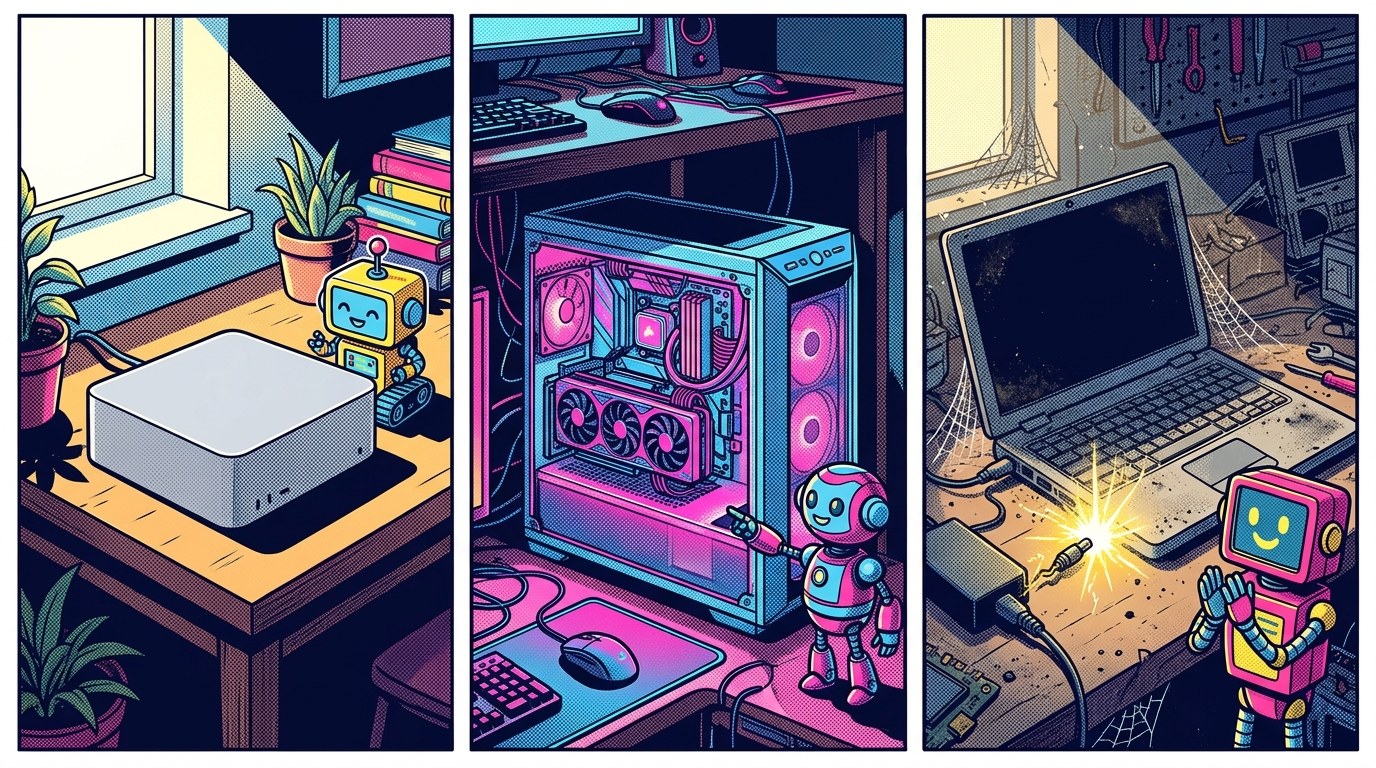
How do a Mac, an NVIDIA PC and an old computer compare?
| Mac (Apple Silicon) | NVIDIA PC | Old computer | |
|---|---|---|---|
| Best for | Simple setup, cloud agents, moderate local models | Heavy local models, fine-tuning, GPU tools | Background agent jobs on a budget |
| Technical effort | Lowest | Higher (CUDA, drivers) | Medium (setup and remote access) |
| Local model strength | Good with high memory | Strongest for most local model tools | Usually limited |
| Upgrade later? | Memory fixed at purchase | Usually upgradable | Depends on the machine |
| Cost | From $899 base Mac mini, as quoted in the video (US) | Varies widely with the graphics card | Already paid for |
When is a Mac the right choice?
When you want agents and everyday work on one simple machine. Nate recommends 24 to 32GB of memory for most agent users. He describes the 16GB base Mac mini as workable but slim, and mentions a Pro model with up to 64GB for people committed to heavier local work.
He also believes AI tools tend to arrive on Mac before Windows, which is his opinion. If you travel, a MacBook can be your main machine while a Mac mini at home runs agent jobs.
💡 Tip: Because Mac memory cannot be upgraded later, buy a little more than you need today rather than exactly what you need.
When is an NVIDIA or AMD PC the right choice?
When running models locally is a main goal and you are comfortable with technical setup. NVIDIA GeForce RTX systems are very strong for local models and fine-tuning, but most tools expect NVIDIA’s CUDA platform. AMD unified memory machines need a very high memory setup and suit confident Windows or Linux users.
Do not buy for neural processing unit (NPU) marketing alone. Nate’s advice is to look at the whole system: memory, storage and processing together. If you are unsure whether you need local models at all, read Should You Run Muse Spark Open Locally or Use It Through an API? first.
How do you turn an old computer into an agent machine?
- Wipe or tidy it, update the operating system and remove anything you do not need.
- Install your agent tools and sign in with accounts that have spending limits.
- Set up remote access with a private network tool such as Tailscale, so you can reach it from anywhere.
- Give it a job list: research, slow background tasks, scheduled jobs.
- Add a weekly check-up for disk space and leftover processes.
⚠️ Warning: An always-on agent machine holds keys to your accounts. Keep its keys separate and capped, as covered in How to Store AI API Keys Safely in Env Files, Skills and Plugins.
Which setup fits a small business?
| Your situation | Sensible setup |
|---|---|
| Cloud agents, one person | Your current computer after an audit, or a 24 to 32GB Mac |
| Cloud agents, lots of background jobs | Main computer plus an old laptop or Mac mini as an agent machine |
| Curious about local models | A higher-memory Mac, then decide if you need more |
| Serious local model work | An NVIDIA build, if you are comfortable with the setup |
Not sure yet? Run the check in How to Check Memory Pressure and Storage Before You Buy a New Computer first, so you buy for evidence rather than frustration.
Frequently asked questions
Is a Mac or a PC better for AI agents?
For most people using cloud agents, a Mac is the simpler choice. For heavy local models and fine-tuning, an NVIDIA PC usually gives more power and control.
Can I run AI agents on an old laptop?
Yes, for background jobs that rely on cloud models. It will struggle with large local models.
What is Tailscale?
It is a tool that creates a private network between your devices, so you can reach a home computer securely from anywhere.
Do I need a graphics card for AI agents?
Not if your agents use cloud models. A strong graphics card mainly helps when you run models locally.
How much memory do I need?
Nate B Jones suggests 24 to 32GB for most agent users. See Computer for AI Agents: How Much Memory and Storage You Need for the detail.
The bottom line
Choose a Mac for simplicity, an NVIDIA PC for serious local model work, and your old computer for cheap background agent jobs. Most small businesses do well with a sensibly specced main machine plus an old one doing the background work. Decide based on where your models run, not on marketing.
Related posts
- Should You Run Muse Spark Open Locally or Use It Through an API?
- DeepSeek V4.1 Flash 1017 Tested: How a Cheap Open Model Stacks Up
- How to Run Long AI Agent Jobs Overnight Without Wasting Money
