

Quick answer
For most people running AI agents today, a computer for AI agents needs about 24 to 32GB of memory and half a terabyte of storage, rising to 1TB if you work with video or big projects. 16GB can work if you actively manage it. That is Nate B Jones’s starting point in a new video, but his bigger message is to audit first: agents leave dev servers, browsers and build files running, and a new machine will not fix that habit. Check what your agents are using before you buy anything.
Key takeaways
- Nate’s starting point: 24 to 32GB of memory, with 16GB workable if you manage it
- Storage: about 0.5TB to start, 1TB for video and large projects
- Even cloud models put load on your machine: dev servers, browsers and build tools run locally
- Public Codex bug reports describe a 50GB+ crash folder and about 37TB of SSD writes in 21 days, since addressed by fixes
- His four principles: know where the work happens, give every agent a stop sign, manage simultaneous demand, and keep a maintenance plan
- An old computer plus Tailscale can become a cheap agent machine
- Mac is the least technical choice; NVIDIA and AMD suit people who want more control over local models
🛠️ Practical guides
Ready to put this into practice? These step-by-step guides answer two common follow-up questions:
- How to Check Memory Pressure and Storage Before You Buy a New Computer — a 20-minute check of memory, storage and runaway processes before you spend anything.
- Mac, NVIDIA or Your Old Computer: Which Should Run Your AI Agents? — a plain comparison to help you choose the right machine for your kind of agent work.
In this guide
- Watch: the source video
- Why are AI agents slowing your computer down?
- How do you check what your agents are using?
- What are the four principles for an agent computer?
- How much memory and storage does a computer for AI agents need?
- Which Mac mini configurations does Nate mention?
- What about local models, NVIDIA and AMD?
- Can an old computer become your agent computer?
- What should you do before buying?
- Frequently asked questions
- The bottom line
If your computer has started to crawl since you began using AI agents, the obvious answer is a bigger machine. Nate B Jones thinks that is usually the wrong first step.
This article explains how much memory and storage a computer for AI agents really needs, why agents put pressure on your machine even when the model runs in the cloud, and how to get more from the computer you already own. Prices and figures are as quoted in the video.
Watch: the source video
What this video covers: Nate B Jones explains why agents behave like a messy roommate on your computer, how to check memory pressure and storage on a Mac, four principles for running agents on one machine, how much memory and storage to buy, Mac mini options, local models on Mac, NVIDIA and AMD systems, and turning an old computer into an agent machine with Tailscale.
Video: Nate B Jones (@NateBJones). This summary and the opinions in it are our own. Prices are as quoted in the video and may differ in the UK.
Why are AI agents slowing your computer down?
Because agents open things and rarely close them. Nate’s line is that you are no longer the only user of your computer. If agents run all day, they may use it more than you do.
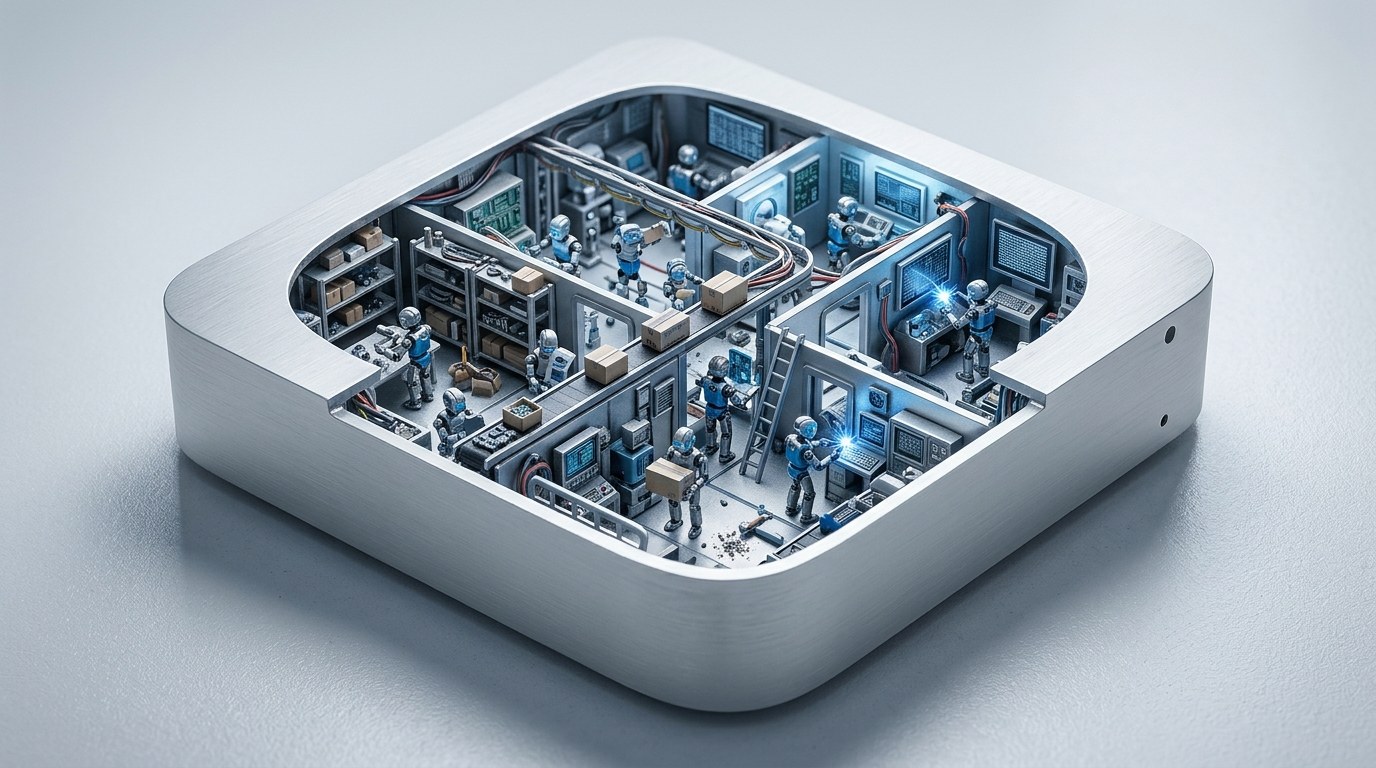
Agents open browsers, start services and write files, then leave a lot of it behind when the job ends. He calls it having a messy roommate with no house rules.
Several tools running at once add up. Claude in a browser, Codex, a separate chat app and a transcription tool each hold memory. Nate notes that OpenAI has shipped a Codex update to reduce its memory use, but single fixes from each lab do not solve the combined load.
How do you check what your agents are using?
Look at memory pressure and storage before anything else. On a Mac, open Activity Monitor, choose the Memory tab, and watch the memory pressure graph while your agents work.
| Memory pressure colour | What it means |
|---|---|
| Green | The machine is coping |
| Yellow | It is under strain; check which apps are using memory |
| Red | It is struggling; time to close things or rethink your workload |
Then check System Settings, General, Storage. Memory is your working space; storage holds files and software, and macOS also uses it as swap when memory runs short.
Nate suggests asking your agent to do the audit for you, with a prompt along these lines: inspect my computer, do not change anything, identify the biggest memory and storage users, explain what each belongs to, and suggest specific fixes. Our guide How to Check Memory Pressure and Storage Before You Buy a New Computer walks through it step by step.
⚠️ Warning: Always start with a read-only audit. Ask your agent to explain before it deletes or stops anything, and approve each clean-up yourself.
What are the four principles for an agent computer?
| Principle | What it means in practice |
|---|---|
| 1. Know where the work happens | Even if Codex or Claude Code answers from a data centre, the dev server, test browser and build tools run on your machine |
| 2. Give every agent a stop sign | Tell each agent when it is done and where to put results, because agents are trained to keep going |
| 3. Manage simultaneous demand | Queue heavy jobs and run one or two at a time instead of launching everything at once |
| 4. Keep a maintenance plan | Give an agent a regular job to check disk, memory and leftover processes |
On principle one, Nate points to public Codex bug reports: one user found a crash report folder of over 50GB, another found more than 100GB of stored checkpoints, and one measured roughly 37TB of SSD writes over 21 days from excessive logging. He says logging fixes shipped in June. These are specific setups, not proof your machine has the same issue, but they show why an audit matters.
On principle three, he notes that CPU core count does not equal agent count. Two agents waiting for cloud replies use little local power; two agents building a project or rendering video will use everything you have. Our guide to splitting tasks between parallel agents helps you plan that.
Not sure where your memory is going? Run the 20-minute check in How to Check Memory Pressure and Storage Before You Buy a New Computer before you price up a new machine.
How much memory and storage does a computer for AI agents need?
Nate’s starting assumption is 24 to 32GB of memory, unless you are a very heavy user. 16GB can work, but you will need to manage it more actively.
| Need | Nate’s starting point |
|---|---|
| Memory (typical agent user) | 24 to 32GB |
| Memory (tight budget) | 16GB, with active management |
| Storage (general) | About 0.5TB |
| Storage (video, big projects) | About 1TB |
He buys for his own work rather than for a single tool, on the assumption that the AI tools he uses will change. Running a local model is an extra memory requirement on top of this.
Which Mac mini configurations does Nate mention?
He quotes Apple’s US pricing at $899 for the base Mac mini with 16GB of memory and 256GB of storage, and $1,699 for the Pro model with up to 64GB. He describes the base machine as a little slim for his recommended setup, though workable. The standard model can be configured with up to 32GB.
💡 Tip: Prices quoted in the video are US prices from Apple’s listings at the time. Check the UK Apple Store for current prices, and remember that Mac memory cannot be upgraded after purchase, so choose carefully.
Nate focuses on Macs because, in his opinion, AI tools are arriving on Mac around six to eight months ahead of Windows. That is his view rather than a measured figure. He also warns against buying for neural processing unit (NPU) marketing alone, because memory, storage and processing all matter together.
What about local models, NVIDIA and AMD?
If you want to run models locally, the memory available to the processor and graphics chip becomes the key number. Nate’s rough map:
- Higher-memory Apple Silicon Mac: runs local models and your normal Mac apps, the least technical route
- NVIDIA GeForce RTX system: very strong for local models and fine-tuning, but built around NVIDIA’s CUDA platform
- AMD unified memory machine: needs a very high memory setup, suits people happy to configure Windows or Linux
He likens it to manual versus automatic gears: more technical systems give more control. For local tools such as Ollama, LM Studio and Docker, settings like context size, parallel requests and how long a model stays loaded all affect memory. Our article on running a model locally or through an API covers that trade-off.
Can an old computer become your agent computer?
Yes, and it can save you hundreds. Nate suggests keeping your old machine when you upgrade, or reviving one from a cupboard, and using Tailscale, a private network tool, to control it remotely.
Slower background jobs can run there while your main computer stays responsive. He even uses Raspberry Pi boards for small tasks around the house. We compare the options in Mac, NVIDIA or Your Old Computer: Which Should Run Your AI Agents?.
What should you do before buying?
- Run a read-only audit of memory, storage and running processes.
- Close finished work: old dev servers, browser tabs and chats that keep tools running.
- Clear regenerable files, such as build folders, only after checking what they belong to.
- Queue heavy jobs and ask your agent to start with one at a time.
- Set a weekly check-up job for an agent.
- Look at your old hardware as a possible second agent machine.
- Only then decide whether you need more memory, storage or processing, and buy for that.
Ready to choose? Compare a Mac, an NVIDIA build and your old laptop in Mac, NVIDIA or Your Old Computer: Which Should Run Your AI Agents?.
Frequently asked questions
How much RAM do I need for AI agents?
Nate B Jones suggests 24 to 32GB for most agent users, with 16GB workable if you manage it actively. Running a local model needs more on top.
Is a Mac mini good for AI agents?
It can be, if you choose enough memory. Nate describes the 16GB base model as a little slim and suggests more memory for heavier agent work.
Do cloud AI agents use my computer’s memory?
Yes. The model may run in a data centre, but tools such as dev servers, browsers and build tools run on your machine.
How do I check memory pressure on a Mac?
Open Activity Monitor, choose the Memory tab and look at the memory pressure graph while your agents run. See How to Check Memory Pressure and Storage Before You Buy a New Computer.
Should I buy an NVIDIA PC for local AI models?
If you want maximum control and are comfortable with technical setup, it can be a strong choice. Mac is simpler for most people.
Who is Nate B Jones?
Nate B Jones is an AI strategy commentator who publishes daily videos and a newsletter on AI news and how it affects work. He is not connected to Prodify Digital.
The bottom line
A computer for AI agents does not need to be a monster, but it does need house rules. Nate B Jones suggests 24 to 32GB of memory and around half a terabyte of storage as a starting point, yet his real advice is to audit what your agents are doing first. Close finished work, queue heavy jobs, schedule regular check-ups and put old hardware to use. You may find you need less new kit than you thought, and if you do buy, you will buy the right thing.
Related posts
- How to Audit Your Claude and Codex Setup and Clear Out AI Clutter
- How to Run Long AI Agent Jobs Overnight Without Wasting Money
- Should You Run Muse Spark Open Locally or Use It Through an API?

[…] Main article: This guide supports Computer for AI Agents: How Much Memory and Storage You Need. It focuses on one decision from that article: which kind of machine should run your […]
[…] Main article: This guide supports Computer for AI Agents: How Much Memory and Storage You Need. It turns that article’s “audit first” advice into a step-by-step check you can run […]