

Quick answer
To draft with a cheap AI model and refine with a premium one, split the job into two passes. Let a low-cost model produce the structure, first draft or scaffold code, then hand only that output to a stronger model with a short, focused brief for polishing. Check each pass against a simple quality list. For many routine tasks this cuts cost sharply, because the expensive model reads and writes far fewer tokens.
Key takeaways
- Use the cheap model for bulk: outlines, scaffolds, first drafts and variations
- Use the premium model for judgement: tone, accuracy, design polish and tricky logic
- Give the second model a short refine brief, not the whole original conversation
- Keep a quality checklist so you know when the cheap draft is good enough on its own
- Track real costs for a week before deciding the method is worth it
📘 Main article: This guide supports GPT-6.5 Leak? MiniMax M3.1 Flash, Gemini 4 Carbon and Kimi K3.1 Explained. In the roundup, MiniMax M3.1 Flash built a landing page for about 1 cent while Opus 5.5 cost $1.22, and the presenter suggested combining them. This guide shows how.
Premium AI models are excellent, but they are expensive when you use them for everything. Budget models have become very capable at producing a decent first version. Combining the two gives you most of the quality for a fraction of the cost.
Why use two models instead of one?
Because most of the tokens in a task go on the first draft, and that is where cheap models are strongest. The premium model then only works on a shorter, already-structured piece, so it uses fewer tokens.
The video’s example is a landing page: about 1 cent with MiniMax M3.1 Flash against $1.22 with Claude Opus 5.5, as reported by the presenter. The Opus version looked better, which is exactly why a second pass helps.
Which tasks suit the two-pass method?
| Task | Cheap model does | Premium model does |
|---|---|---|
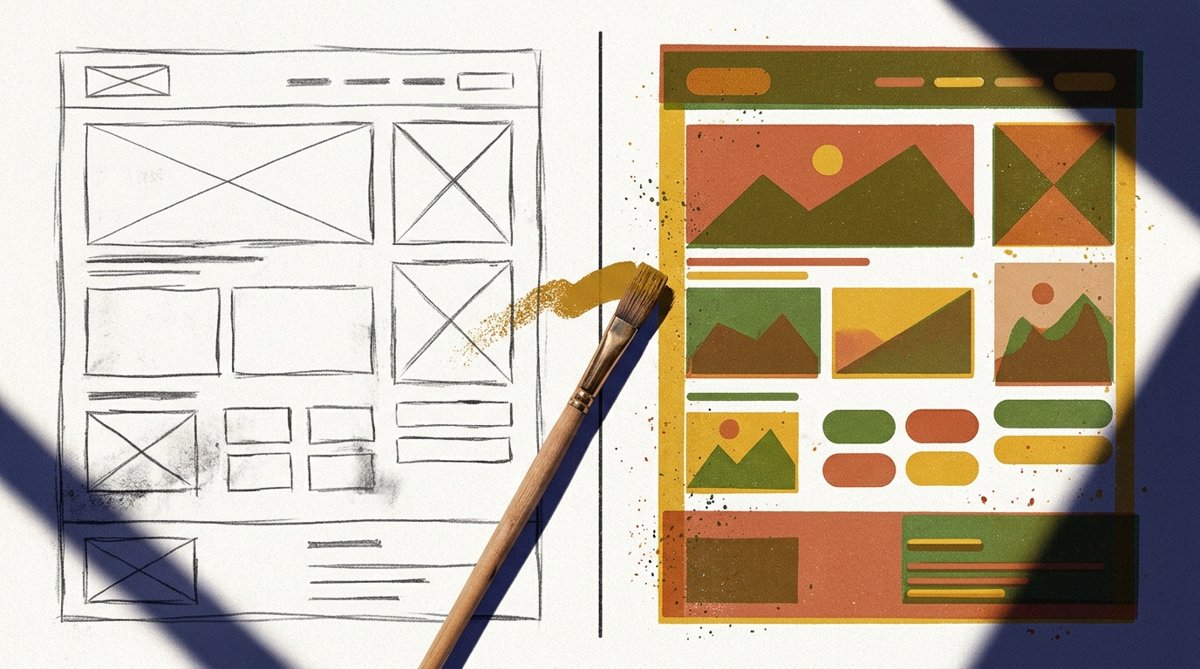
| Landing page | Page structure, sections, basic code | Design polish, copy tone, accessibility |
| Blog post | Outline and rough draft | Accuracy checks, voice and flow |
| Code feature | Boilerplate and tests | Edge cases and review |
| Email sequence | Five variations | Pick the best, tighten wording |
⚠️ Warning: Do not use the two-pass method for anything where the first draft could leak sensitive data. Check where each model provider stores your inputs first.
How do you run the two passes?
- Write one clear brief for the task, with the goal, audience and must-haves.
- Run pass one on the cheap model and save the output.
- Skim it against your checklist. If it already passes, stop there.
- Write a short refine brief: “Improve the design and copy of this page. Keep the structure. Fix anything that breaks on mobile.”
- Run pass two on the premium model with only the draft and the refine brief.
- Review the result yourself before it goes live.
If you run several agents, our guide to splitting a task between parallel agents pairs well with this. Our agent feedback loop helps you score each pass.
How do you know it is working?
Track cost, time and quality for a week. Note the cost of each pass from your provider dashboards, the minutes you spend fixing output and a simple 1 to 5 quality score. Compare with your usual single-model approach. Our guide to budgeting for AI API usage helps you set limits.
See the news behind this guide: GPT-6.5 Leak? MiniMax M3.1 Flash, Gemini 4 Carbon and Kimi K3.1 Explained.
Frequently asked questions
Is it worth using two AI models for one task?
Often, yes, for longer tasks where the first draft uses most of the tokens. For short tasks, a single good model is usually simpler.
Which cheap model should I use?
Test two or three on your own tasks. The video highlights MiniMax M3.1 Flash and DeepSeek V4.1 Flash, but results depend on the job.
Does the premium model need the whole conversation?
No. Give it the draft and a short refine brief. That keeps costs down and stops it re-doing work.
Can I automate the two passes?
Yes, with a simple script or an automation tool, but review outputs by hand until you trust the results.
Related posts
- GPT-6.5 Leak? MiniMax M3.1 Flash, Gemini 4 Carbon and Kimi K3.1 Explained
- AI Model Routing for Small Business: Match Each Task to the Right Model
- How to Budget for Hosted AI Worker Costs and API Usage

[…] How to Draft With a Cheap AI Model and Refine With a Premium One — how to cut costs by letting a cheap model scaffold work and a stronger model polish it. […]