

Quick answer
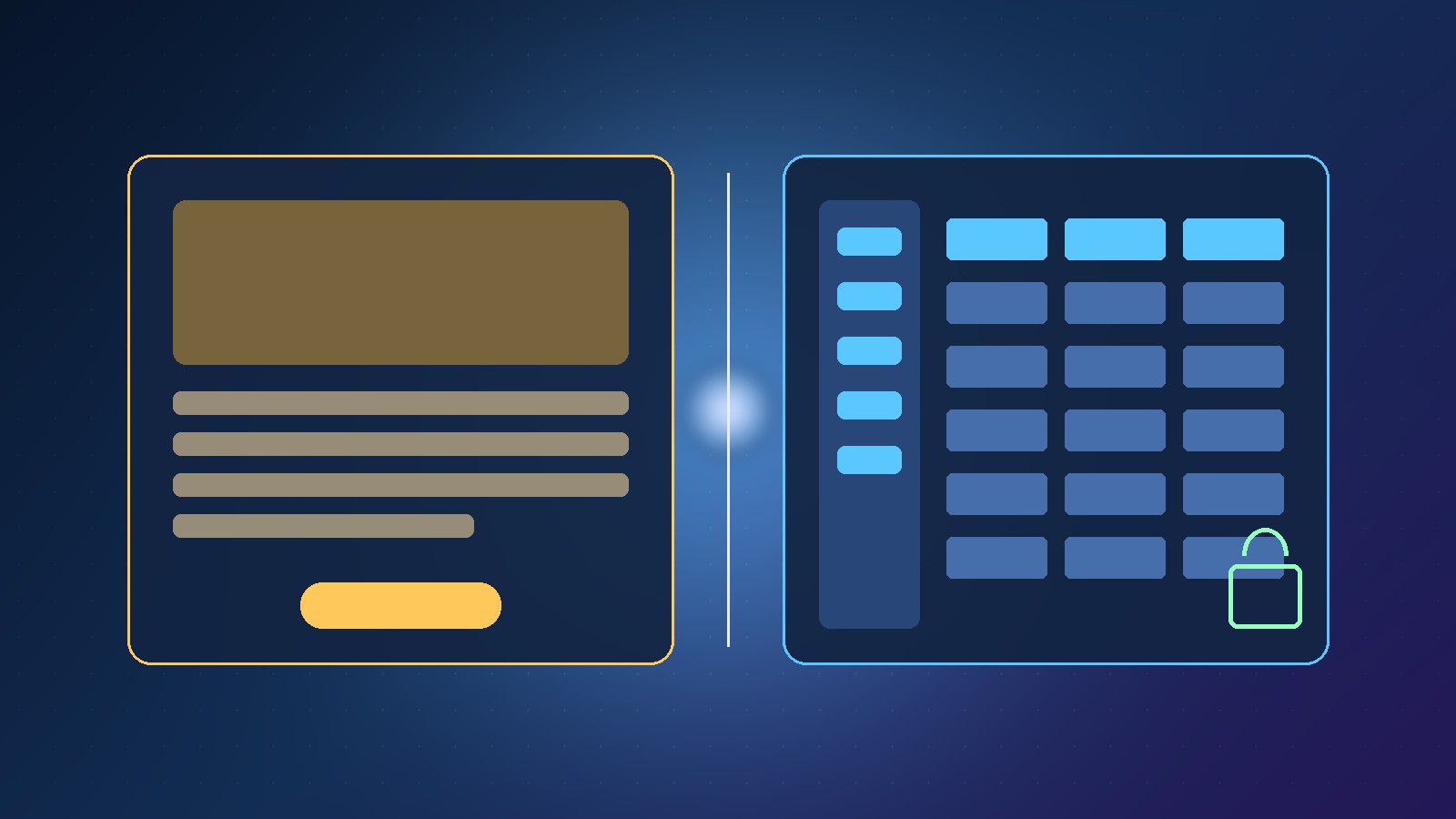
Use Scale.gg Page Builder for landing pages and websites. Use App Builder when people must sign in and the tool stores data over time, such as a client portal, booking tool or tracker. You can use both on one offer: the page for traffic, the app for the logged-in experience.
Key takeaways
- Page Builder = landing pages and websites
- App Builder = signed-in tools with saved data
- Decide with accounts, records and repeat use
- You can use both: page for traffic, app after purchase
This guide answers one question from my article Build Your Own App Without Code: Scale.gg AI App Builder: when should I use App Builder instead of Page Builder?
📘 Main article: This guide supports our full article, Build Your Own App Without Code: Scale.gg AI App Builder. Read it for the complete picture.
Disclosure: I offer a Scale.gg bonus bundle and may earn a commission if you buy through my links. This does not change my assessment.
What is each tool for?
| Tool | Best for | Users usually |
|---|---|---|
| Page Builder | Landing pages and websites | Visit and convert; little or no login |
| App Builder | Tools with saved data | Sign in, return, upload, pay, track |
Our video puts it simply: need a landing page or website? Use Page Builder. Need a tool people sign into with saved data? That is App Builder.
Which questions decide the tool?
- Do people need accounts?
- Does the product store records over time (bookings, files, statuses)?
- Is the main job to persuade on a page or to use a tool repeatedly?
💡 Tip: If you answer “accounts + saved data + repeat use”, start in App Builder even if you also need a marketing page later.
What goes wrong when you pick the wrong one?
Building a client portal as a “page” usually means fake logins, no real database and painful updates. Building a simple sales page as an “app” adds auth and tables you do not need.
Can I use both on one offer?
Yes. A common pattern: Page Builder for the sales page, App Builder for the member or client area after purchase. Keep the jobs separate so each tool stays simple.
⚠️ Warning: Do not try to force checkout, membership and a long-form VSL into one App Builder project on day one. Ship the smallest signed-in tool first.
A 60-second decision checklist
- Marketing visit only → Page Builder
- Sign-in required → App Builder
- Both → page for traffic, app for the logged-in experience
Decide in one minute. If users need accounts and saved data, open App Builder; if they only need a page, open Page Builder. Keep reading on Prodify Digital or visit the bonus page.
Frequently asked questions
Is App Builder only for developers?
No. The no-code path is aimed at describing the app in plain English. Opening code is optional.
Can Page Builder replace a client portal?
Not well. Portals need sign-in and stored data, which is App Builder’s job.
Where do I learn the App Builder workflow?
Start with the main article on building your own app without code, then the refine-safely guide.
The bottom line
Choose App Builder vs Page Builder by the job: pages persuade visitors; apps serve signed-in users with saved data. When an offer needs both, keep the sales page and the logged-in tool in the right builder.
Related posts
- Build Your Own App Without Code: Scale.gg AI App Builder
- How to Refine a No-Code App Safely: Chat, Canvas, Undo and History
- Scale.gg App Builder: Prompt to Working App With PostgreSQL
