

Quick answer
For webinar no-show follow-up, split your list in two. Attendees should get a message based on what they did: thank them, recap the key point, and repeat the offer to anyone who clicked or stayed to the end. No-shows should get a short, friendly replay email with a clear deadline for the replay window, then one reminder before it closes. In Webinarbaser, registrations and attendance can start MailBaser automations, so each group gets its own sequence; you can also react to attendance with Zapier.
Key takeaways
- Never send attendees and no-shows the same email
- Use attendance, watch time and offer clicks to decide what attendees see next
- No-shows need the replay link, a reason to watch and an honest deadline
- Keep each sequence short: two or three emails is a sensible starting point to test
- Webinarbaser can trigger MailBaser automations from registration and attendance
- Zapier can react to attendance in other tools, such as a CRM or spreadsheet
📘 Main article: This guide supports Scale.gg Webinarbaser: Run an Automated Webinar Without Being There. It explains how to set up separate follow-ups after an automated webinar.
In this guide
- Why should attendees and no-shows get different emails?
- What should you send people who attended?
- What should you send webinar no-shows?
- When should each follow-up email go out?
- How do you set this up in Webinarbaser and MailBaser?
- What mistakes should you avoid?
- Frequently asked questions
- The bottom line
An automated webinar does half the job. The other half is what happens after it ends, and that is where many funnels quietly leak.
This guide answers one question: what should you send attendees, and what should you send no-shows? It builds on our main article, Scale.gg Webinarbaser: Run an Automated Webinar Without Being There, where we cover the full Webinarbaser event path.
Why should attendees and no-shows get different emails?
Because they are in different places. An attendee has seen your talk and maybe your offer. A no-show has not seen anything yet.
Sending both groups “Thanks for joining!” confuses the people who missed it. Sending both “Here’s the replay” annoys the people who sat through the whole thing. A webinar no-show follow-up that is separate from your attendee follow-up fixes both problems.
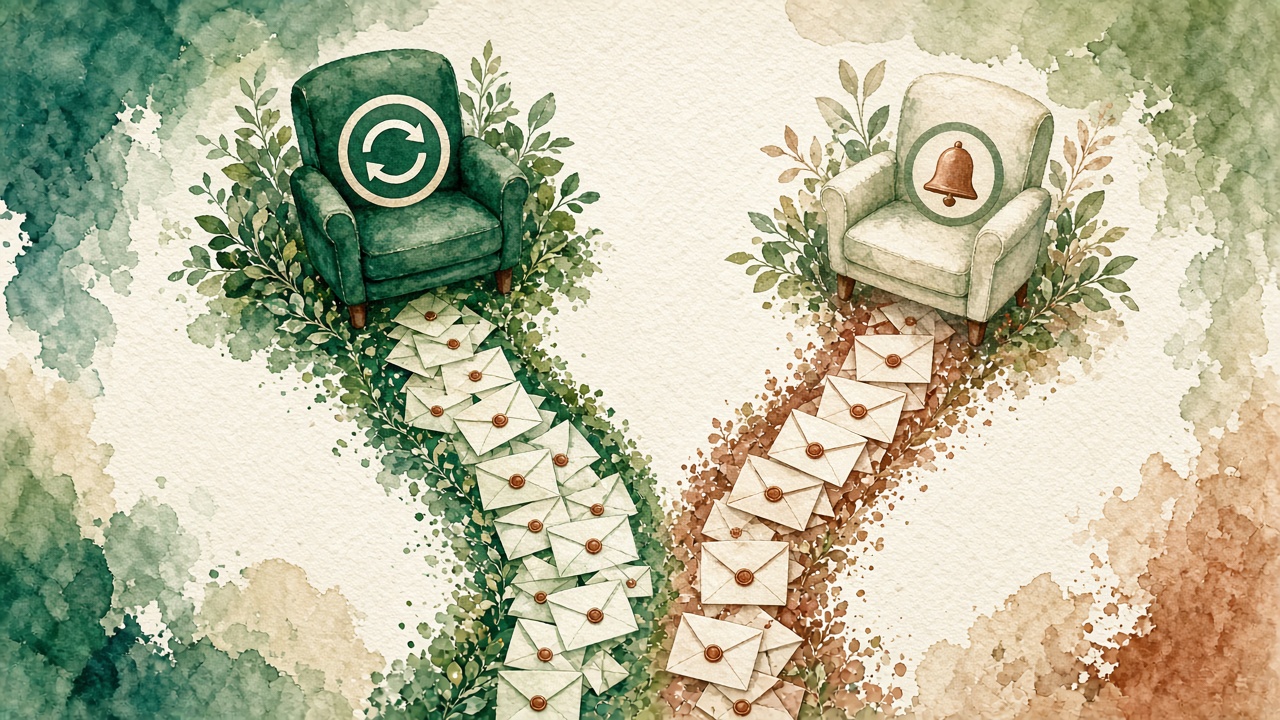
💡 Tip: Think of it as one list with two doors. Attendance decides which door each person walks through.
What should you send people who attended?
Use what they did in the room. Webinarbaser reports attendance, watch time, engagement, offer clicks and replay behaviour, which gives you natural groups:
| Attendee group | What they did | What to send |
|---|---|---|
| Clicked the offer | Showed clear interest | Answer common objections and repeat the offer with the real deadline |
| Stayed to the end, no click | Saw the offer but did not act | A short recap of the main benefit and a single link to the offer |
| Left early | Missed part of the talk | The replay link, plus the part they missed in a sentence or two |
| Asked a question | Engaged in chat | A personal reply to their question if it was not answered live |
Keep the first email simple: thank them, give the one idea you want them to remember, and add one clear next step.
What should you send webinar no-shows?
No-shows registered for a reason. Most were busy, not uninterested. Your job is to make catching up easy.
- Email 1: “Sorry we missed you, here’s the replay.” Say what they will learn and how long it takes
- Email 2: A reminder with one useful point from the talk, to show it is worth the time
- Email 3 (optional): A final note that the replay window is closing, only if it really is
⚠️ Warning: Only use a deadline you actually enforce. In Webinarbaser you set the replay window yourself, so make your emails match it. A “last chance” that never ends teaches people to ignore you.
When should each follow-up email go out?
There is no single perfect schedule. The timings below are our suggested starting point to test, not proven benchmarks. Adjust them to your replay window and your audience.
| When | Attendees | No-shows |
|---|---|---|
| Shortly after the session ends | Thank you, key takeaway, one next step | Replay link and what they missed |
| Next day | Answer objections (offer clickers) or recap (others) | Reminder with one useful point |
| Before the replay window or offer closes | Honest final reminder about the offer | Honest final reminder about the replay |
How do you set this up in Webinarbaser and MailBaser?
As shown in our video, registrations and attendance can start MailBaser automations, so attendees and no-shows each get the right follow-up. A simple setup looks like this:
- Write the two short sequences first, in a plain document, before touching any settings
- In MailBaser, create one automation for attendees and one for no-shows
- Connect each automation to the matching attendance trigger from your webinar
- Set the replay window in Webinarbaser and match the dates in your no-show emails
- Register yourself twice with two email addresses: attend with one and skip with the other, then check both inboxes
- Review attendance, watch time and offer clicks after the first few sessions and adjust
If your contacts also live in another tool, you can react to attendance with Zapier, for example to update a CRM record or add a row to a spreadsheet. For more on triggers, see How to Connect MailBaser Triggers Across the Scale.gg Stack.
Want to see the full automated event path? Read Scale.gg Webinarbaser: Run an Automated Webinar Without Being There, or view our Starter Bonus Bundle.
What mistakes should you avoid?
- One email for everyone: the most common and most costly mistake
- Too many emails: a long sequence after one webinar wears out goodwill
- Fake urgency: deadlines that do not exist damage trust
- Never checking the data: if most people leave before the offer, fix the talk, not the emails
- Skipping the test: always run both paths yourself before going live
Frequently asked questions
What is a webinar no-show follow-up?
It is the email sequence you send to people who registered for a webinar but did not attend, usually with a replay link and a clear reason to watch.
How many emails should I send to no-shows?
Two or three is a sensible starting point. Send the replay, a reminder with a useful point, and an honest final note before the replay window closes.
Can Webinarbaser send different emails to attendees and no-shows?
Yes. As shown in our video, registrations and attendance can start MailBaser automations so each group gets the right follow-up.
Can I use Zapier with Webinarbaser?
Yes. You can register attendees or react to attendance with Zapier.
Should I mention the offer to no-shows?
Lead with the replay. The offer makes more sense after they have watched, so let the presentation do that work.
The bottom line
Good webinar no-show follow-up is simple: split the list, keep each sequence short, and match every deadline to what really happens. Attendees get a next step based on what they did. No-shows get an easy way to catch up. Then go back to our Webinarbaser overview to set up the rest of the event path.
Related posts
- Scale.gg Webinarbaser: Run an Automated Webinar Without Being There
- How to Build a Behaviour-Based Email Sequence (Not a Calendar)
- MailBaser Smart Email Marketing Automation: Behaviour-Based Sequences

[…] Webinar No-Show Follow-Up: What to Send Attendees vs No-Shows — how to split your follow-up so attendees and no-shows each get the right message. […]