

Quick answer
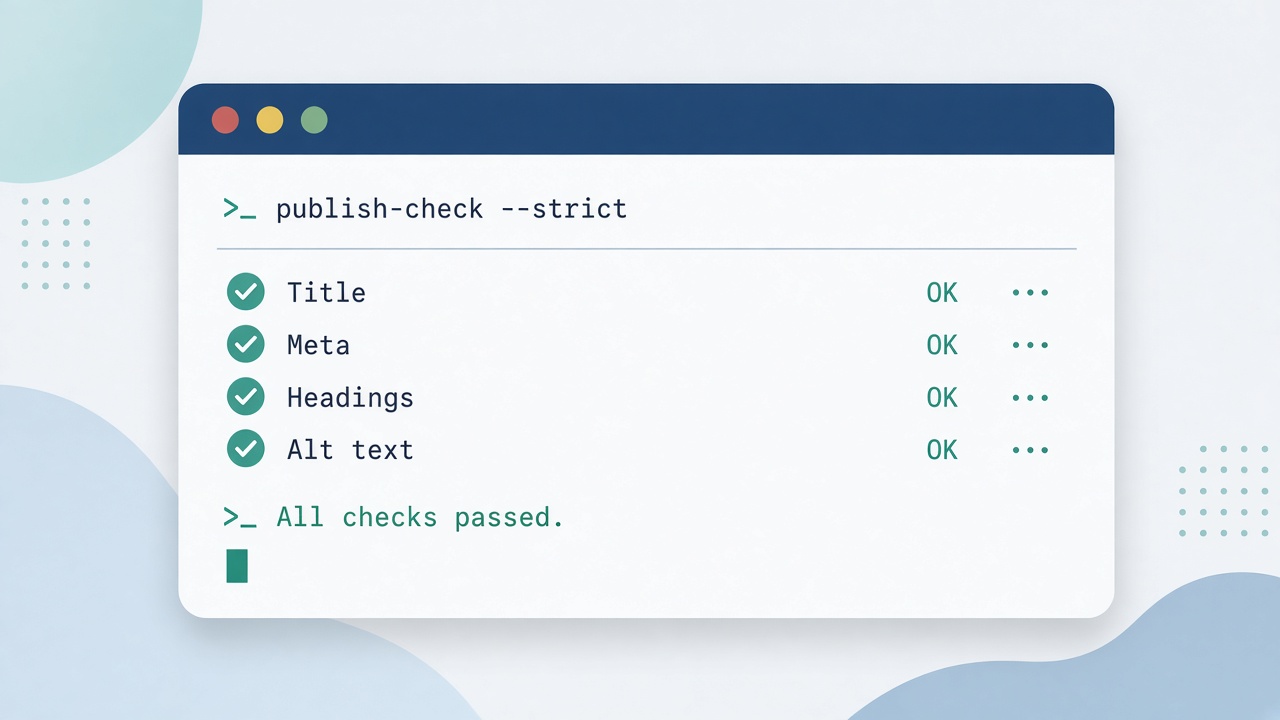
To automate your SEO checklist, build a read-only /publish-check shortcut in Claude Code. Point it at a draft and it reports whether the title, meta description, headings, opening answer, image alt text and links meet your rules. It never edits or publishes, so you stay in control while saving the repetitive checking.
Key takeaways
- A /publish-check shortcut runs your SEO checklist in one command
- Keep it read-only: it reports, it never edits or publishes
- Check title, meta description, headings, alt text and links
- Test it on a few drafts before trusting it
This guide answers one question from our article Claude Code Mods: How to Build Your Own Automation Shortcuts: how do you turn one of the suggested first mods, /publish-check, into something you can use on every post?
📘 Main article: This guide supports our full article, Claude Code Mods: How to Build Your Own Automation Shortcuts. Read it for the complete picture.
Why automate your SEO checklist?
Pre-publish checks are repetitive and easy to skip when you are busy. A shortcut makes them consistent and fast. Because it only reads files, it is also one of the safest first mods to build.
What should /publish-check look for?
| Check | Rule example |
|---|---|
| Title | Contains the target phrase, around 60 characters or fewer |
| Meta description | Present and 155 characters or fewer |
| Opening answer | A 40-60 word direct answer near the top |
| Headings | At least one H2 includes the target phrase; most H2s are questions |
| Image alt text | Every image has descriptive alt text |
| Internal links | Two to four links to related posts |
| FAQ | An FAQ section exists |
Adjust the rules to your own house style.
How do you build the shortcut?
- Write the checklist as a plain list of rules.
- Brief Claude with a clear goal: a /publish-check mod that reads a draft file and reports pass or fail for each rule.
- State the limits: read-only, no edits, no publishing.
- Ask Claude to load its mod authoring docs before writing code.
- Test on one draft, then three, then a batch.
⚠️ Warning: Do not let the shortcut edit or publish drafts, and make sure it never removes links added by your plugins.
For help writing that brief, see our guide on writing a Claude Code mod prompt.
Build your checklist first. Write the checks below into a plain list before you ask Claude to turn them into a shortcut.
What should the report look like?
Ask for a short, scannable output:
- A pass or fail line for each check
- The actual value found, such as the meta description length
- A one-line suggestion for each failure
How do you keep it accurate?
- Re-test after changing your rules
- Spot-check results against a manual review now and then
- Keep your plugin-added links out of scope: the shortcut should report, not remove, anything
Ready for more ideas? Our Claude Code mods guide lists other first mods, from weekly reports to affiliate link audits. More on Prodify Digital.
Frequently asked questions
Do I need to code to build this?
No. Claude writes the code; you provide the checklist, limits and test drafts.
Can it fix problems automatically?
It could, but keeping it read-only is safer while you learn to trust it.
What file formats can it check?
Whatever format your drafts use, such as HTML or Markdown. Tell Claude which in the brief.
Will it replace my SEO plugin?
No. It is a pre-publish check that complements your existing tools.
Can I add AEO checks?
Yes. Checks such as a direct answer at the top and question-style headings are easy to add.
The bottom line
A read-only /publish-check shortcut makes every post meet your SEO rules without extra effort. Write the checklist, brief Claude clearly and test before you rely on it.
Related posts
- Claude Code Mods: How to Build Your Own Automation Shortcuts
- How to Write a Claude Code Mod Prompt That Actually Works
- How to audit a website for AI visibility: a practical checklist
