

Quick answer
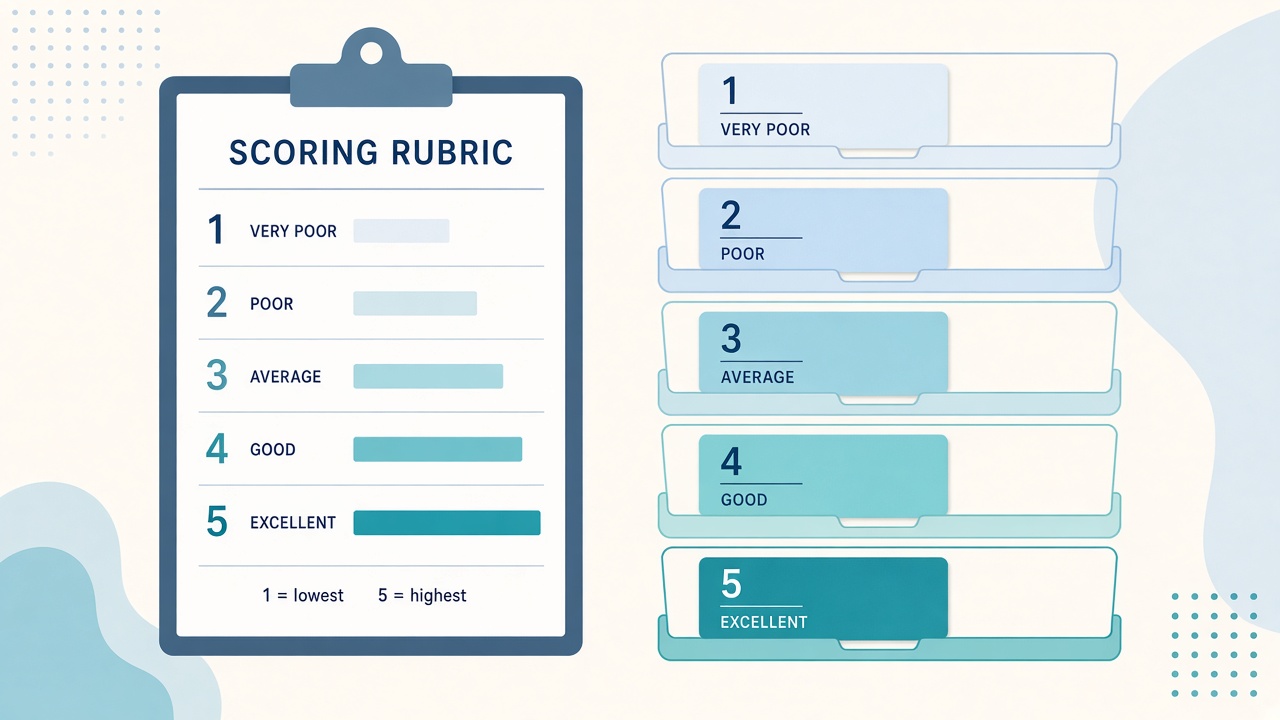
A lead scoring rubric template gives an AI classifier five clearly defined levels, from 1 (just browsing) to 5 (ready to buy), each tied to observable evidence such as what the lead asked for. Add a “not enough information” option, test the rubric on real leads, then use the scores to route hot leads, nurture cold ones and review uncertain ones.
Key takeaways
- A rubric turns “is this lead any good?” into five clear levels
- Each level needs observable evidence, not vague adjectives
- Include an “not enough information” option
- Test the rubric on real leads before you automate routing
In this guide
This guide answers one question from our article OpenAI Decisions API Tutorial: Automate Lead Scoring and Spam Filtering: what should the rubric itself look like when you ask an AI to score leads?
📘 Main article: This guide supports our full article, OpenAI Decisions API Tutorial: Automate Lead Scoring and Spam Filtering. Read it for the complete picture.
Why does an AI classifier need a rubric?
Rubric or scale questions are one of the three formats the Decisions API supports, alongside yes/no and multiple choice. You define the levels and what each one means, and the model selects the best fit, with a confidence score.
The quality of the result depends almost entirely on how clearly you define those levels.
What does a good lead scoring rubric look like?
Use this template as a starting point.
| Score | Label | Evidence to look for |
|---|---|---|
| 1 | Just browsing | General question, no mention of budget, timing or a specific product |
| 2 | Researching | Asks how something works or compares options, no timeline |
| 3 | Interested | Mentions a specific product or problem and a rough timeframe |
| 4 | Sales-ready | Asks about pricing, plans or a demo |
| 5 | Ready to buy | Asks for pricing and a call, or says they want to start now |
| 0 | Not enough information | Message too short or unclear to judge |
How do you write evidence rules that work?
Vague levels such as “warm” or “good fit” cause inconsistent scores. Use rules that describe what is actually in the message.
⚠️ Warning: If two people would score the same lead differently with your rubric, an AI classifier will be inconsistent too. Tighten the wording first.
- Describe what the lead said or asked, not how you feel about it
- Use one main signal per level where possible
- Keep levels mutually exclusive so only one fits
- Add an escape option so the model is not forced to guess
How do you test the rubric before automating?
- Collect 30 to 50 real past leads, including awkward ones.
- Score them yourself first, without AI.
- Run the same leads through the classifier with your rubric.
- Compare: where do you and the model disagree?
- Rewrite the levels that cause disagreement.
- Repeat until agreement is high on clear cases.
Copy the template below and adapt the evidence column to your own offer and form questions.
How should scores drive your workflow?
| Score and confidence | Action |
|---|---|
| 4-5, high confidence | Send to CRM as a hot lead and alert you |
| 1-2, high confidence | Add to a nurture email sequence |
| 3 | Add to a follow-up list for a personal reply |
| 0 or low confidence | Send to human review |
This mirrors the workflow in our main article, where low-confidence answers always go to a person.
What mistakes should you avoid?
- Using more than five levels at the start
- Mixing two signals in one level, such as “asked for pricing or has a big company”
- Skipping the “not enough information” option
- Automating before testing on real leads
Ready to wire this into an automation? Our Decisions API tutorial shows the full lead-scoring flow. Find more automation guides on Prodify Digital.
Frequently asked questions
How many levels should a lead scoring rubric have?
Five plus an “unknown” option is a good balance between detail and consistency.
Can I use the same rubric for every product?
Usually you will need to adjust the evidence column for each offer, especially pricing signals.
What if the classifier disagrees with me?
Look at the wording of the level it chose. Disagreements usually point to vague or overlapping definitions.
Should I include company size or budget?
Only if your form collects it reliably. Do not ask the model to guess information that is not there.
How often should I update the rubric?
Review it whenever your offer, pricing or lead sources change.
The bottom line
A clear rubric is what makes AI lead scoring reliable. Define observable levels, add an escape option, test on real leads and keep people on the uncertain cases.
Related posts
- OpenAI Decisions API Tutorial: Automate Lead Scoring and Spam Filtering
- How to Add Human Approval Checkpoints to AI Workflows
- Build an AI Test Set Before You Change a Business Workflow

[…] Lead Scoring Rubric Template for AI Classifiers (1-5 Scale) […]