

Quick answer
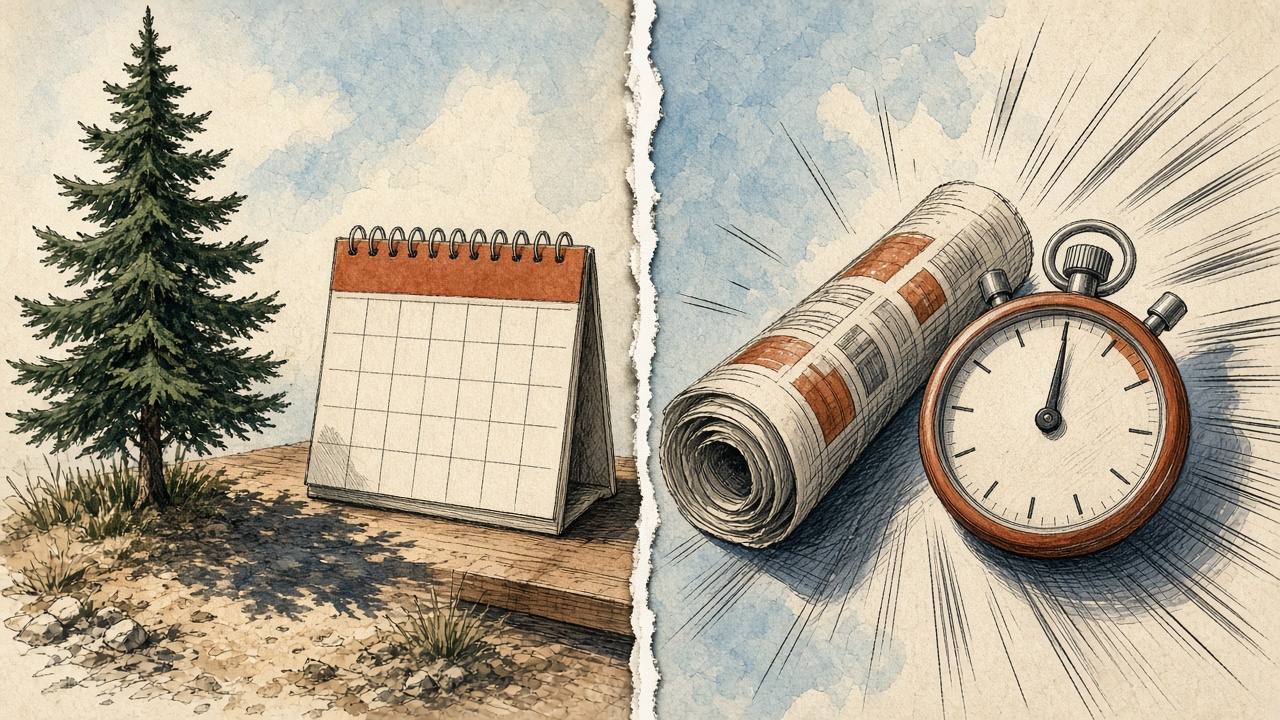
Blogbaser evergreen vs news mode is a content choice, not a personality test. Use evergreen mode when you want an editable topic queue of lasting guides and tutorials. Use news mode when you want current stories researched for you — with memory of what it has already covered so you do not repeat the same angle. Both sit on daily, weekly or monthly schedules in your timezone. Many sites run evergreen as the backbone and news as a limited lane.
Key takeaways
- Evergreen = editable topic queue for lasting posts
- News = current stories + remembers covered topics
- Schedules can be daily, weekly or monthly in your timezone
- Match mode to the job: teach vs react
- Still use the review queue before anything goes live
📘 Main article: This guide supports Scale.gg Blogbaser: Automated AI Blogging You Still Control. Read that first for the full Blogbaser overview.
This guide answers one question: Blogbaser evergreen vs news mode — which schedule should you use? For Voice DNA, layouts and the full control model, see Scale.gg Blogbaser: Automated AI Blogging You Still Control.
What is evergreen mode vs news mode in Blogbaser?
As shown in our Blogbaser video:
| Mode | How it works | Output feel |
|---|---|---|
| Evergreen | Works through an editable topic queue | Guides, tutorials, explanations that stay useful |
| News | Researches current stories and remembers what it has covered | Timely posts without repeating the same story |
Neither mode removes your review step. You still edit, reorder, skip, regenerate or remove topics before they go public.
When should you use evergreen mode?
Choose evergreen when your blog's job is to teach and rank for lasting questions.
- How-to guides and product explainers
- Comparison posts that stay true for months
- A planned curriculum of topics you can edit in a queue
💡 Tip: Keep the evergreen queue short enough that you can still review every draft. A huge queue you never open is not a strategy.
When should you use news mode?
Choose news mode when speed and currency matter more than decade-long shelf life.
- Industry updates your audience expects you to cover
- Tool releases and feature changes
- Commentary where “already covered” memory prevents duplicate angles
⚠️ Fact-check news drafts: Current-story research still needs your judgement. Treat rumours as rumours and confirm numbers in your own sources before publish.
How do daily, weekly and monthly schedules fit?
Blogbaser lets you set schedules in your timezone. Pace is separate from mode:
| Pace | Sensible when |
|---|---|
| Daily | You can review every draft and your niche moves fast |
| Weekly | You want steady owned content without daily pressure |
| Monthly | You publish deeper pieces and prefer quality over volume |
Honest expectation: a daily schedule without queue review becomes a liability. Start weekly until the review habit is solid.
Want the Starter Bonus Bundle with Scale.gg? See what is included on our bonus page, and keep reading practical guides on Prodify Digital.
Can you mix both modes?
Yes in spirit: many creators keep an evergreen backbone (the queue of lasting topics) and add occasional news posts when something in their niche deserves a timely response.
Whatever you choose, pair it with Voice DNA training so both lanes still sound like you — see How to Train Blogbaser Voice DNA So Drafts Match Your Writing.
Frequently asked questions
What is Blogbaser evergreen mode?
Evergreen mode works through an editable topic queue aimed at lasting content such as guides and tutorials.
What is Blogbaser news mode?
News mode researches current stories and remembers what it has already covered so you are less likely to repeat the same angle.
Which mode should beginners pick first?
Most beginners should start with evergreen on a weekly schedule, then add news only when they can still review every draft.
Where is the full Blogbaser overview?
Read Scale.gg Blogbaser: Automated AI Blogging You Still Control.
The bottom line
For Blogbaser evergreen vs news mode, match the mode to the job: evergreen for lasting owned guides, news for timely coverage with memory. Set a pace you can review, then publish only what clears the queue.
Ready to pick a Blogbaser schedule? Get the details and our Starter Bonus Bundle, and find more practical guides on Prodify Digital.
Related posts
- Scale.gg Blogbaser: Automated AI Blogging You Still Control
- How to Train Blogbaser Voice DNA So Drafts Match Your Writing
- Scale.gg: The Agent-Native All-in-One AI Marketing Platform for Beginners

[…] Blogbaser Evergreen vs News Mode: Which Schedule Should You Use? […]